

How to Remember a Presentation Without Memorizing Every Word
Last updated 9 minutes to read
To remember a presentation, learn its sequence of ideas before its sentences. Reduce the talk to a short outline, practise saying each point without reading, and check what you missed. A memory palace can supply location cues for the order, but a small speaking card may be all you need.
This guide is for a prepared class presentation, team update, or proposal where your wording can vary. It is not a method for verbatim performance. If an assignment, quotation, or approved statement requires exact words, keep those words available and rehearse that requirement directly.
1. Turn the presentation into a speaking outline
Write one sentence answering: what should the audience understand or do when I finish? Then choose the few points needed to get there. For a short proposal, try problem, example, proposal, risk, and ask. Five is a convenient size for the example below, not a rule about how many points a person can remember.
Under each heading, write one claim, its supporting example or fact, and the connection to the next heading. If you cannot explain a point simply while looking at your notes, work on the explanation before inventing a memory cue.
A speaking outline is different from an abbreviated script. It should prompt an explanation rather than make you search for a missing sentence. Northern Illinois University's presentation guide distinguishes outline-based delivery from scripted delivery and recommends practising aloud and checking delivery without looking at the text.
Keep a small backup card
Put your headings in order on paper or in accessible presenter notes. Add the exact numbers, names, quotations, and source references you must get right. Use short labels and enough spacing to find the next point at a glance. Notes are a support, not a failed memory test.
If slides are allowed, make their titles match the outline. Practise once with the deck hidden so you can tell whether you know the argument or only recognize the next slide.
2. Use a memory palace for a five-point presentation
Imagine a five-minute proposal to improve a team's handover notes. The situation and cues below are fictional. The purpose is to show how an abstract speaking point becomes a concrete reminder, not to supply evidence for your own workplace.
Choose five distinct landmarks you already know, in one fixed direction. First name the empty route without looking: front door, coat rack, desk, window, bookshelf. If that order is unclear, use your own familiar route or stay with the written outline.
At each stop, imagine the cue interacting with the landmark. Then translate it back into the full point you intend to make:
1. Front door: Problem
An enormous repeat-question sign blocks the door.
Say the idea: People keep asking where the latest handover instructions are. Explain the problem before offering a solution.
2. Coat rack: Example
Two conflicting instruction sheets hang from the same hook.
Say the idea: Describe one concrete handover where two versions caused confusion. In your real talk, use a checked example, not invented evidence.
3. Desk: Proposal
A single shared checklist unfolds across the desk.
Say the idea: Propose one shared handover checklist with a named owner and a clear place to find the current version.
4. Window: Risk
A dust-covered checklist flaps against the window.
Say the idea: Acknowledge that the checklist could become outdated. Explain who would review it and when.
5. Bookshelf: Ask
A two-week calendar opens like a book and asks for a signature.
Say the idea: Ask for approval to try the checklist for two weeks, then review whether the handover became clearer.
The dust at the window is useful only if it brings back the risk of outdated instructions and your proposed safeguard. Remembering a dusty picture without explaining that risk is not successful rehearsal.
Try it now without a tool: look away, name the five headings, and give one sentence for each. Check the example only after attempting all five. Replace any cue that reminds you of the wrong point. Then repeat with an outline from your own presentation.
For the underlying technique and route troubleshooting, see how to build a memory palace . If imagining locations feels like extra work, keep the same five headings on your card and skip the palace.
3. Rehearse the speech, not just the pictures
Use the following as a practical rehearsal sequence, not a scientifically validated schedule. Adapt it to your deadline, the length of the talk, and the parts you find difficult.
- Explain each point aloud. Start from a heading or location cue, not a sentence you are trying to recite. Check the meaning against your notes afterward. Repair factual errors even if the delivery sounded fluent.
- Connect the points. Practise a transition such as, "That is the problem; here is the change I propose." Make the relationship clear instead of memorizing filler between sections.
- Do a timed full run. Use the stance, slides, and notes you expect to use on the day. If you run long, remove a nonessential detail rather than trying to rush through every sentence.
- Start from the middle. Pick the third heading and explain it without restarting at the beginning. Pause for an imagined audience question, answer briefly, then return to the next heading.
- Return after a break. Before rereading, retrieve the outline and deliver the weak sections again. If you have several days, include a later-day check. Same-session fluency does not tell you what will remain available tomorrow.
Check whether the rehearsal worked
Write down: points covered without prompting, facts needing correction, places you needed the card, and total duration. Ask a listener to summarize your main message and requested action. If they remember the story but not the proposal, revise the explanation rather than adding more vivid imagery.
For the example, a useful check is whether you can explain all five ideas, include the outdated-checklist risk, make the two-week request, and finish within the allotted time. This is a checklist for this talk, not a cognitive score.
What to do if you forget what to say
Practise a recovery before you need one. Pause, glance at your next heading if notes are permitted, and continue from its main idea. You do not need to recover the exact sentence you planned.
In the worked example, if you finish the proposal and go blank, the window cue should bring back the risk. You could continue: "One risk is that the checklist becomes outdated. Here is how we would keep it current." If the cue does not work, read the heading from your card.
- You remember the location but not the point: rewrite the association and test its meaning during practice. More detail in the imaginary room will not necessarily help.
- You forget which point comes next: practise the outline order separately. Use distinct landmarks, not several nearly identical objects.
- You miss an exact figure: check the notes. Do not invent a number to keep speaking.
- An interruption breaks the sequence: briefly acknowledge the question, then use a transition back to the next heading. Practise this deliberately.
If the real outline changes, update both your cue card and your associations. Avoid putting unrelated trainer lists on the same route while preparing this talk; use a different practice route if old images compete with the presentation cues.
Optional tools: learn the route, then rehearse your own talk
You can do the entire exercise on paper. If you want help checking a route's order, start with Route Builder. There is no need to complete several games before preparing your presentation.
Build and check five locations
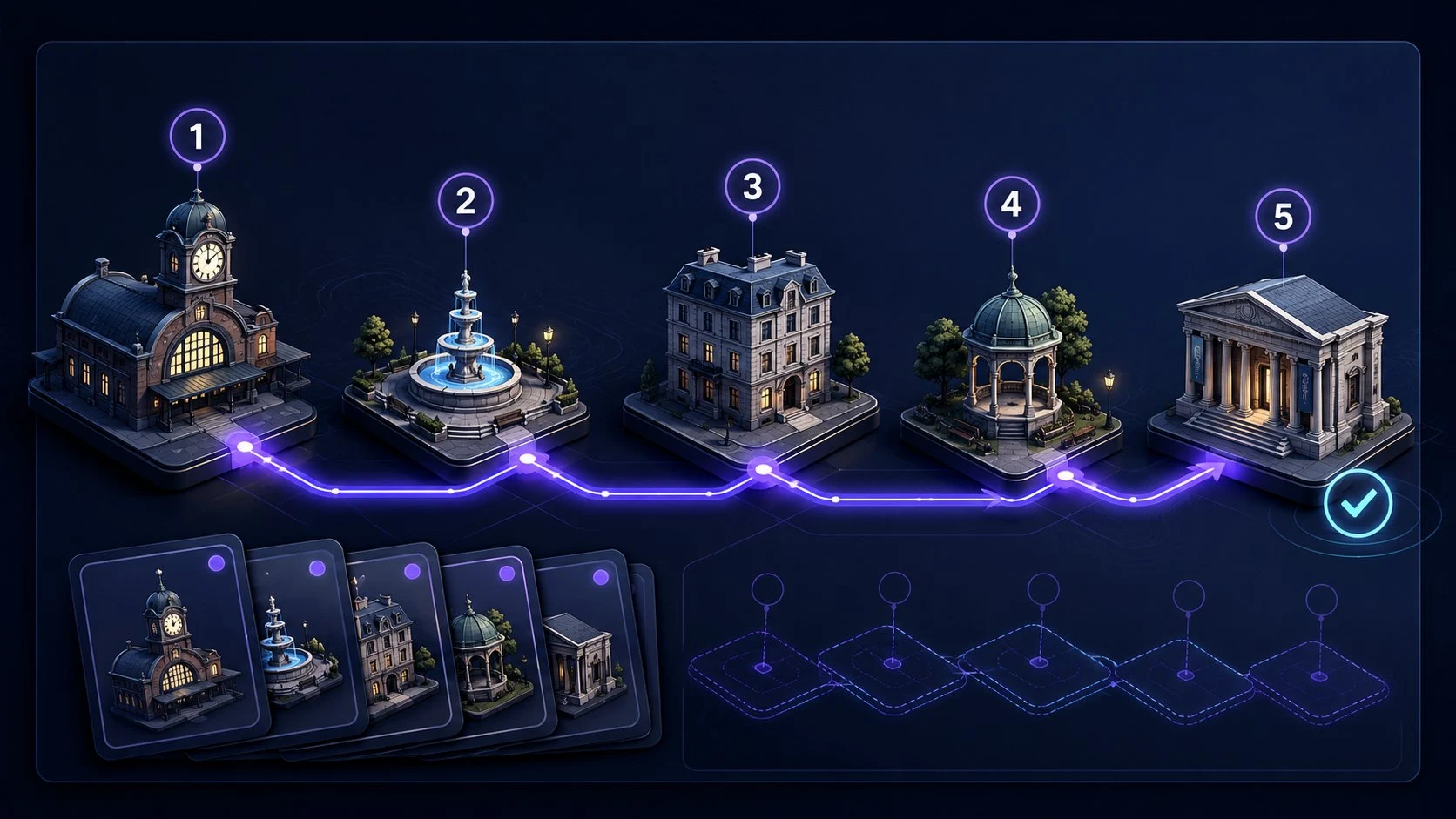
In Memory Palace Route Builder, choose a five-location guided route or create a personal route. Learn the locations, complete the order check, and save the route in this browser. Then return to your outline and attach your presentation points mentally or in your own notes.
A verified route means its order check was passed. It does not verify your speech, its accuracy, or tomorrow's recall. The saved route is local, so keep your presentation notes separately.
Build a five-location routeWant a separate exercise in linking items to locations? Practise the technique in Memory Palace Trainer . It uses temporary generated items, not your presentation, and does not save a speech or schedule its rehearsal. Choose a different route for this practice if you are reserving one for your talk.
Your useful next action is a spoken run of your own outline. Once the route is familiar, close the tool and check whether you can communicate the points. A tool completion is not a substitute for that test.
What the memory evidence does and does not show
A 2025 systematic review by Jan Ondřej found an advantage for the method of loci over rehearsal on immediate ordered recall in adults, while rating the evidence low to very low quality because of bias and other limitations. This does not establish that a memory-palace game improves public speaking, removes anxiety, or guarantees recall under pressure.
The five-point proposal, location scenes, and recovery exercise here are original practical suggestions. Evaluate them against your actual goal: an accurate, understandable presentation that you can resume after a pause. You do not have to deliver it without notes for the preparation to be worthwhile.
Frequently Asked Questions
Short answers that clarify the main value of this article.
How can I remember a presentation without memorizing it word for word?
Learn the order of your main points, give each a short cue, and practise explaining each point aloud without reading a script. Keep exact facts and quotations in your notes. Test whether you can resume from the middle, not only recite from the beginning.
Can I use a memory palace for a speech?
Yes, you can attach the main points to familiar locations in a fixed order. Treat each scene as a cue to explain an idea, not as a replacement for knowing your subject. Rehearse aloud and keep a backup outline where notes are allowed.
What if my presentation is tomorrow?
Prioritize a clear outline, accurate supporting facts, one timed spoken run, and repairing the parts you missed. If memory palaces are unfamiliar, use a simple cue card instead of spending your remaining preparation time learning a new technique. No method guarantees overnight memorization.
Should I memorize my opening and closing?
You can practise the first and last sentence closely if that helps you start and finish clearly. Still learn what each section means so that changing a phrase does not force you to restart. Use a script when exact wording is required.
Will the Quartenson trainer save my presentation?
No. Route Builder saves route locations in this browser. Memory Palace Trainer uses temporary generated practice items, not your speech. Keep your outline and presentation cues separately, and rehearse the actual talk outside the trainer.
Continue learning
More Quartenson guides connected to this topic.
Build a Memory Palace
Build a memory palace with a five-stop example. Learn the method of loci, test recall, fix weak links, and use free route-building and memory-practice tools.
Practical Guide to Mnemonics
Learn how mnemonic devices work and when to use chunking, chaining, memory palaces, peg systems, acronyms, and more, with step-by-step examples.
Remember a Sequence of Steps
Learn a sequence with meaningful groups, a story, or numbered pegs. Practise a six-step example, recover after interruptions, and keep checklists authoritative.
Remember New Vocabulary
Build a sound cue for a new word, test its meaning and exact form, and practise using it. A worked vocabulary example with spelling checks and later review.
Try a free tool
Practice the same ideas with a browser-based exercise.
Memory Palace Route Builder
Create, learn, and verify a route
Choose • Order • Reuse
Memory Palace Route Builder
Browser toolGoal: Build one stable route before attaching items
Choose one of three guided journeys or create a personal route, learn 5 or 10 ordered locations, verify the route, and save it locally for reuse.
Build a Memory Palace RouteMemory Palace Trainer
Attach items to a reusable route
Encode • Recall • Repair
Memory Palace Trainer
Browser toolGoal: Retrieve changing items from stable locations
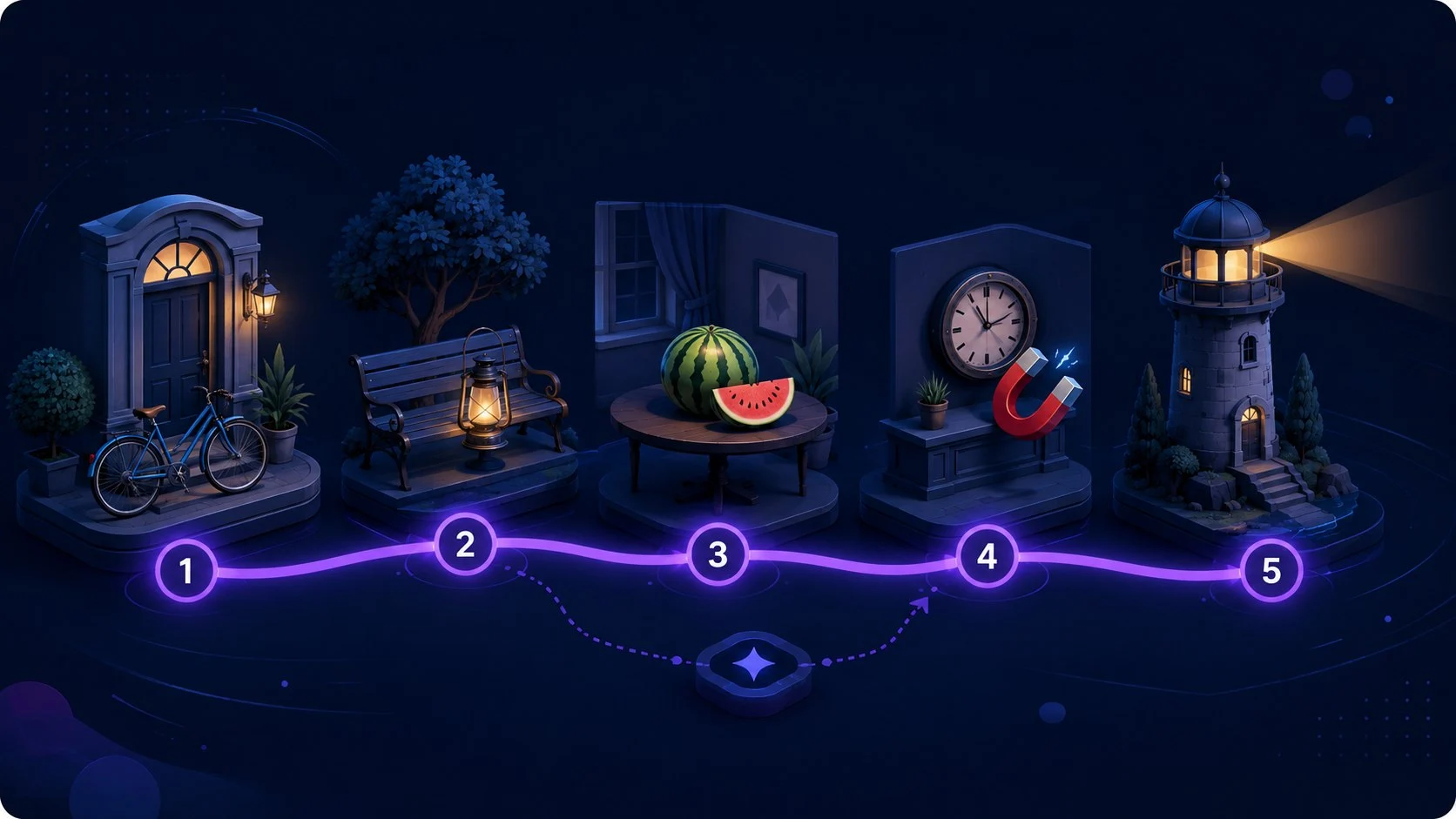
Use a verified guided or personal route, attach changing items to stable locations, test ordered or random recall, repair weak links, and retest.
Start Memory Palace Trainer