
How to Build a Memory Palace: Method of Loci Guide
Last updated 11 minutes to read
What is a memory palace?
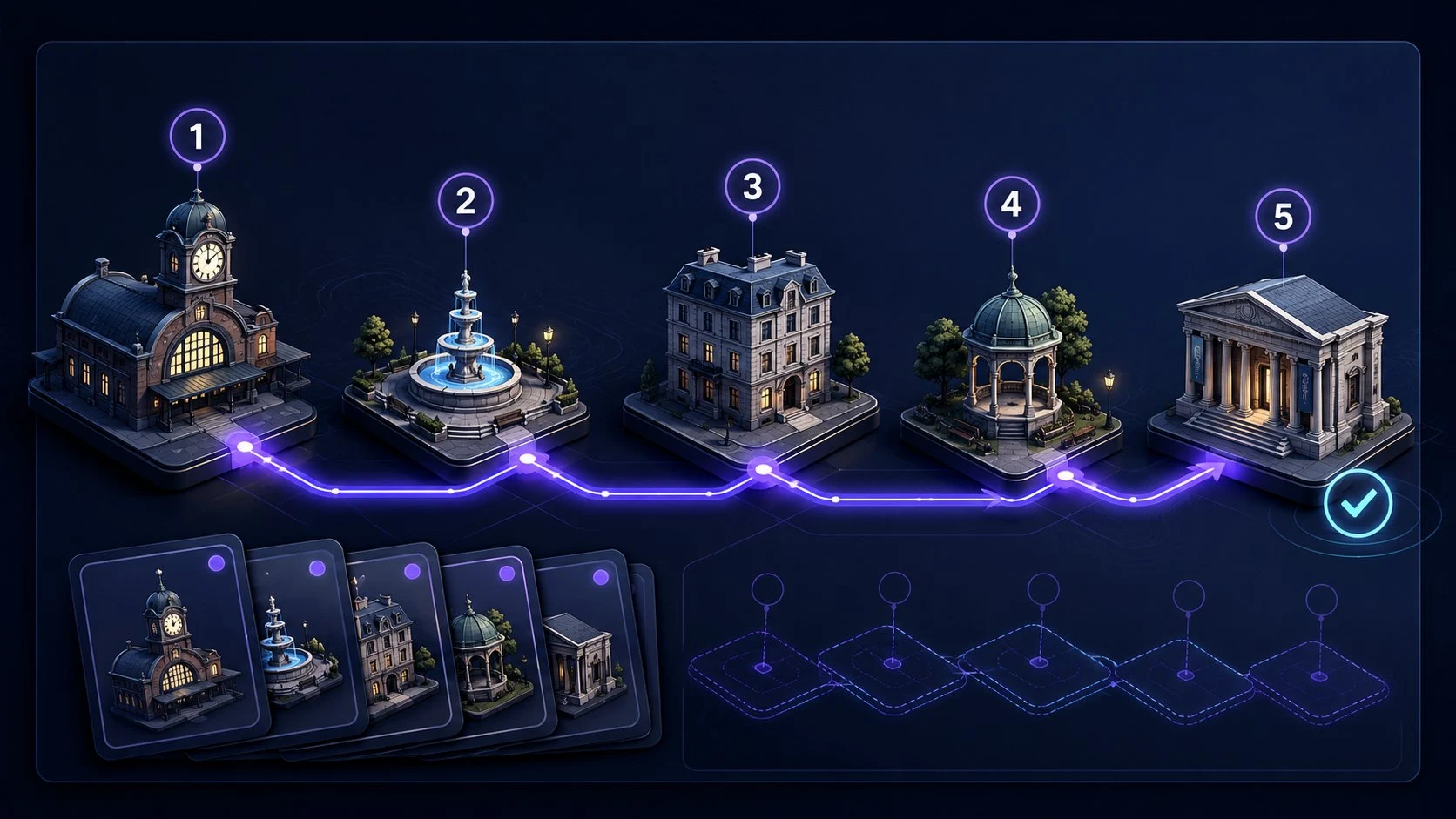
A memory palace is a mnemonic that uses places as retrieval cues. You choose a stable sequence of locations, associate each location with information, and mentally revisit those locations to recall it. The technique is also called the method of loci, the journey method, or a mind palace. A locus is one location; loci are several locations.
The palace does not have to be a building. A familiar walk, a few landmarks in one room, or a learned virtual floor plan can provide the structure. The important distinction is between the address and its contents: the front door stays at position one even when the item attached to it changes.
Use it for a short ordered list, a presentation outline, or selected facts you already understand. It is not a substitute for understanding a subject, checking a source, or keeping reliable notes. If you need exact wording, dates, or spelling, test those details explicitly rather than assuming a vivid scene preserves them.
1. Choose five distinct locations
Pick somewhere you can describe without looking: the entrance to your home, a familiar classroom, or your usual walk to a shop. Choose five fixed stops in one direction. A door, coat rack, sofa, floor lamp, and dining table are easier to tell apart than five similar chairs.
Define the exact viewpoint at each stop. For example, stand inside the front door, turn to the coat rack, then enter the living room and face the sofa. Do not alternate between the door as a whole and its handle as though they were different stops unless you deliberately gave them separate positions.
Walk the empty route before adding any items. Look away and name all five stops in order. If you skip or swap a stop, repair the route first. Five is a manageable starting choice for this exercise, not a scientific limit on memory-palace capacity.
If you prefer a drawn layout, learn it before using it as a cue. More furniture, rooms, or decoration does not automatically create a more useful route. Expand only when the current path is easy to recover.
2. Attach a packing list to the route
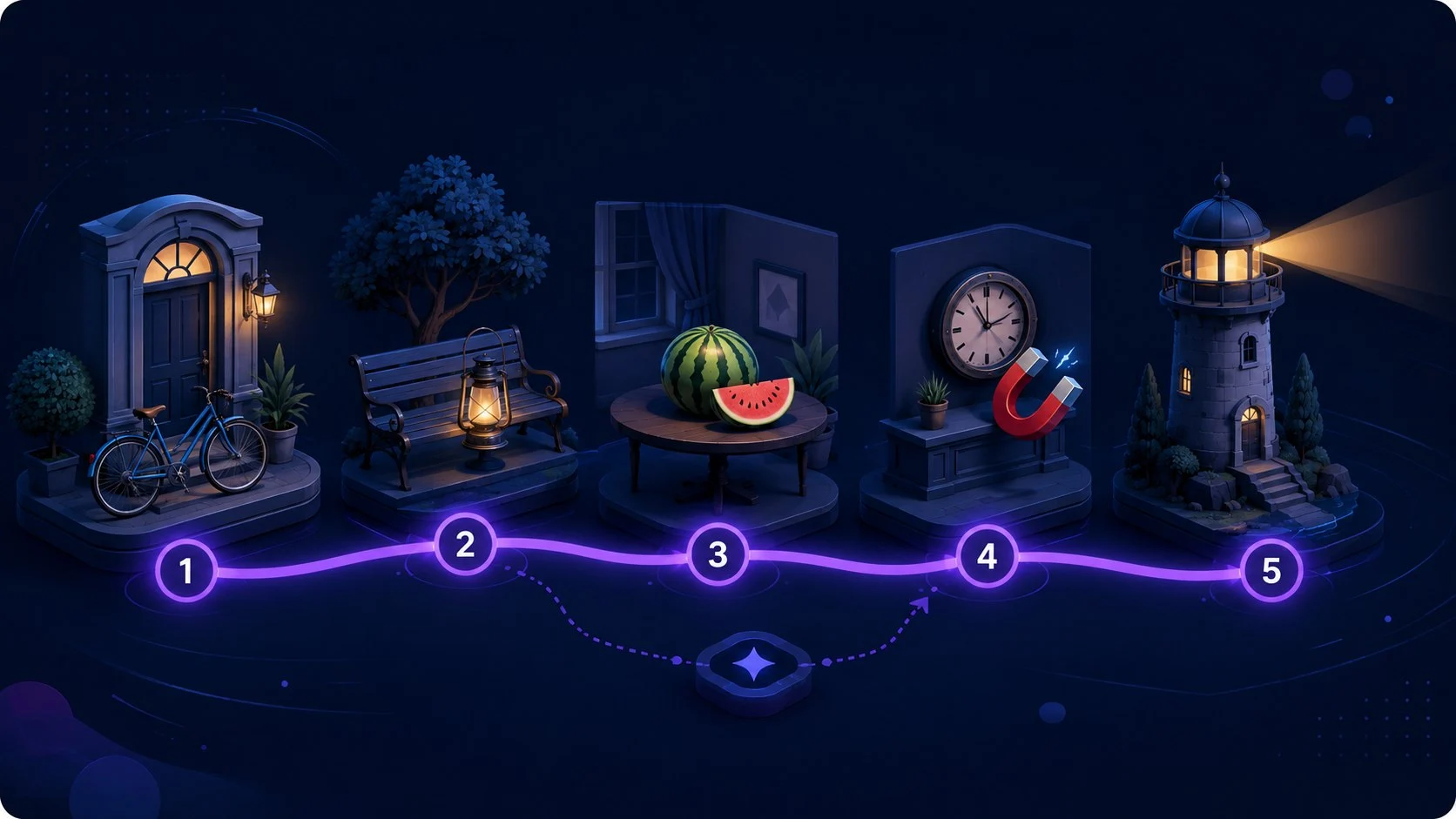
Try this original five-item example away from the trainer: passport, charger, headphones, water bottle, keys. First learn the locations, then give each target one interaction with its location. The scenes below are suggestions; change them if another action gives you a clearer cue to the same item.
Make the target do something to the landmark, not merely sit nearby. Keep it recognizable: a charger winding around a rack should still have its cable and plug, so you do not recall only a snake. Unusual size or motion is useful only if it helps recover the intended answer.
1. Front door: Passport
A giant passport jams the door; you must stamp it to get inside.
2. Coat rack: Charger
A charging cable coils around the rack, with its plug clicking onto each hook.
3. Sofa: Headphones
Enormous headphones squeeze the sofa cushions and play a loud beat.
4. Floor lamp: Water bottle
A water bottle tips over the lamp and pours a stream down its stand.
5. Dining table: Keys
A bundle of keys scratches a large keyhole into the middle of the table.
3. Hide the list and retrieve the items
Look away from the example. Mentally start at the front door and move through the five stops. At each one, ask what happened there and translate the scene back into the item. Say or write the answers before checking the example.
If the sofa comes to mind but its item does not, the location is working and the association needs repair. If you cannot remember what follows the sofa, practise the empty route. These are different problems; rebuilding the whole palace is rarely the first useful response.
After ordered recall, optionally ask yourself which item was at the floor lamp or at position two. This checks whether you can reach a location directly instead of relying entirely on the preceding answer. Start with ordered recall if that is your goal; you do not need to combine both modes in every session.
For a speech, a recalled image is just a prompt. Say the full point in your own words and check that its meaning is correct. Remembering a picture of a scale is not the same as explaining the trade-off it was meant to represent.
Which Quartenson memory-palace tool should you use?
You do not need to use all three tools. For a quick start, choose a guided route in Memory Palace Trainer and follow its route check if needed. Use the separate builders when learning the path itself or creating your own route is the task.
A verified route means you passed its order check. It does not mean you will remember the route or attached information indefinitely. If the path becomes unfamiliar after a break, practise it again in Route Builder. For a new visual palace, the sequence is: save the floor plan, verify its route in Route Builder, then use the saved route in Memory Palace Trainer.
Memory Palace Route Builder
Learn or verify a route
Choose a guided route or create a personal one. Learn the stops, hide the route, check its order, and save it locally. Use this when the path needs practice before you attach information.
Build or verify a routeVirtual Memory Palace Builder
Design a top-down floor plan
Build a plan with 2 to 10 rooms. Keep the build order if it forms a continuous walk, or select neighbouring rooms manually. The route must visit every room once, without jumping or revisiting a room. Save it for verification in Route Builder. In this editor, each room is one route stop; furniture is a visual cue, not an extra item slot. This is an editor rule, not a limit of the memory-palace method. The editor does not attach or test items.
Create a visual routeMemory Palace Trainer
Practise attaching and recalling items
Reuse a verified route with temporary generated items. Choose ordered recall or optional random access, review weak links, and retest. The packing list in this article is an offline example, not a preset loaded by this link.
Practise item recallReuse a route without mixing up lists
A saved route is a reusable set of addresses, not a promise that old associations have disappeared. If you repeatedly put different targets at the same locations, an earlier item may come back when you want the current one.
For short practice, finish one list before starting another and give the next session a clear context. If old items keep intruding, use a different route rather than trying to force them away. There is no guaranteed waiting period that clears a palace.
For material you want to retain, reserve a route for that topic and keep a separate written record of its locations and intended answers. Avoid using that same route for unrelated temporary lists. If you edit its order, update your notes and practise the changed route before relying on it.
Quartenson shares saved routes between its builders and trainer in this browser. Verified routes can skip the initial order check in item practice; changes to a route may require verification again. Temporary practice items and answers are not saved for future review. Saving a route is not saving a study deck, and clearing browser storage can remove the route.
Review later, not just immediately
An immediate correct answer is useful feedback, but it does not tell you what you will recall tomorrow. For your own offline study list, retain the answer key separately. After a break, retrieve the same material without reading the list or your scene descriptions first, then check and repair mistakes.
As a practical starting example, test once after learning, again the next day, and again several days later. Adjust the spacing to your deadline and errors. This is a suggested workflow, not a validated schedule for this article or these tools.
Record a small set of useful observations: how many answers were correct without help, which locations were confused, and whether exact meanings were recovered. Do not count an answer revealed by a hint as unaided recall. A shorter list recalled after a delay can be more useful than a larger one you only recognize immediately.
The current browser trainer generates temporary practice items. It does not reopen yesterday's item list or schedule reviews. Use it to practise the technique, and use your own notes for delayed review of material you need to keep.
Fix the part that failed
Before adding more imagery, identify what was missing: the location, the association, the intended answer, or the context of the current list.
- I forget the next stop
- Walk the empty route. Replace ambiguous landmarks or reduce the number of stops before adding items again.
- I know the place but not the item
- Make one clear action between the target and that specific place. Check that the target is still recognizable.
- I remember the picture but give the wrong answer
- Write the exact intended answer. Change the cue so it distinguishes that answer from similar words or ideas.
- Yesterday's item appears
- Separate current practice from retained material. Try another route if the old association keeps interfering.
- I remember the list but cannot explain it
- Return to the material and check understanding. Use the palace as a prompt, then practise explaining the actual idea.
- I cannot form a clear picture
- Try a brief action description or spatial cue and check whether it retrieves the answer. If it does not, use another method rather than forcing vivid imagery.
What the evidence supports, and what it does not
A 2025 systematic review and meta-analysis found an advantage for the method of loci over rehearsal on immediate ordered recall in adults. It also rated evidence quality as low to very low because of bias and other limitations. That supports trying the technique for an appropriate recall task, not promising that it will work equally well for every learner or material.
A separate review of classroom retrieval practice generally found benefits compared with repeated study or no activity, while comparisons with other learning activities were less conclusive. This supports including a recall attempt in a learning routine rather than stopping at rereading a scene.
Neither source validates Quartenson's tools, this five-stop example, a particular review schedule, or superiority of a virtual palace over a familiar real place. The sources do not establish higher IQ, medical benefits, or general memory improvement from using this website.
- Ondřej (2025): The method of loci in the context of psychological research
Systematic review and meta-analysis; supports the ordered-recall finding and its evidence-quality limitations.
- Moreira and colleagues (2019): Retrieval Practice in Classroom Settings
Applied-research review; supports testing retrieval while distinguishing repeated-study comparisons from alternative learning activities.
Your first session: one route, one list, one check
Choose five stops, recover their order without looking, and attach five concrete items. Hide the source and retrieve the list. Fix the earliest weak location or association, then test again. Stop there before expanding the route.
If you already have a stable route, go straight to item practice. If the route is the difficult part, spend the session learning it. The goal is a usable retrieval path, not the most elaborate floor plan.
For other cue structures, compare:
Frequently Asked Questions
Short answers that clarify the main value of this article.
Is a memory palace the same as the method of loci?
Yes. Both names describe using a sequence of locations as cues for information. A location is a locus; several locations are loci.
Does a memory palace have to be a real house?
No. You can use a familiar walk, landmarks within a room, or a learned virtual route. The practical test is whether you can recover the locations and their order without looking.
How many locations should a beginner use?
Five distinct stops are a manageable starting point for this guide. Add more after the route is stable. This is a practice suggestion, not a universal memory limit.
Can I reuse the same memory palace?
Yes, but old and new associations can compete. Use separate routes for material you want to retain and temporary practice lists when interference becomes a problem.
Can I use it for studying or a speech?
Use locations to cue selected facts or an outline you understand. Retrieve and explain each point, and check exact details against the source. A remembered image does not replace understanding.
Do I need all three Quartenson tools?
No. Start in Memory Palace Trainer with a guided route for item practice. Use Route Builder to create or verify a path, or the optional Virtual Builder to design a floor plan.
Does saving a route save my practice items?
No. The shared local library saves the route and its verification state. Temporary items and answers are not retained as a study collection or synchronized between devices.
Can I attach items inside the 2D builder?
Not currently. The 2D editor creates connected room routes, with one stop per room. Save and verify the route, then use Memory Palace Trainer for item practice.
Continue learning
More Quartenson guides connected to this topic.
Practical Guide to Mnemonics
Learn how mnemonic devices work and when to use chunking, chaining, memory palaces, peg systems, acronyms, and more, with step-by-step examples.
Peg System for Memory
Learn the 1-10 pegword mnemonic, build clear peg-to-item links, test random-position recall, repair weak associations, and reuse pegs with less confusion.
Remember a Presentation
Remember your presentation with a five-point outline, memory-palace cues, spoken rehearsal, and a backup plan for when you lose your place.
Remember a Sequence of Steps
Learn a sequence with meaningful groups, a story, or numbered pegs. Practise a six-step example, recover after interruptions, and keep checklists authoritative.
Try a free tool
Practice the same ideas with a browser-based exercise.
Memory Palace Route Builder
Create, learn, and verify a route
Choose • Order • Reuse
Memory Palace Route Builder
Browser toolGoal: Build one stable route before attaching items
Choose one of three guided journeys or create a personal route, learn 5 or 10 ordered locations, verify the route, and save it locally for reuse.
Build a Memory Palace RouteMemory Palace Trainer
Attach items to a reusable route
Encode • Recall • Repair
Memory Palace Trainer
Browser toolGoal: Retrieve changing items from stable locations
Use a verified guided or personal route, attach changing items to stable locations, test ordered or random recall, repair weak links, and retest.
Start Memory Palace Trainer