
Choose guided or personal
Explore one of three fixed journeys, or enter 5 or 10 landmarks from a place and path you already know well.
Choose a guided journey or create a personal route through familiar landmarks, then learn one clear direction from the first location to the last.
The route builder separates one-time route learning from repeat item practice.
Explore one of three fixed journeys, or enter 5 or 10 landmarks from a place and path you already know well.
Move mentally from the first landmark to the last. Notice what makes every location different from the locations beside it.
Rebuild the locations in their exact sequence. Repair only misplaced positions, then complete a full exact check to save the route as verified.
Both options lead to the same reusable route format and the same order check.
Choose a home walkthrough, a journey from home to a lake, or a station-to-museum route. These fixed examples let you learn the workflow before planning personal locations.
Name familiar, permanent landmarks that you can picture without help. Personal route labels stay only in this browser and can be edited through a new route session.
A route should be easy to traverse even before any material is attached to it.
Choose a specific object or feature at every stop, such as a front door, station clock, fountain, or museum columns.
Avoid paths that cross themselves or require repeated decisions. Each location should lead naturally to the next one.
Prefer locations you can picture consistently. If a personal route is difficult without attached items, simplify it before using it for practice.
The route check asks only whether you know the location order. It does not mix route learning with a changing list of items.
After one exact verification, the saved route becomes available in the Memory Palace Trainer. You can still return here whenever you want to review the route or create another one.
Choose Saved route in Route mode, then select your route. This includes layouts saved in the Virtual Memory Palace Builder. Start route practice to learn or review the location order.
A saved route is not necessarily verified. Hide the locations and rebuild their exact order. If positions are wrong, review them and try the complete check again. Once verified, use the same route in the Memory Palace Trainer.
Use the delete action beside a saved route in the dropdown, then confirm in the dialog. This removes that saved route from this browser's shared route library, including its saved layout if it has one. It does not delete the built-in guided routes.
Route names, location labels, order, source, and verification status are stored in local storage on this device. They are not sent to Quartenson.
Clearing browser storage removes saved routes. A route created in another browser or device will not appear here because there is no cloud synchronization.
Route verified?
Attach a fresh item list, choose ordered recall or optional random access, repair weak location links, and retest the same route.
Open Memory Palace TrainerAnswers about location choice, route verification, reuse, and local storage.
It is an ordered sequence of distinct locations used as retrieval cues in the Method of Loci. You mentally travel through the same locations in the same direction and later attach one item to each location.
Start with 5 if you are learning the workflow or testing a new route. Choose 10 when the first five locations are already clear and the extended route still has one unambiguous order.
No. One exact verification marks the route as ready in this browser. The Memory Palace Trainer can reuse that verified route without showing the route-order check at the start of every item session.
Yes. Choose Personal route planner and enter familiar landmarks in walking order. Use specific location names that remain easy to distinguish when no practice items are visible.
They stay in local storage in the current browser. They are not uploaded or shared, and clearing browser storage removes them from this device.
Move into item practice with the verified route, or try another structured mnemonic tool.
Memory Palace Trainer
Attach items to a reusable route
Encode • Recall • Repair
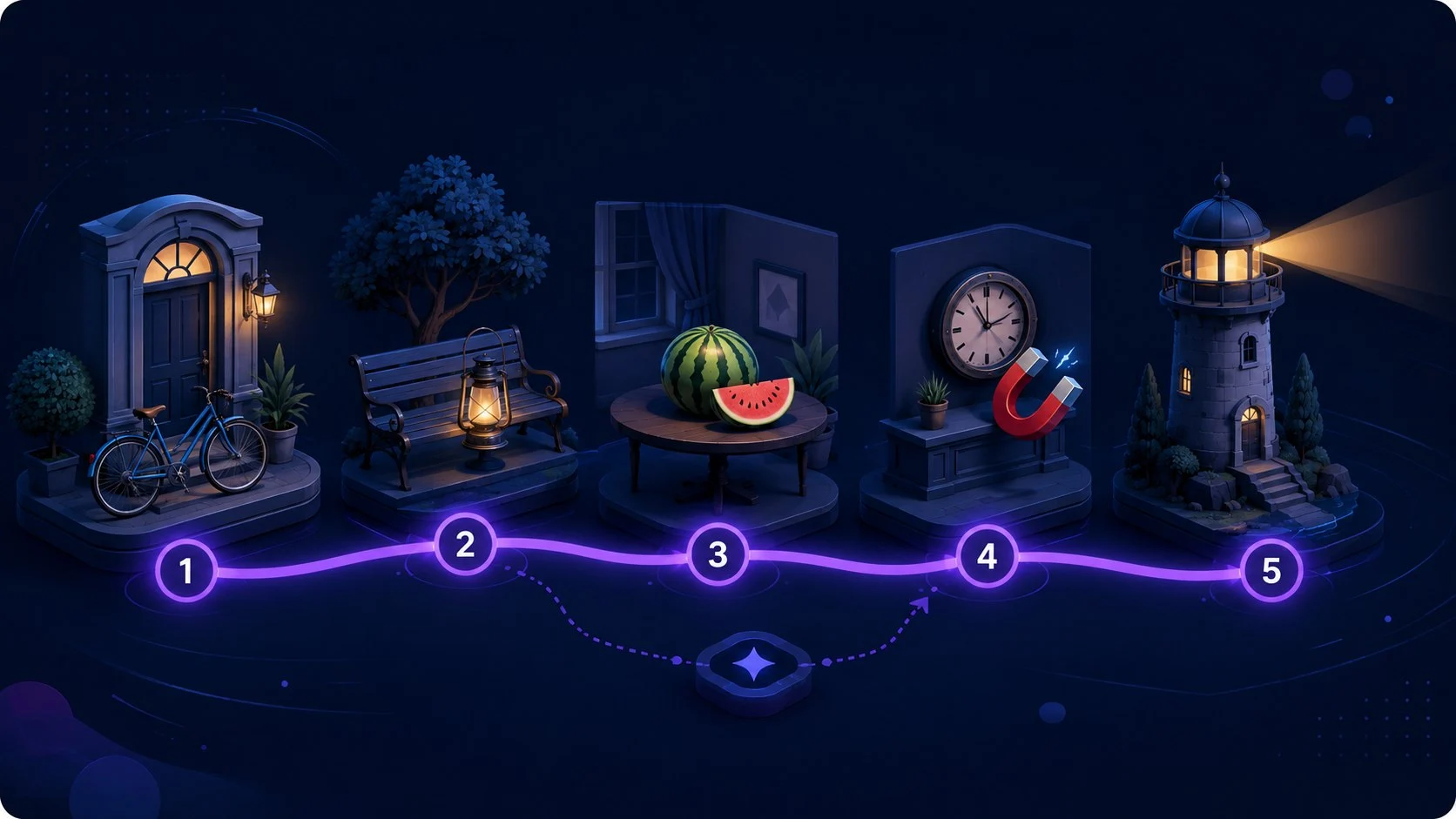
Goal: Retrieve changing items from stable locations
Use a verified guided or personal route, attach changing items to stable locations, test ordered or random recall, repair weak links, and retest.
Start Memory Palace TrainerStory Chain Memory Trainer
Link items into one connected story
Build • Recall • Repair
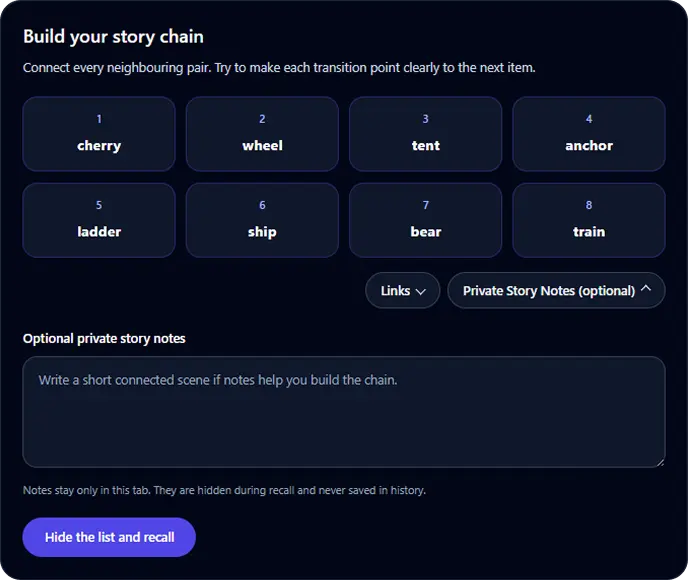
Goal: Recall a short ordered list through connected links
Build a connected story for 4 to 8 items, hide the list, recall it in order, identify the first broken link, and retest after focused repair.
Start Story Chain TrainerPeg System Memory Trainer
Link numbered pegs to temporary targets
Review • Recall • Repair
Permanent Peg System positions
Goal: Retrieve a short target list by numbered position
Learn 5 or 10 permanent memory pegs, attach a generated or custom list, test positions in random order, repair weak associations, and retest for free.
Start Peg System TrainerFollow a worked example, repair weak links, and plan later recall.