Reading Comprehension Practice
Check details, sequences, and main ideas with 5 or 10 questions per session.
Tags: Focus, Visual scanning
Start reading practiceFree online exercises for memory, attention, visual scanning, and reaction time. No account required.
Check details, sequences, and main ideas with 5 or 10 questions per session.
Tags: Focus, Visual scanning
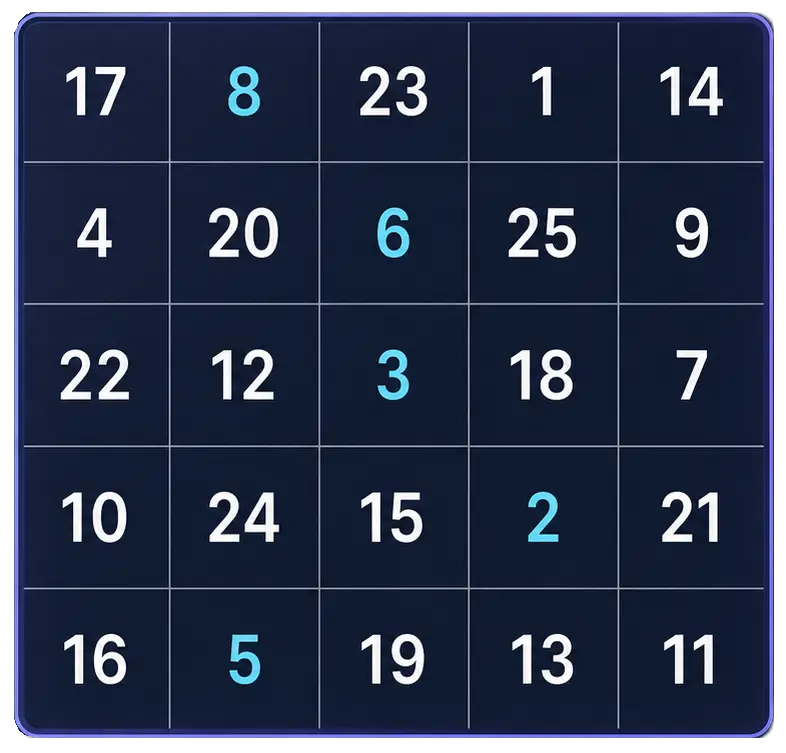
Start reading practiceFind the numbers in order
Tags: Focus, Visual scanning
Start Free TrainerFind the target among distractors
Tags: Focus, Visual scanning
Start Visual Search TestRemember sequences or patterns
Tags: Memory
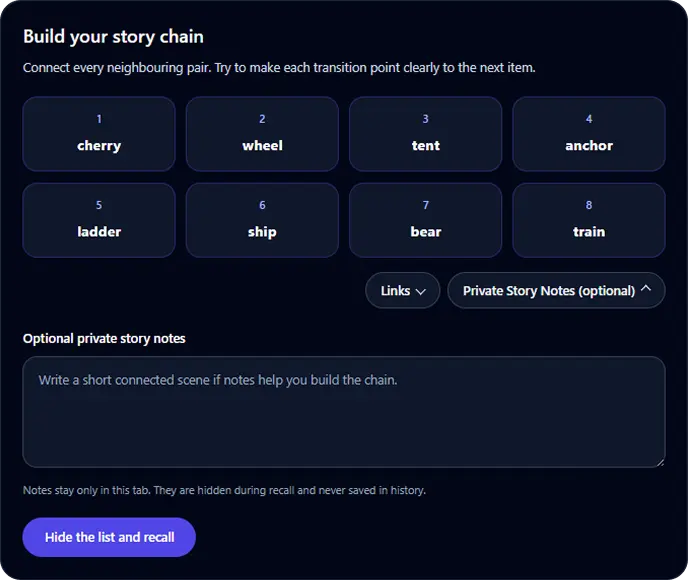
Start Memory TestLink items into one connected story
Tags: Memory
Start Story Chain TrainerLink numbered pegs to temporary targets
Tags: Memory
Start Peg System TrainerGroup, recall, and reconstruct
Tags: Memory
Start Chunking TrainerLink sound cues to exact meanings
Tags: Memory
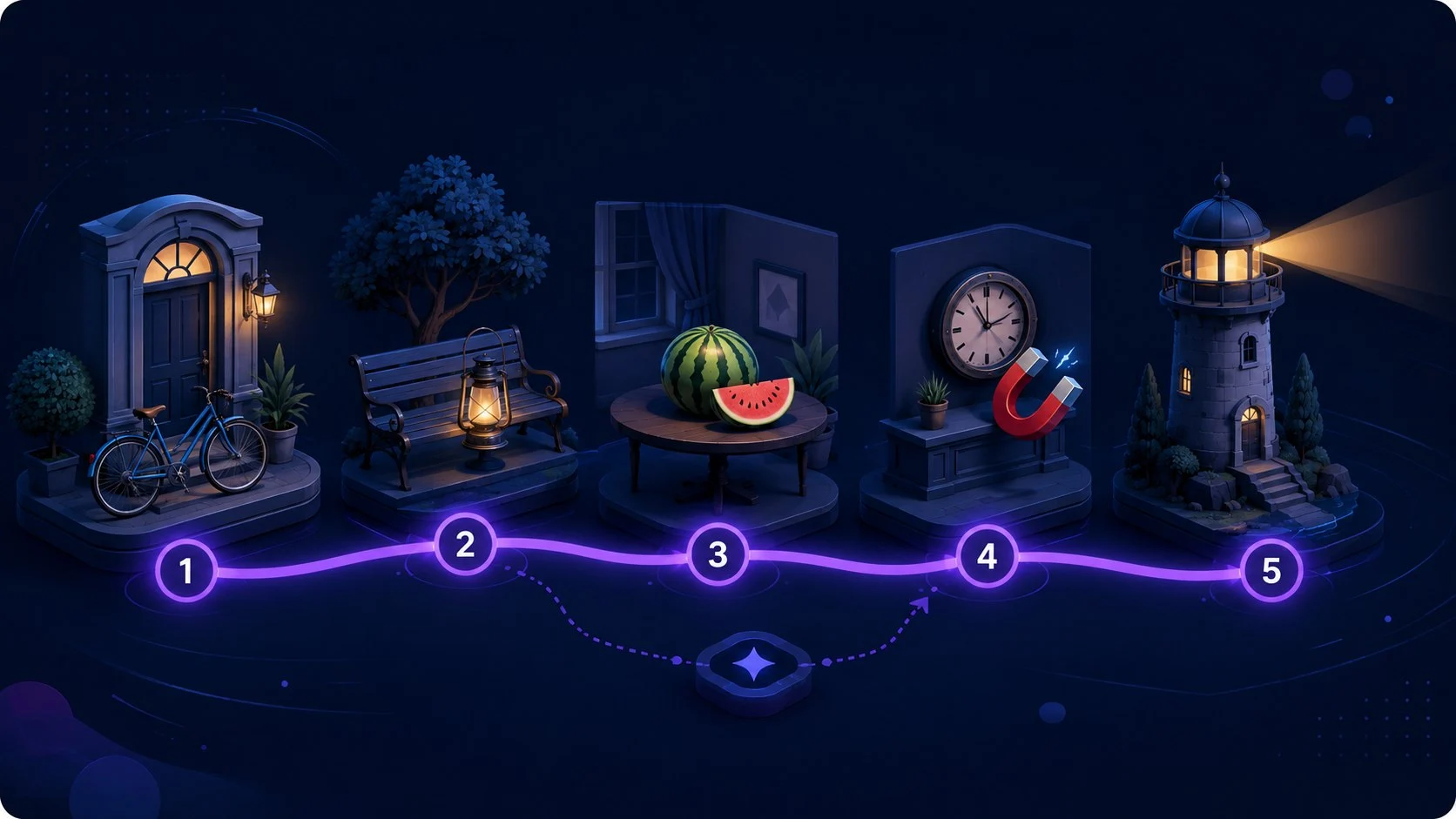
Start Keyword Method TrainerAttach items to a reusable route
Tags: Memory
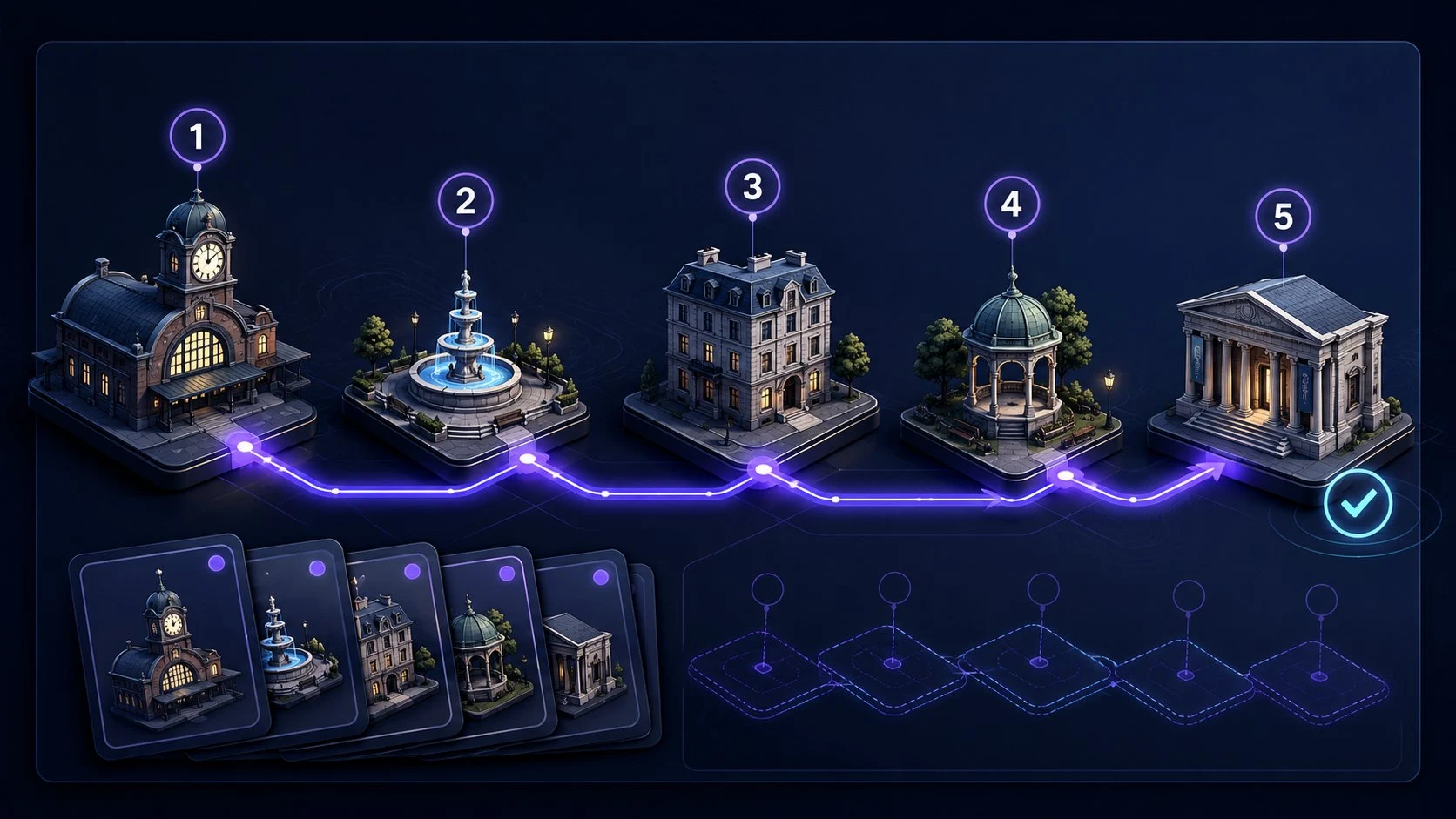
Start Memory Palace TrainerCreate, learn, and verify a route
Tags: Memory
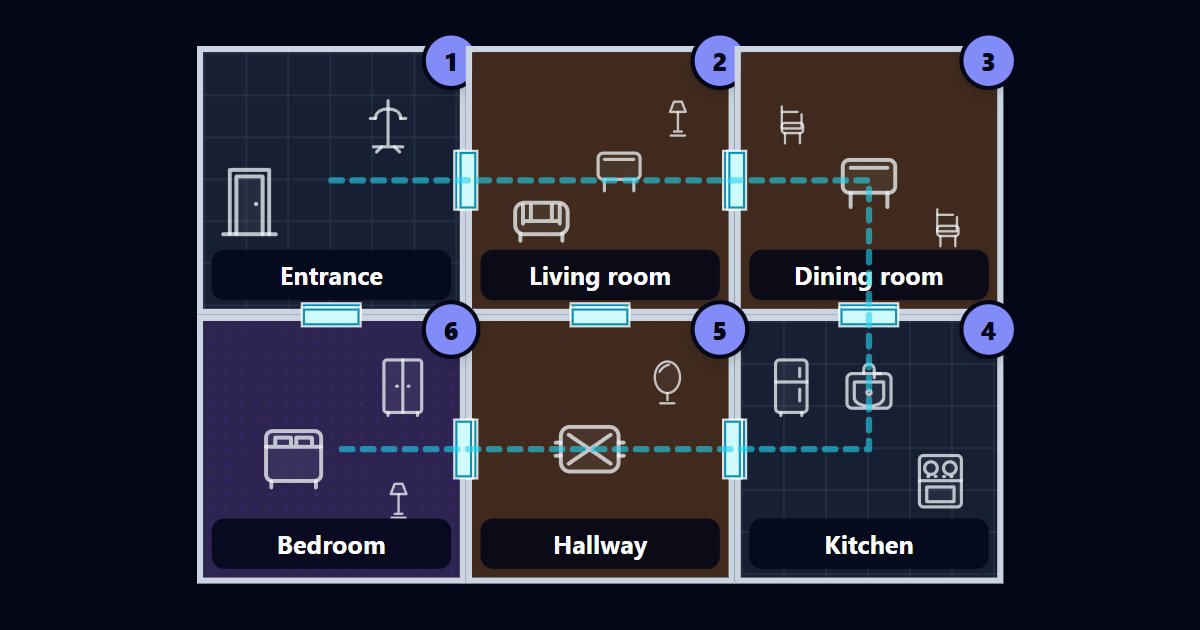
Build a Memory Palace RouteArrange a connected top-down floor plan
Tags: Memory
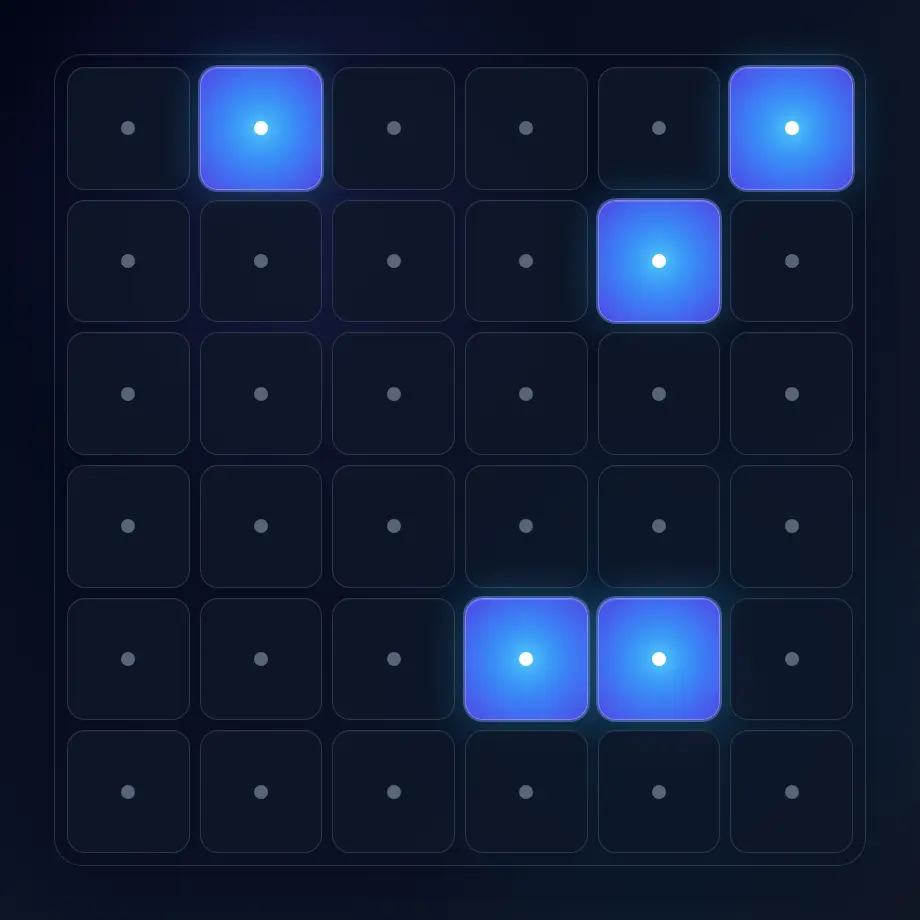
Open Virtual Palace BuilderNotice brief off-centre targets
Tags: Focus, Visual scanning
Start Awareness ExerciseRespond to one visual signal
Tags: Reaction time
Test Reaction TimeChoose Schulte tables to find numbers in order, or Visual Search to locate a target among similar distractors. Peripheral Awareness adds a different task: notice a brief off-centre target while identifying a central line. These exercises practise different tasks, so compare results within the same tool and settings.
Visual Memory tests recall of patterns and sequences. For mnemonic practice, Story Chain connects items into a story, Peg System gives them numbered cues, Chunking organizes them into groups, and Keyword Method connects a sound cue to a meaning. For a memory palace, create a floor plan in Virtual Memory Palace Builder or choose a familiar route in Route Builder. Verify the route there, then use Memory Palace Trainer to attach and recall changing items.
Reaction Time Test measures your response to one unpredictable visual signal. Choose a sample of trials and review median time, fastest response, spread, and false starts. Keep the device, input method, and sample size consistent when comparing sessions; browser and hardware delays affect the measurement.
Learn a scanning exercise, compare memory techniques, or make your practice results easier to interpret.
Learn how mnemonic devices work and when to use chunking, chaining, memory palaces, peg systems, acronyms, and more, with step-by-step examples.
Learn how Schulte tables work, why the classic 5×5 grid is used, how beginners should practise, and try a free online trainer with timing and mistakes.
Learn how to benchmark cognitive training progress with time, accuracy, mistakes, consistency, streaks, and Quartenson community and this-device comparisons.
Practical answers before your first session.
No. These browser tools are free to use without an account or installation. Enable JavaScript for the interactive exercises. The separate mobile app is optional.
Pick one task that interests you: Schulte tables for ordered scanning, Visual Memory for patterns, or Reaction Time for a single-signal response. Start with a comfortable setting and open the tool's Guide before practising. You do not need to complete every tool.
Local histories, settings, and saved memory palace routes stay in the browser where you use them. They are not an account-based cloud backup. Available history features vary by tool, and clearing site data can remove saved information.
No. Results describe a specific exercise and setup, not IQ, medical status, or fitness to drive. Practising a task does not guarantee broader improvements in memory or attention. Take a break if an exercise feels uncomfortable.