
Semantic chunk
apple - pear - plum
The label fruit gives three related items one useful retrieval cue while their internal order still matters.
The exercise separates an encoding strategy from the retrieval test. Grouping is useful only when the groups help you recover the original information accurately.
Use meaningful generated words, digits, or a private custom list. Every session uses consecutive groups of three for a compact exercise.
Find shared meaning, a familiar pattern, or a short relationship that preserves all three items and their order.
Generated words include suggested semantic labels. For digits or custom material, add a cue only if it carries real meaning for you.
Hide the sequence and enter one answer per position. Category familiarity alone is not enough for an exact result.
Review only incomplete chunks, strengthen their cues or internal order, then retest the complete sequence.
A chunk is useful when several elements can be handled through one familiar cue or relationship. Spacing 739261 into 739 261 can make scanning easier, but it becomes a stronger memory cue only when the groups carry meaning, a pattern, or a rehearsed label.
apple - pear - plum
The label fruit gives three related items one useful retrieval cue while their internal order still matters.
1 - 9 - 8
A familiar year, date, rhythm, or personal pattern can carry meaning. An arbitrary gap is only visual grouping.
pear - apple - plum is not exact
Remembering the category without the correct items and order is incomplete when the original sequence matters.
There is no universal promise that a fixed number of chunks will fit working memory. Chunk size, familiarity, task demands, and prior knowledge all change the load.
Start with apple, pear, plum, ticket, map, train. Two meaningful labels reduce search without replacing the exact sequence.
| Chunk cue | Exact items | Retrieval check |
|---|---|---|
| Fruit | apple - pear - plum | Can fruit reproduce all three words in that order? |
| Travel | ticket - map - train | Can travel reproduce all three words and follow fruit? |
Retrieve from the chunk cue, then verify the exact items and order. If the cue returns only the category, make the internal relationship more specific.
Exact-position recall is the primary result. Complete chunks and recovery after repair help you locate what worked, but they do not replace exact reconstruction.
| First exact-position recall | Items entered correctly in their original positions on the first attempt. |
|---|---|
| Best exact-position recall | The highest exact-position total reached during this session. |
| Exact chunks | Groups in which every item was correct and in the correct position. |
| Recovered positions | The net increase in exact-position recall from the first attempt to the best later attempt. |
The result describes one list under the current practice conditions. It is not a diagnosis, percentile, general memory score, or proof of lasting improvement.
Different material teaches a different part of the strategy. Keep the retrieval requirement exact in every mode.
Use coherent semantic groups to learn what a useful chunk cue feels like.
Practise grouping and exact order. Add familiar meaning yourself when a group suggests a date, quantity, rhythm, or pattern.
Apply the method to private material that is safe to type into a browser. Custom items stay in the current tab.
Targets, custom items, answers, private chunk cues, group labels, and sequence order stay in the current tab. They are removed when the session is completed and are not stored in analytics, URLs, result images, or local history.
Local history stores aggregate session results only. Do not enter passwords, recovery phrases, confidential information, or other secrets into a browser practice tool.
Learn the method
Learn how meaningful chunks differ from visual grouping, work through examples, apply the method to words and numbers, diagnose common failures, and use exact reconstruction to check whether a cue truly works.
Read the Chunking guideAnswers about meaningful groups, exact order, digit practice, custom lists, scoring, privacy, and appropriate use.
It practises organizing an ordered sequence into groups, attaching useful cues, and reconstructing every original item in its exact position. The review identifies weak positions and incomplete chunks before a retest.
These lengths create two, three, or four groups of three for a compact browser exercise. They are practice settings, not a claim that everyone can hold a fixed number of chunks.
It is visual grouping. It can help scanning, but a stronger chunk usually depends on familiarity, meaning, a learned pattern, or a useful label. Digit mode asks you to add that meaning when possible.
A broad category can feel familiar without reproducing the information you needed. Position scoring checks whether the chunk cue preserved the actual sequence rather than only its general theme.
Yes. Repeated items are allowed because real sequences can contain them. Each occurrence is scored by its position, so the surrounding chunk and order must distinguish it.
Recovery is the net increase from the first exact-position score to the best later score after repair. It describes change inside this session only.
No. Lists, answers, labels, and order are session-only. Local history contains aggregate counts such as list size, exact recall, complete chunks, attempts, recovery, and duration.
No. The score describes one list and setup. Lasting learning requires retrieval after time and in the conditions where the information will be used.
Compare Chunking with Story Chains, the Peg System, and other mnemonic structures.
Learn how to turn digits, concepts, and instructions into meaningful chunks, then test exact recall, diagnose errors, and choose when another mnemonic works better.
Practise remembering a grocery list with a nine-item example. Group items, check quantities, repair omissions and handle changes without losing your written backup.
Learn how mnemonic devices work and when to use chunking, chaining, memory palaces, peg systems, acronyms, and more, with step-by-step examples.
Compare grouped ordered recall with linked sequences and direct numbered retrieval.
Story Chain Memory Trainer
Link items into one connected story
Build • Recall • Repair
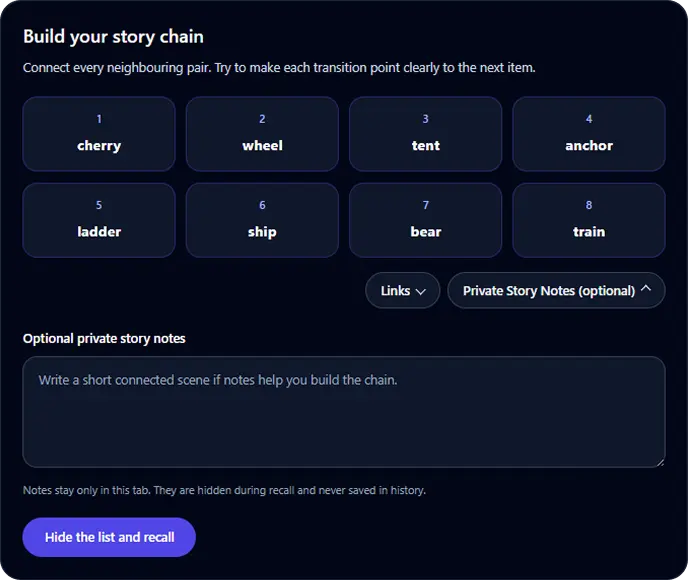
Goal: Recall a short ordered list through connected links
Build a connected story for 4 to 8 items, hide the list, recall it in order, identify the first broken link, and retest after focused repair.
Start Story Chain TrainerPeg System Memory Trainer
Link numbered pegs to temporary targets
Review • Recall • Repair
Permanent Peg System positions
Goal: Retrieve a short target list by numbered position
Learn 5 or 10 permanent memory pegs, attach a generated or custom list, test positions in random order, repair weak associations, and retest for free.
Start Peg System TrainerVisual Memory Test
Remember sequences or patterns
Memory • Focus • Levels
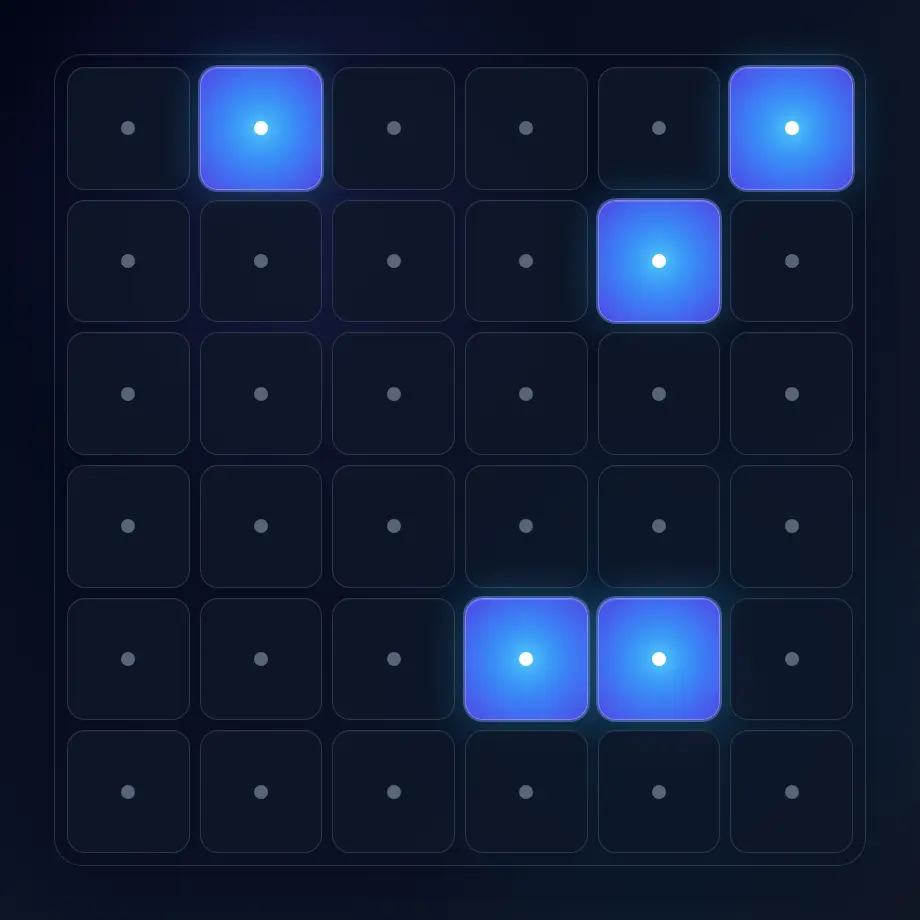
Goal: Better visual sequence and pattern recall
Choose ordered sequence or 3-second pattern recall, progress through levels, choose difficulty, track your best level, and compare recent local sessions.
Start Memory Test