
Best level by mode and difficulty
Sequence, Pattern, Easy, Standard, and Hard keep separate best levels because the task changes.
Free Browser Tool
Choose Sequence mode to watch cells one by one and replay them in order, or Pattern mode to see all target cells for 3 seconds and then select them from memory.
Pick Easy, Standard, or Hard difficulty, review your best level, and compare recent guest sessions in this browser or supported account history when signed in. This is a practice task, not a medical or cognitive diagnostic test.
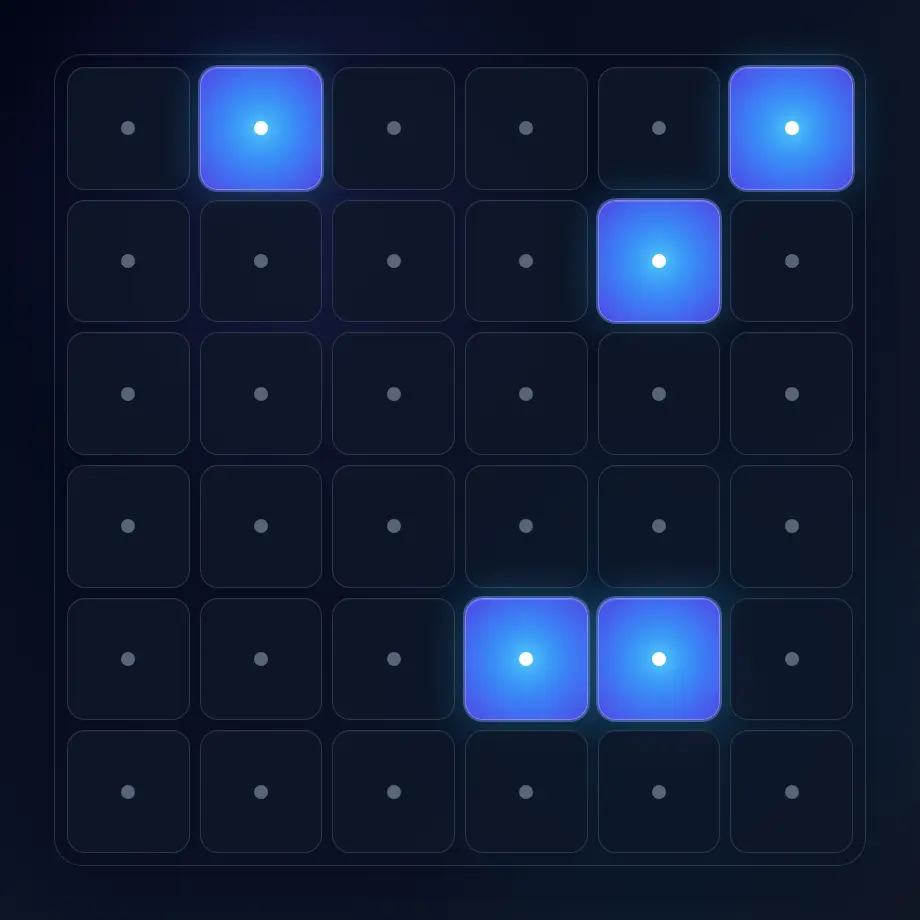
The History button keeps recent visual memory sessions on this device so you can compare your own practice without creating an account.
Sequence, Pattern, Easy, Standard, and Hard keep separate best levels because the task changes.
The last 30 sessions per mode and difficulty show best level, longest sequence, mistakes, accuracy, and duration.
Guest visual-memory history stays in this browser and is not sent to analytics. When signed in, supported result summaries are saved to your Quartenson account.
For fair comparison, use the same mode, difficulty, device, and input method when checking whether your level is improving.
Use this tool when you want a short sequence-recall task that is easy to repeat and compare.
Useful for practising ordered positions or short whole-pattern recall rather than finding one target.
Good for quick practice sessions where the goal is to stay attentive for a growing pattern.
Best for users who want a lightweight local record without accounts or cloud sync.
Each browser tool includes a result benchmark below the trainer. After a completed session, guests can compare the current setup with anonymous community completions or sessions saved in this browser. Signed-in users can choose Your results to compare account history. Use benchmarks as practical context, not as a medical, safety, or diagnostic score.
Benchmarks are grouped by matching tool settings, such as grid size, mode, difficulty, trial count, device context, and input method.
Community charts use completion metrics only. They do not include account details, email, or your local progress history.
Guests use sessions stored in this browser. Signed-in users can choose Your results to compare account history.
The task has two modes. Sequence mode asks you to remember the order of highlighted cells. Pattern mode shows all target cells together for 3 seconds, then asks you to select the remembered cells without order.
If you complete the full sequence or pattern correctly, the next level becomes longer. If you miss a cell, the session ends. Your best level is kept in guest browser history or, when signed in, in your account history.
This tool is for short visual-memory practice and self-comparison. It does not diagnose memory, attention, or cognitive ability.
A useful result combines level, sequence length, mistakes, and accuracy.
| Metric | What it means |
|---|---|
| Best level | The highest level you completed before the session ended |
| Longest sequence | The longest pattern you successfully replayed |
| Accuracy | Correct clicks compared with all replay attempts |
| Mistakes | Missed cells that ended the session |
Do not compare Pattern results directly with Sequence results, or Hard results directly with Easy results. They use different memory pressure.
Start with the difficulty that lets you complete several levels cleanly before increasing the grid size.
A 3x3 grid for learning the task and building confidence with shorter patterns.
A 4x4 grid for normal practice with a balanced amount of visual search and memory load.
A 6x6 grid for denser position recall once Standard feels stable.
If your mistakes appear early, lower the difficulty and rebuild clean sequence recall first.
Avoid clicking early. Wait until the preview ends, then replay the cells in the required order or set.
Mentally group positions by rows, corners, or simple shapes instead of memorizing isolated dots.
Compare the same difficulty on the same device and input method.
A tired session can make your level look worse without telling you much about progress.
Short answers about the browser-based visual memory trainer.
A visual memory test asks you to remember visual information, such as positions in a grid, and recall it after a short delay. This browser tool uses ordered sequences, 3-second pattern recall, and progressive levels.
No. It is a recreational practice tool for self-comparison. It does not diagnose memory, attention, cognitive ability, or any health condition.
There is no universal good level because results depend on difficulty, screen size, device, input method, fatigue, and practice. Compare your own sessions with the same settings.
Yes. Without an account, the tool stores up to 30 sessions per mode and difficulty, plus your best level, in this browser. When you are signed in, supported result summaries are saved to your Quartenson account and appear in account history. Clear local history removes guest records stored in this browser.
After a completed session, the benchmark compares matching tool settings. The Community view uses anonymous aggregate results. Guests can use This device for sessions stored in this browser; signed-in users can choose Your results to load account history.
Quartenson uses only the result metrics needed for comparison, such as time, accuracy, mistakes, level, or clean trials. It does not use account details, email, or local history for the community chart.
A benchmark needs enough matching completions for the exact setup. If there is not enough data yet, the chart may be hidden until more matching results are available.
Compare visual memory with target finding, number scanning, and response-speed practice.
Visual Search Test
Find the target among distractors
Speed • Accuracy • Focus
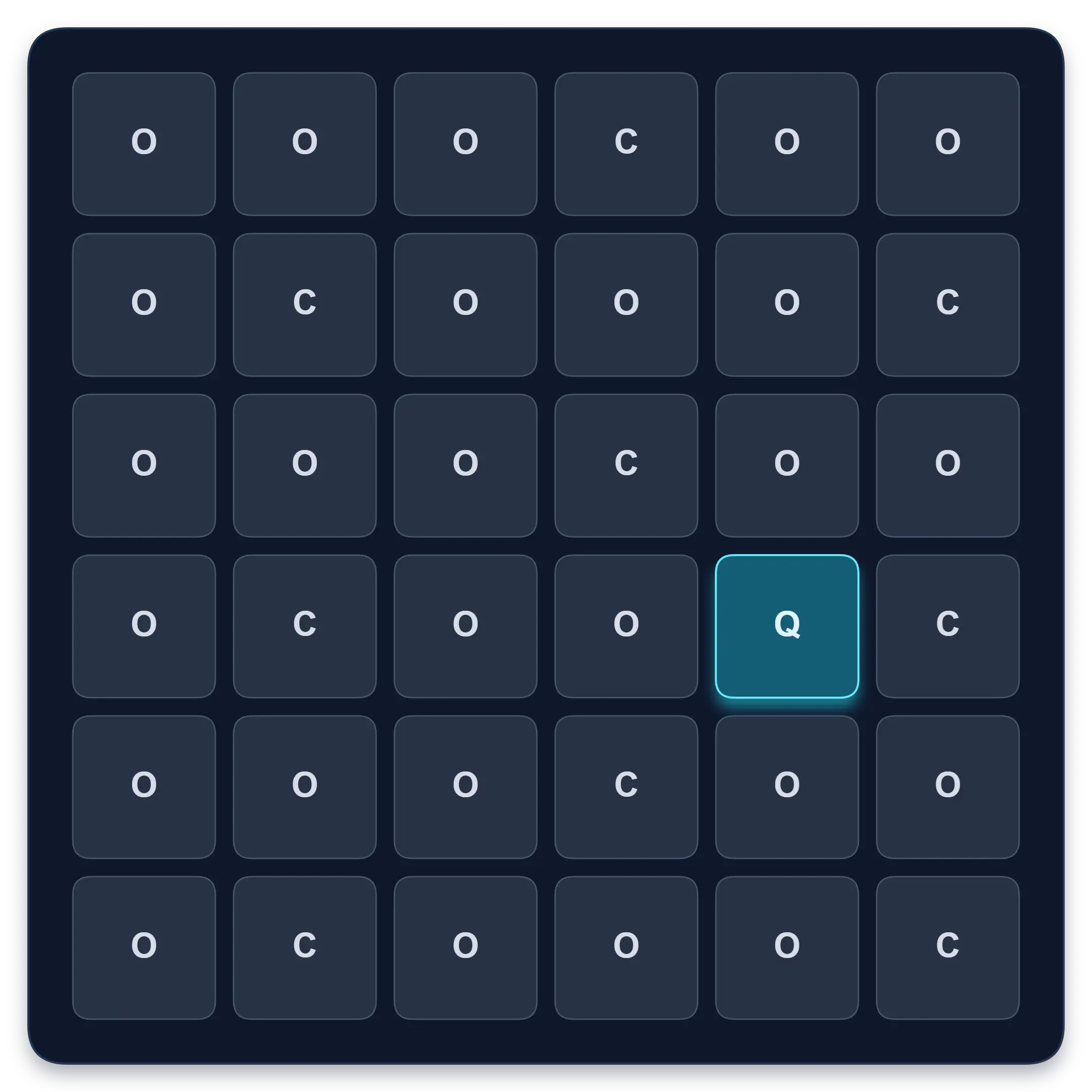
Goal: Faster target spotting with better accuracy
Find one target among similar symbols, letters, or numbers. Complete ten short rounds and track median response time, accuracy, and clean results.
Start Visual Search TestFree Schulte Table Trainer
Find the numbers in order
Focus • Scanning • Speed
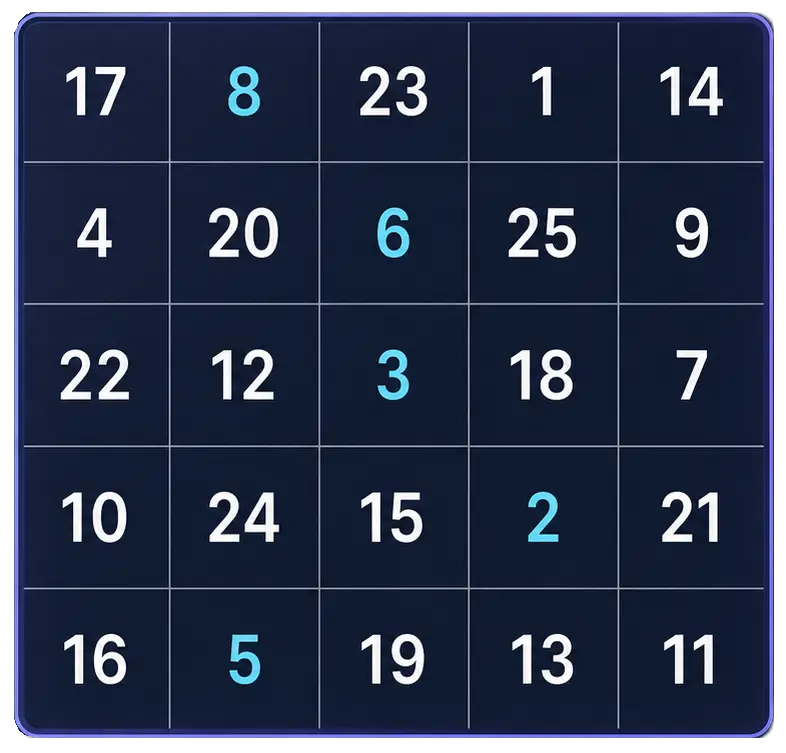
Goal: Cleaner 5x5 rounds with fewer mistakes
Practice Schulte tables online with a simple browser grid. Choose 3x3 through 7x7, track time and mistakes, and use pause, shuffle, and keyboard controls for quick focus sessions.
Start Free TrainerReaction Time Test
Respond to one visual signal
Median • Fastest • Spread
Goal: Response-speed measurement for one visual signal
Wait for an unpredictable visual signal, then respond as quickly as you can. Choose 1 to 10 trials and review your median, average, fastest time, and false starts.
Test Reaction TimeLearn how to practise visual memory, interpret repeated results, and compare related cognitive exercises.
Measure focus during work or study with a simple task log, quality checks and distraction notes. Try a worked example and learn what game scores cannot tell you.
Learn how to track Schulte table progress with clean median time, mistakes, consistency spread, personal bests, and recent history instead of relying only on one fastest result.
Learn how pattern and sequence memory differ, try evidence-informed visual memory exercises, and follow a practical 14-day plan with repeatable progress tracking.
Use the app for deeper Schulte table tracking and longer-term review.
Schulte table training with progress
History, heatmaps, pace, and weekly review
History • Heatmaps • Progress
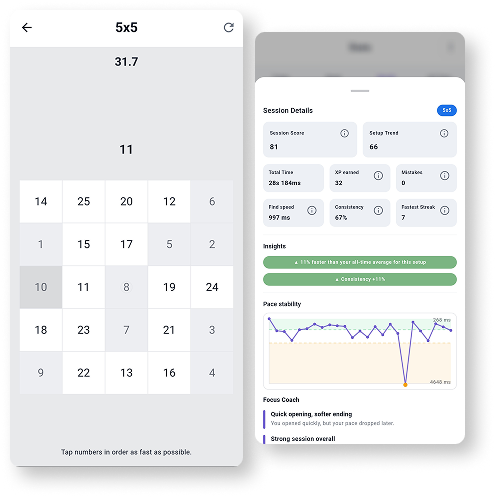
Train Schulte tables on Android with session history, pace patterns, heatmaps, achievements, and weekly progress review.
Explore Schulte Tables