Schulte Vision Trainer

Schulte Table Training With Progress Tracking

Practice classic Schulte tables on Android and review more than your final time: mistakes, pace, heatmaps, history, and weekly trends.

Schulte table practiceSession historyProgress insights
Schulte Vision Trainer session analytics screen shown inside the hero section.

More Than a Schulte Table Timer

Most Schulte apps only measure completion time. Schulte Vision Trainer is built to help you understand how you perform, where focus drops, and how training changes over time.

Where you slow down

When hesitation appears

How stable your pace is

How focus changes over time

How consistently you train

Why I Built It

Why I Built Schulte Vision Trainer

Most Schulte table apps only show a timer.

I wanted to understand what actually happened during training:

  • Where attention drops
  • When hesitation appears
  • Which areas are slower
  • Whether performance improves over time

So I built Schulte Vision Trainer.

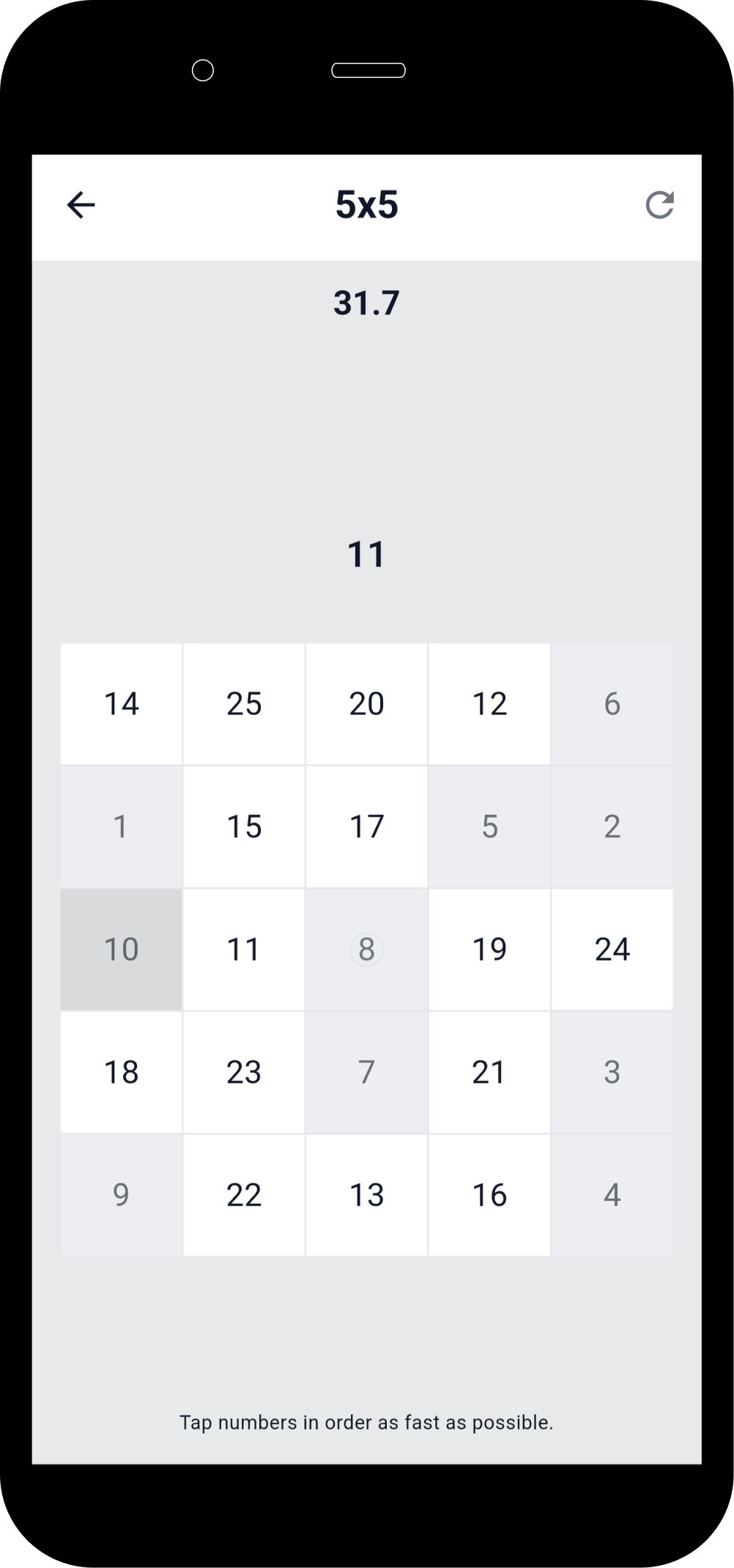
Schulte Vision Trainer gameplay screen showing an active Schulte table session.

Core Training

Train Focus

Practice concentration, visual scanning and attention through simple but challenging exercises that stay easy to start and hard to master.

  • Classic Schulte table practice with a modern mobile flow.
  • Built to support focus training, scanning speed, and attention control.
  • Short sessions fit daily routines and habit building.
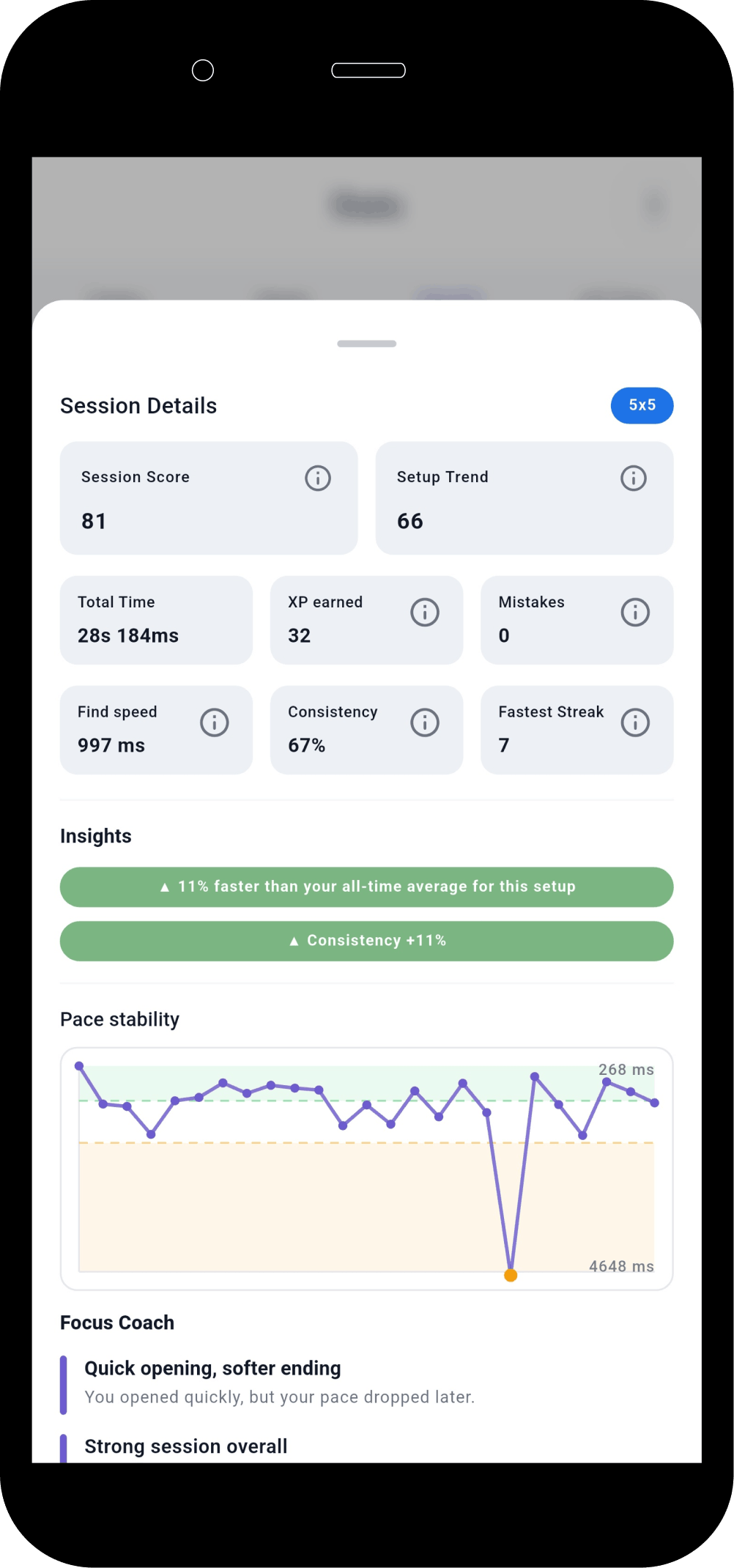
Schulte Vision Trainer session details view with pace, mistakes and hesitation metrics.

Session Analytics

Know Why You Improved

Analyze pace, mistakes, hesitation and consistency after every training session instead of looking only at total completion time.

  • See where you accelerated and where rhythm dropped.
  • Spot hesitation patterns without guessing.
  • Turn raw session results into useful training feedback.
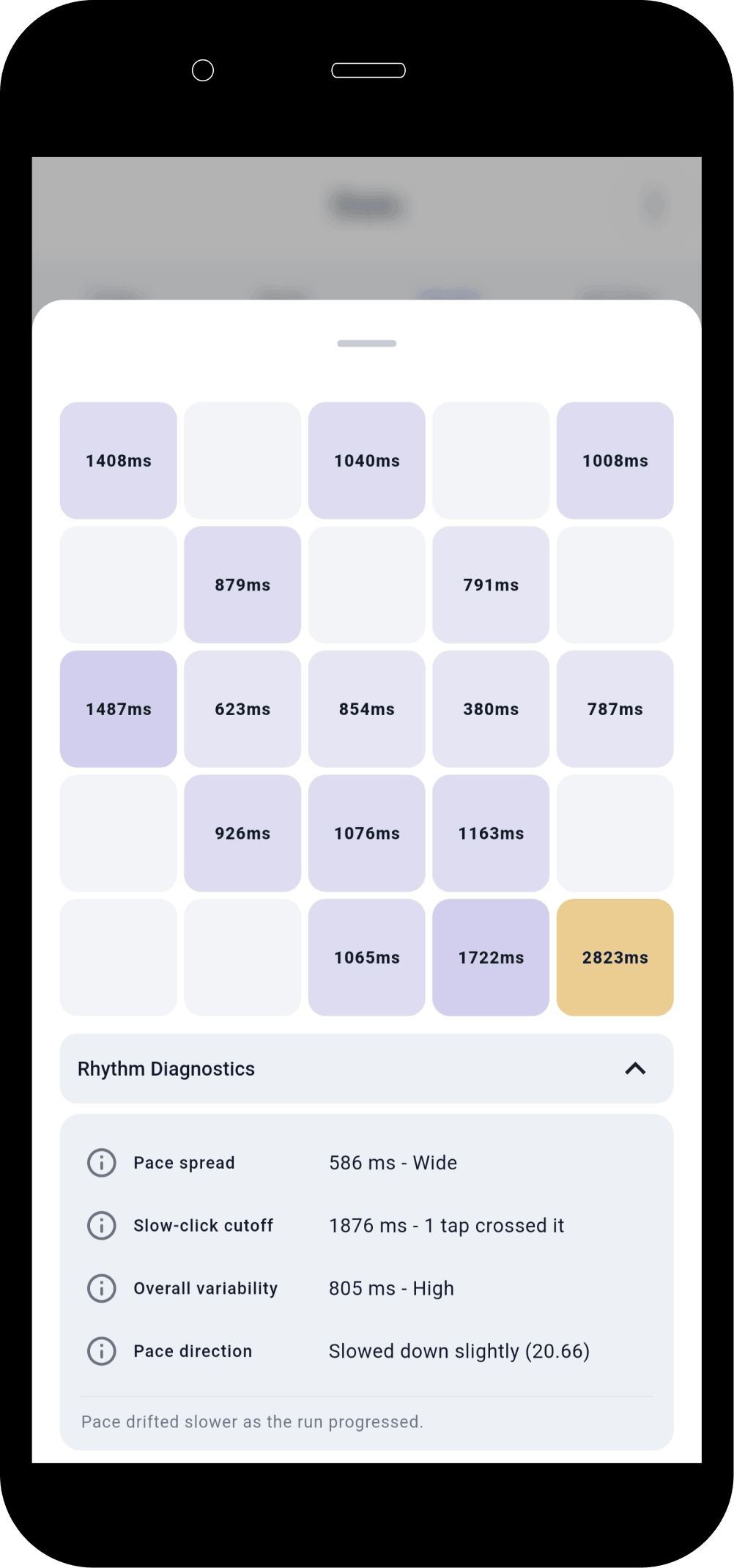
Schulte Vision Trainer deep analytics view with heatmaps and rhythm diagnostics.

Weak Zone Analysis

Find What Slows You Down

Heatmaps and rhythm diagnostics reveal slow zones, unstable scanning paths and attention drops that are easy to miss during gameplay.

  • Identify slow parts of the grid visually.
  • Understand where focus breaks down across the session.
  • Use the extra detail to train more intentionally.
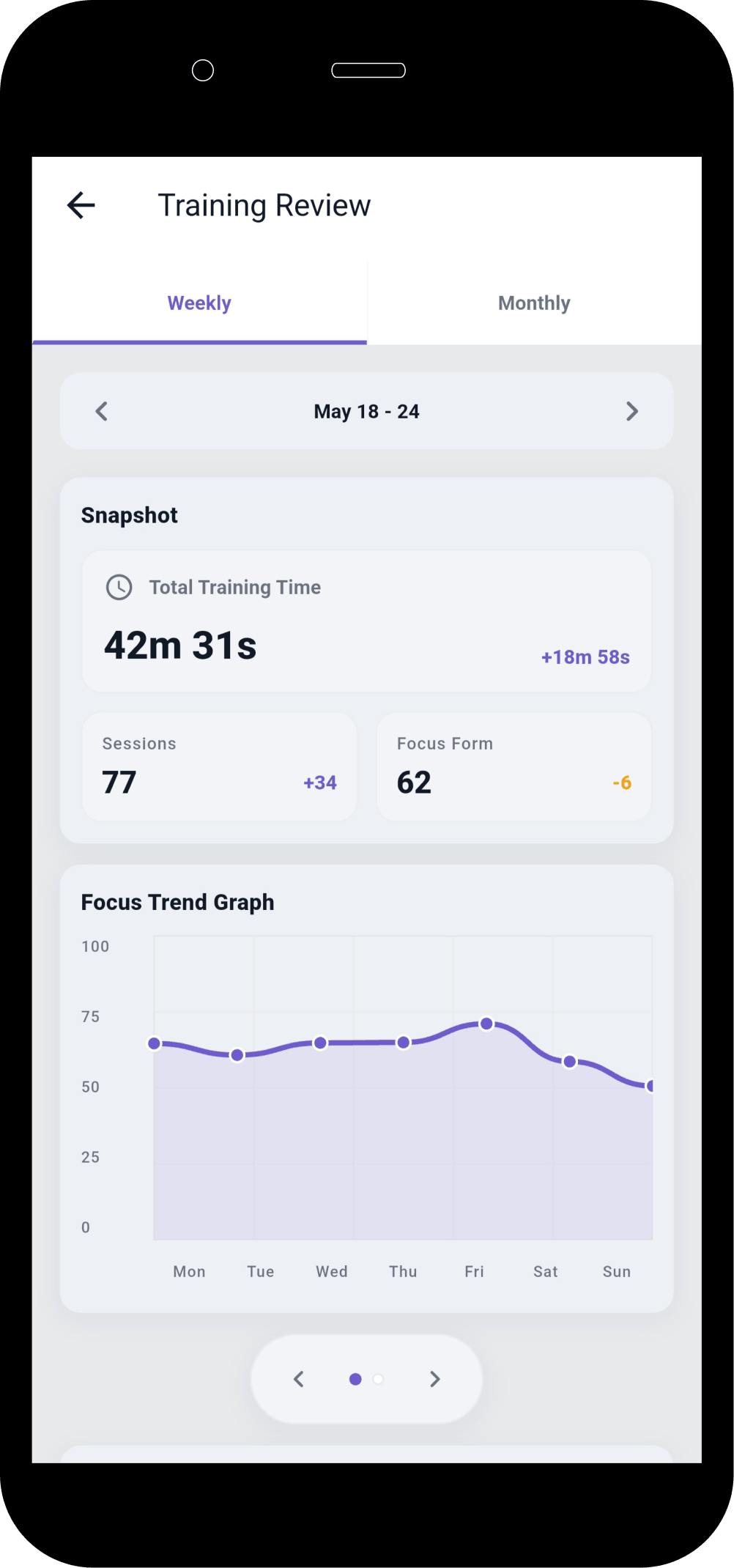
Schulte Vision Trainer review screen with weekly trend graph and statistics.

Reviews

See Your Focus Improve Over Time

Review weekly and monthly trends to understand how your performance changes over time, not just from one session to the next.

  • Weekly and monthly review views.
  • Trend graphs instead of isolated scores.
  • Better visibility into consistency and direction of progress.

Available on Android

Download Schulte Vision Trainer

Schulte Vision Trainer is available on Google Play for Android. iPhone and iPad visitors can join the wishlist for future platform updates.

Use the app to:

  • ✓ Train Schulte tables on Android
  • ✓ Review session history and heatmaps
  • ✓ Track pace, mistakes, and weekly progress
  • ✓ Build a more consistent practice routine
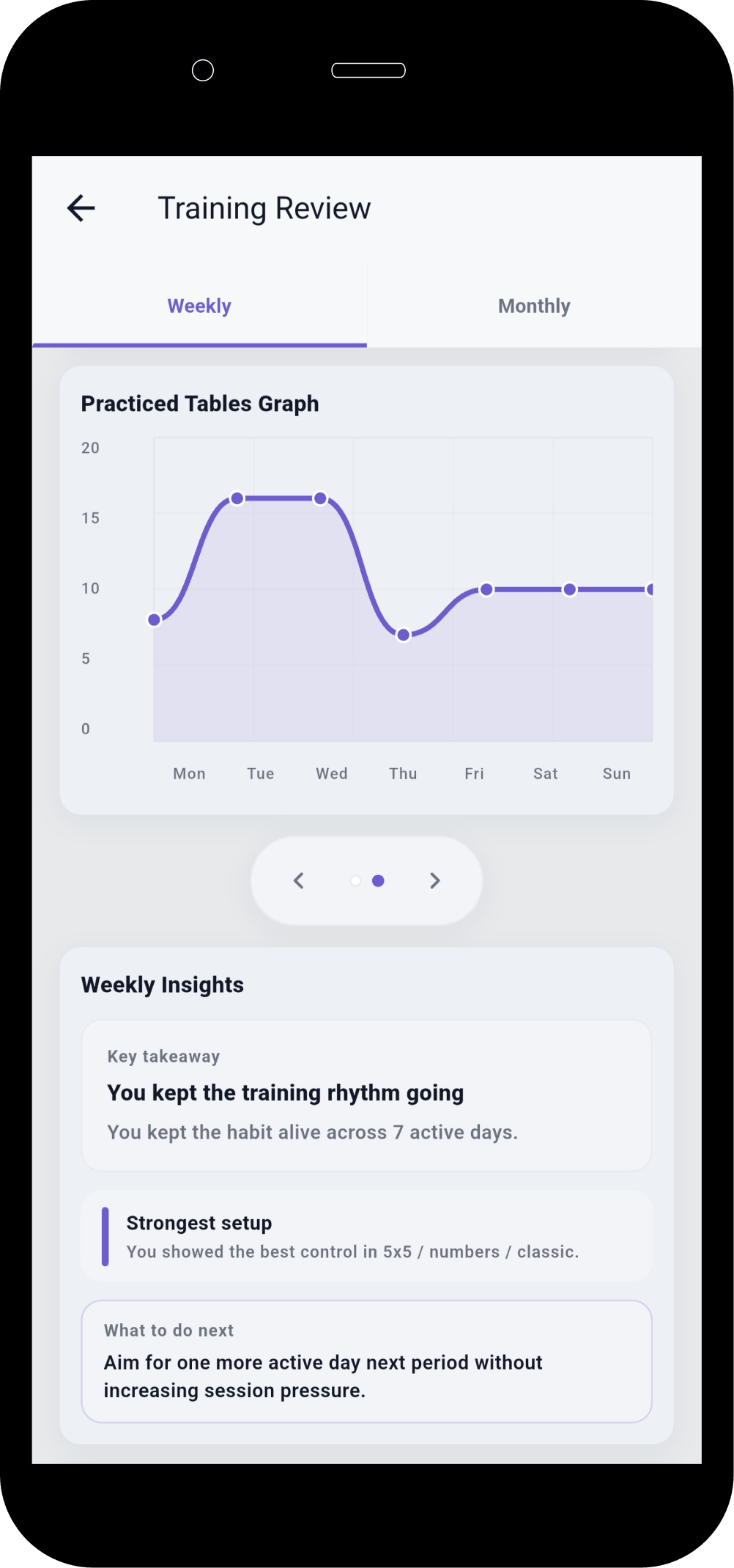
Schulte Vision Trainer review details with weekly insights and recommendations.

Insights

Actionable Training Insights

Receive insights and recommendations based on your training history so you can see patterns, not just numbers.

  • Behavioral patterns pulled from recent sessions.
  • Clearer view of what changed and why.
  • Useful prompts for the next training block.
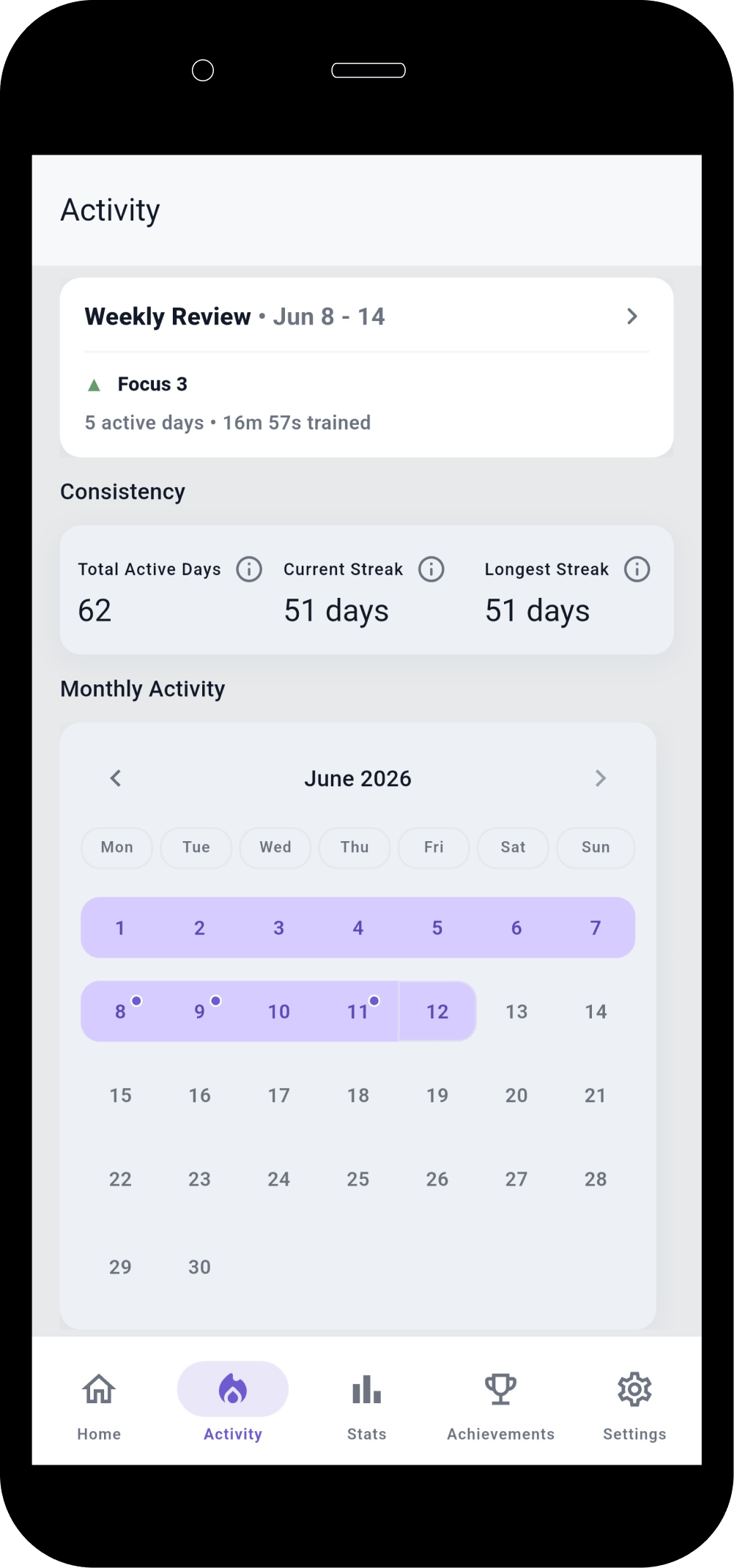
Schulte Vision Trainer activity screen with consistency tracking and calendar history.

Habit Building

Build Consistency

Track activity, session frequency and review cadence so training becomes a habit instead of a one-time experiment.

  • Calendar-style activity history.
  • Consistency-focused weekly review preview.
  • A better way to stay engaged over time.
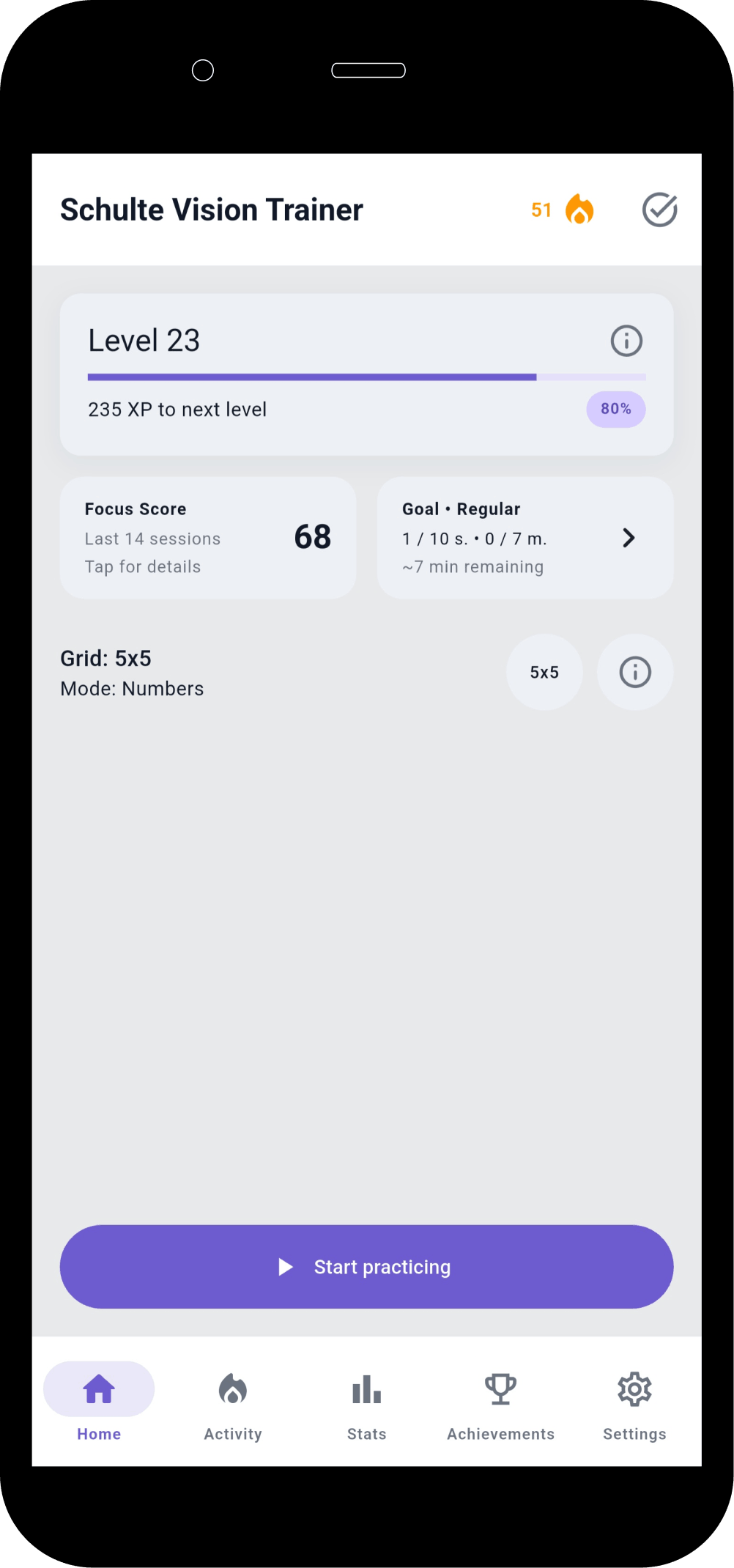
Schulte Vision Trainer home dashboard with goals, focus score and progression.

Dashboard

Everything in One Place

Manage training, goals, statistics and progress from one dashboard designed to make the next session obvious and the bigger picture visible.

  • Focus score, goals, and progress in one view.
  • Fewer taps to resume training.
  • A cleaner starting point for daily practice.
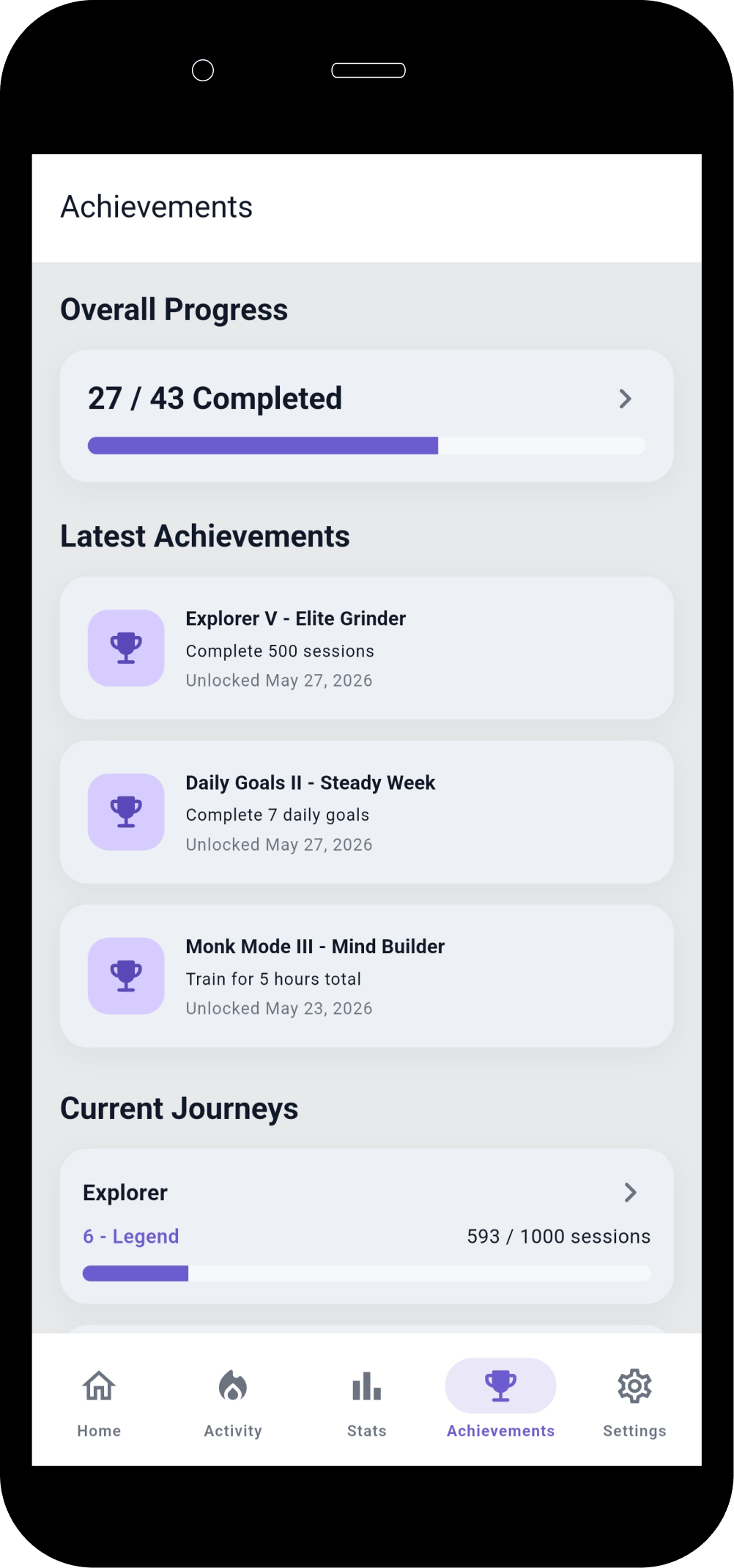
Schulte Vision Trainer achievements screen with milestones and progression badges.

Motivation

Stay Motivated

Unlock achievements and milestones as your practice grows, helping long-term training feel more concrete and rewarding.

  • Milestones for practice depth and consistency.
  • Visible long-term progression markers.
  • A simple way to keep momentum going.

How Schulte Tables Work

A simple practice loop that supports concentration, scanning speed, and attention control.

1

Find numbers in order

2

Maintain concentration

3

Improve scanning speed

4

Develop attention control

Want to understand the basic exercise first? Read what a Schulte table is, then practice with the free Schulte table trainer in your browser, compare your result with the Schulte table average time guide, follow the Schulte table improvement plan, then use the Android app for history, heatmaps, and progress reviews.

Want to understand which Schulte table metrics are worth tracking? Read the Schulte progress-tracking guide.

Who Is It For

Schulte Vision Trainer is designed for people who want more structure and insight from attention practice.

Students

Speed Reading Learners

Programmers

Knowledge Workers

Productivity Enthusiasts

Brain Training Fans

Try free browser tools first

Use quick web exercises for Schulte tables, visual search, peripheral awareness, and reaction time before moving into longer-term app tracking.

Free Schulte Table Trainer

Find the numbers in order

Focus • Scanning • Speed

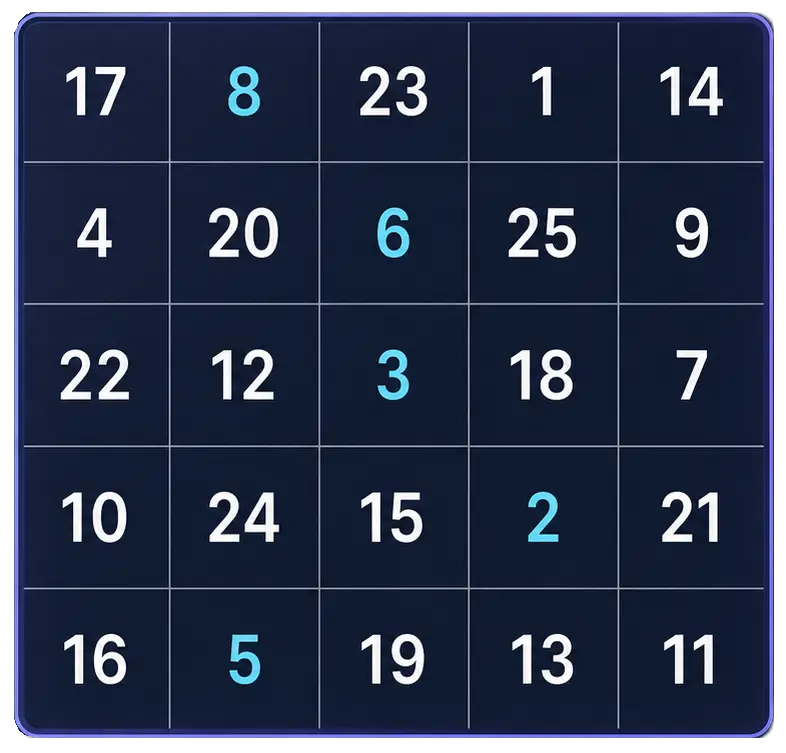
5x5 Schulte table preview with randomized numbers.

Free Schulte Table Trainer

Browser tool

Goal: Cleaner 5x5 rounds with fewer mistakes

Practice Schulte tables online with a simple browser grid. Choose 3x3 through 7x7, track time and mistakes, and use pause, shuffle, and keyboard controls for quick focus sessions.

Start Free Trainer

Visual Search Test

Find the target among distractors

Speed • Accuracy • Focus

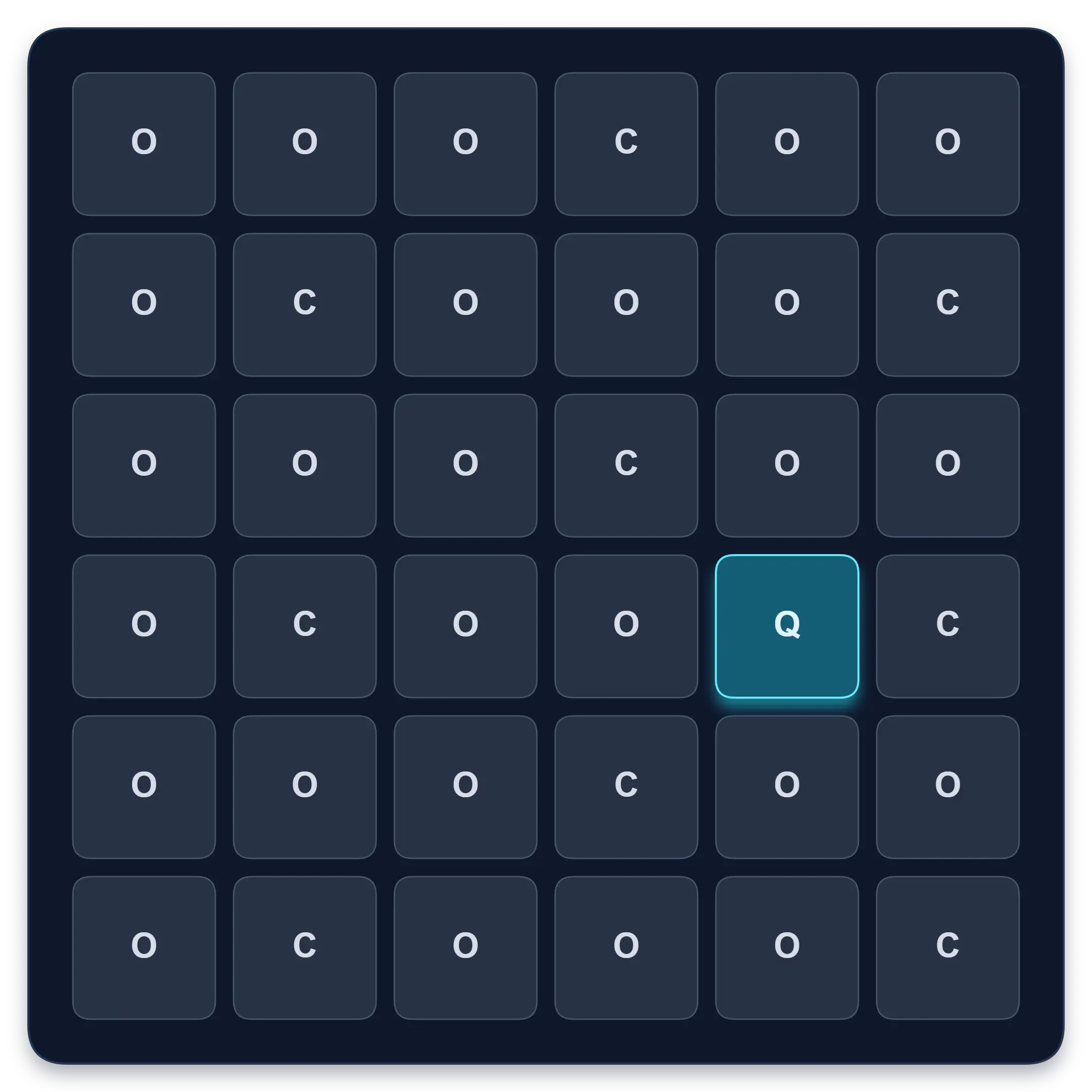
Visual search test grid with one highlighted Q target among O and C distractors.

Visual Search Test

Browser tool

Goal: Faster target spotting with better accuracy

Find one target among similar symbols, letters, or numbers. Complete ten short rounds and track median response time, accuracy, and clean results.

Start Visual Search Test

Visual Memory Test

Remember sequences or patterns

Memory • Focus • Levels

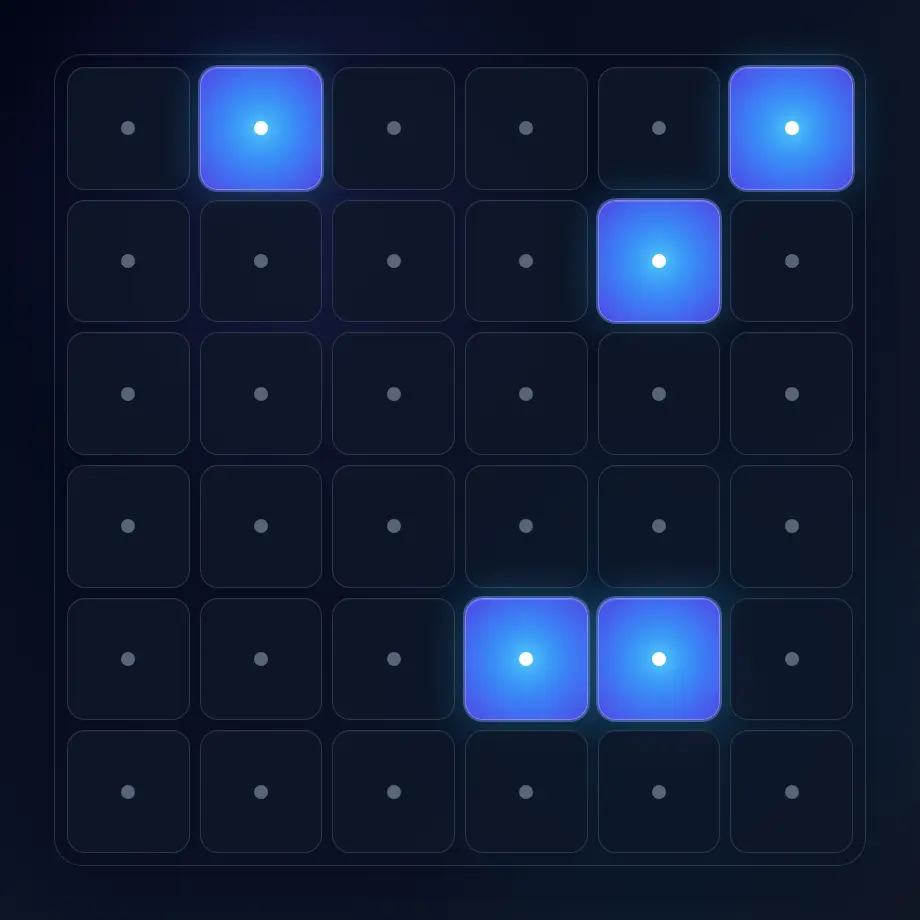
Visual memory test preview with a grid for remembering and replaying highlighted cells.

Visual Memory Test

Browser tool

Goal: Better visual sequence and pattern recall

Choose ordered sequence or 3-second pattern recall, progress through levels, choose difficulty, track your best level, and compare recent local sessions.

Start Memory Test

Peripheral Awareness Trainer

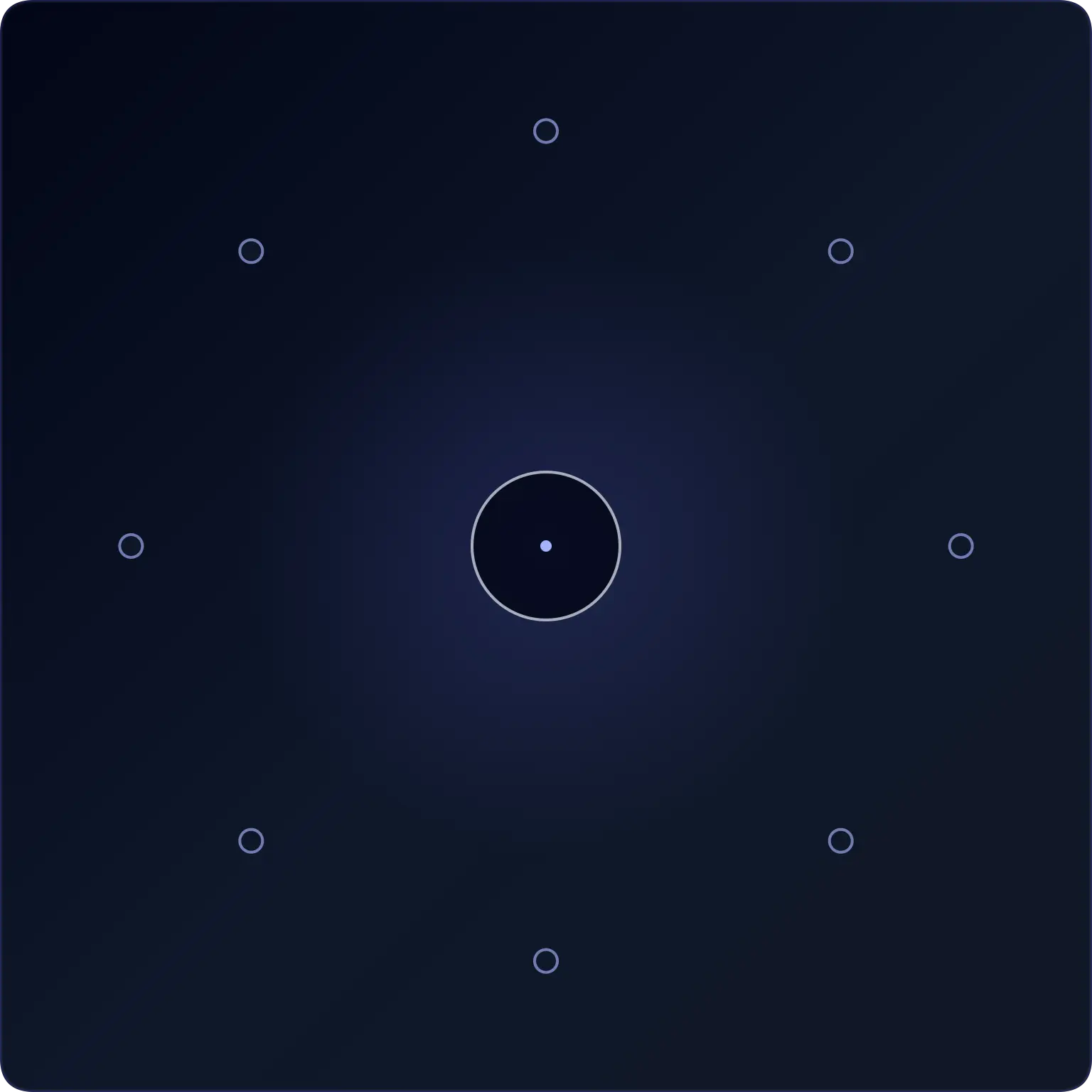
Notice brief off-centre targets

Awareness • Accuracy • Focus

Peripheral awareness exercise preview with a target among visual markers.

Peripheral Awareness Trainer

Browser tool

Goal: Off-center awareness while holding focus

Keep attention near the centre while noticing brief off-centre targets. Complete a dual task and review central, peripheral, and combined accuracy.

Start Awareness Exercise

Reaction Time Test

Respond to one visual signal

Median • Fastest • Spread

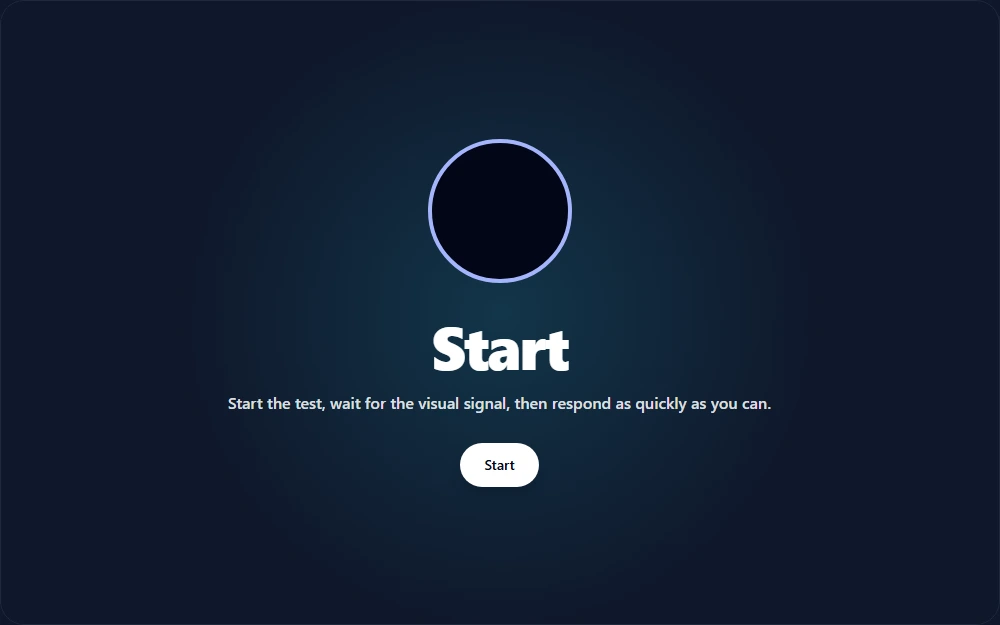
Reaction time test interface showing a visual signal and response-time results.

Reaction Time Test

Browser tool

Goal: Response-speed measurement for one visual signal

Wait for an unpredictable visual signal, then respond as quickly as you can. Choose 1 to 10 trials and review your median, average, fastest time, and false starts.

Test Reaction Time

App Legal and Support

Schulte Vision Trainer keeps app-specific privacy, terms, and account deletion details separate from the Quartenson website legal pages.

Available on Android

Download Schulte Vision Trainer

Schulte Vision Trainer is available on Google Play for Android. iPhone and iPad visitors can join the wishlist for future platform updates.

Use the app to:

  • ✓ Train Schulte tables on Android
  • ✓ Review session history and heatmaps
  • ✓ Track pace, mistakes, and weekly progress
  • ✓ Build a more consistent practice routine

Frequently Asked Questions

Straight answers about how the app works and what to expect.

What are Schulte tables?

Schulte tables are visual grids used to practice attention, scanning speed, and concentration by finding numbers or symbols in sequence.

How often should I train?

Short, regular sessions are usually more useful than occasional long sessions. The app is designed around repeatable daily practice and review.

How long does a session take?

A single session is typically short, which makes it easier to fit into study breaks, work routines, or daily focus practice.

Can beginners use the app?

Yes. The core interaction is simple to understand, while the deeper analytics become more useful as you build a training history.

Is the app free?

The Android app is available on Google Play. Pricing, subscriptions, and store availability are shown in Google Play and may change over time.

What makes this app different?

Most Schulte apps stop at a timer. Schulte Vision Trainer adds pace tracking, hesitation analysis, heatmaps, weekly reviews, goals, achievements, and progress insights.

What Are Schulte Tables?

A Simple Practice Loop for Focus Training

Schulte tables are visual grids used for focus training, attention training, and visual scanning practice. The classic exercise is simple: find numbers in order as quickly and accurately as possible. Even though the task looks small, it challenges concentration, helps train scanning patterns, and encourages more deliberate visual control.

Many people associate Schulte table exercises with speed reading because they can support broader visual perception and more efficient eye movement habits. They are also often used in peripheral vision practice, since the goal is not only to look at one square at a time, but to gradually improve how much of the grid you can process with stable attention.

In practice, Schulte table training is useful because it combines focus training with repeatable measurement. Over time, users can compare speed, consistency, hesitation, and visual scanning rhythm instead of relying only on subjective feeling. That makes the exercise more valuable for people who want structured concentration training rather than a simple timer.

Schulte Vision Trainer builds on that foundation by turning standard Schulte table sessions into a broader attention training experience. Instead of measuring only completion time, it helps users understand where performance changes, how pace behaves during a session, and whether focus training is improving over time. For users interested in peripheral vision, speed reading support, or better visual scanning habits, that deeper feedback creates a more practical way to train consistently.

Start Training Your Focus Today

Download the Android app, track your progress, discover patterns and build stronger attention habits.

Get it on Google Play