
Guest history: up to 30 sessions
Review recent combined accuracy, peripheral accuracy, clean measurements, and answer time for each difficulty and session length.
Free Browser Tool
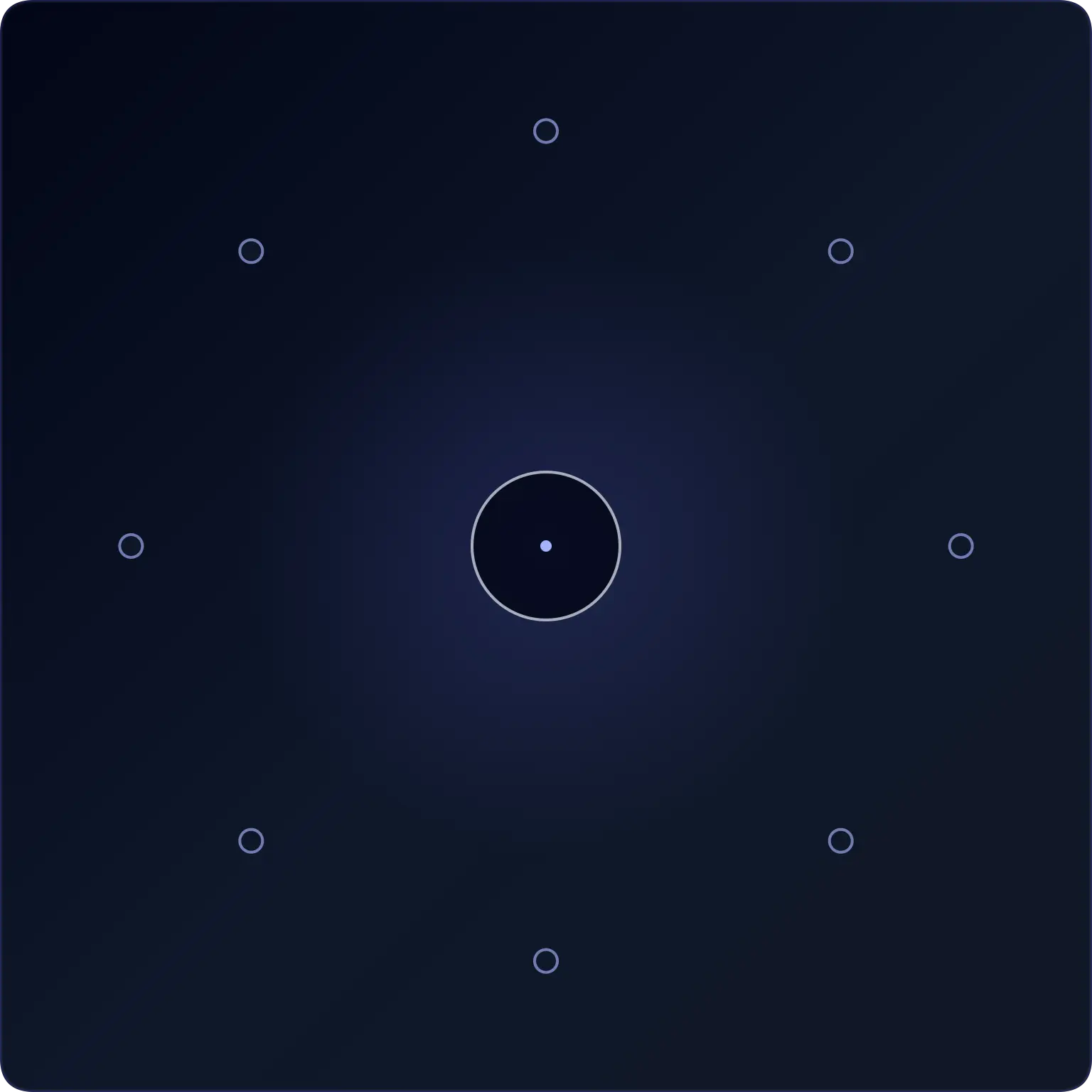
Each round asks you to remember a simple central symbol and report where a brief off-centre target appeared.
Choose how many measurements you want, complete the session, and review central accuracy, peripheral-location accuracy, clean measurements, and answer timing. This is a recreational awareness exercise, not a medical visual-field test.
Use this exercise in a comfortable position with the screen at a normal viewing distance.
Keep your gaze relaxed near the centre. Do not strain, force your eyes to stay perfectly still, or continue if the brief targets feel uncomfortable.
This tool is designed for short visual-awareness practice. It is not a medical visual-field test.
Repeated sessions are easier to interpret with the same setup. For guests, the History button keeps recent sessions and a best-consistency record in this browser. Signed-in users can review supported results in account history.
Review recent combined accuracy, peripheral accuracy, clean measurements, and answer time for each difficulty and session length.
The local record prioritizes combined accuracy first, then peripheral accuracy, clean measurements, and median answer time.
Guest history stays in this browser and is not sent to analytics. When signed in, supported result summaries are saved to your Quartenson account, not to analytics or Google.
For a meaningful trend, compare the same difficulty, measurement count, device, orientation, browser zoom, and viewing distance.
Use this tool when you want a short dual-task exercise that keeps attention near the centre while noticing brief off-centre targets.
Useful for people who want to keep attention near the centre while still noticing what appears away from it.
Good when you want feedback on both the central answer and the off-centre target location.
Best for users who can keep the same device, distance, difficulty, and measurement count between sessions.
Each browser tool includes a result benchmark below the trainer. After a completed session, guests can compare the current setup with anonymous community completions or sessions saved in this browser. Signed-in users can choose Your results to compare account history. Use benchmarks as practical context, not as a medical, safety, or diagnostic score.
Benchmarks are grouped by matching tool settings, such as grid size, mode, difficulty, trial count, device context, and input method.
Community charts use completion metrics only. They do not include account details, email, or your local progress history.
Guests use sessions stored in this browser. Signed-in users can choose Your results to compare account history.
Each round briefly shows two things at the same time: a vertical or horizontal line at the centre and one diamond at an off-centre location.
After they disappear, identify the centre line and the target location. The central task encourages attention near the middle while noticing information elsewhere on the screen.
| Metric | Meaning |
|---|---|
| Central accuracy | How often you identified the centre line correctly |
| Peripheral-location accuracy | How often you selected the correct target position |
| Combined accuracy | How often both answers were correct |
| Clean measurements | Measurements with both answers correct |
| Median answer time | The middle time taken to answer both questions |
Use combined accuracy as the clearest summary of the dual task, but review central and peripheral results separately to understand where errors occurred.
Compare sessions only when the difficulty, device, screen orientation, and browser zoom remain similar.
Compare results only when the difficulty, device, screen orientation, browser zoom, and viewing setup are similar.
A result from a large desktop monitor should not be compared directly with a result from a small phone screen. Screen size and distance change how far the targets appear from the centre.
This tool can show how accurately you answered a short browser task under the same settings.
It cannot tell you how wide your peripheral vision is, whether your visual field is normal, or whether you have an eye-health problem.
Medical visual-field testing requires controlled equipment, calibrated conditions, and professional interpretation.
| This tool can help you practise | It should not be used for |
|---|---|
| noticing brief off-centre targets | diagnosing vision loss |
| comparing your own sessions | measuring visual-field degrees |
| central + peripheral dual-task accuracy | driving-safety assessment |
| short visual-awareness routines | medical monitoring |
A browser exercise cannot determine the true boundaries of your peripheral visual field from screen position alone.
Medical visual-field measurement requires controlled presentation conditions and methods for monitoring or supporting fixation. This trainer does not know your viewing distance, physical screen size, eye position, or whether you moved your gaze toward the target.
Research into online peripheral testing uses dedicated calibration and fixation methods that are outside this simple exercise's scope.
If you notice sudden vision loss, blind areas, flashes, or other concerning visual symptoms, seek advice from a qualified eye-care professional rather than relying on this tool.
| Level | Positions | Presentation | Best for |
|---|---|---|---|
| Easy | 4 | 500 ms | Learning the task |
| Standard | 6 | 300 ms | Normal sessions |
| Hard | 8 | 180 ms | Shorter presentation challenge |
A shorter presentation or a smaller target makes the task harder, but it does not represent a better or worse medical result.
Compare progress only within the same difficulty.
Look near the centre without straining or attempting to freeze your eyes completely.
Make sure you can distinguish the vertical and horizontal centre lines before you start.
Choose the location you remember rather than tapping several directions.
Use a similar screen position and viewing distance when comparing sessions.
One or two sessions are enough for a short break.
Pause if the brief stimuli cause eye strain, discomfort, or frustration.
| Tool | Main task | Primary result |
|---|---|---|
| Peripheral Awareness Trainer | Identify a brief centre symbol and off-centre location | Dual-task accuracy |
| Visual Search Test | Find one persistent target among distractors | Search time and accuracy |
| Schulte Table Trainer | Find a complete number sequence in one grid | Completion time and mistakes |
These tools use related visual skills but are not interchangeable.
Peripheral awareness uses a brief dual task. Visual search uses a persistent target among distractors. Schulte tables require sequential scanning.
If you want a persistent target-finding task instead of a brief off-centre target, try the Visual Search Test.
If you want sequential number scanning, try the Schulte Table Trainer.
Compare this dual-task awareness exercise with adjacent visual search, scanning, and response tasks.
Visual Search Test
Find the target among distractors
Speed • Accuracy • Focus
Goal: Faster target spotting with better accuracy
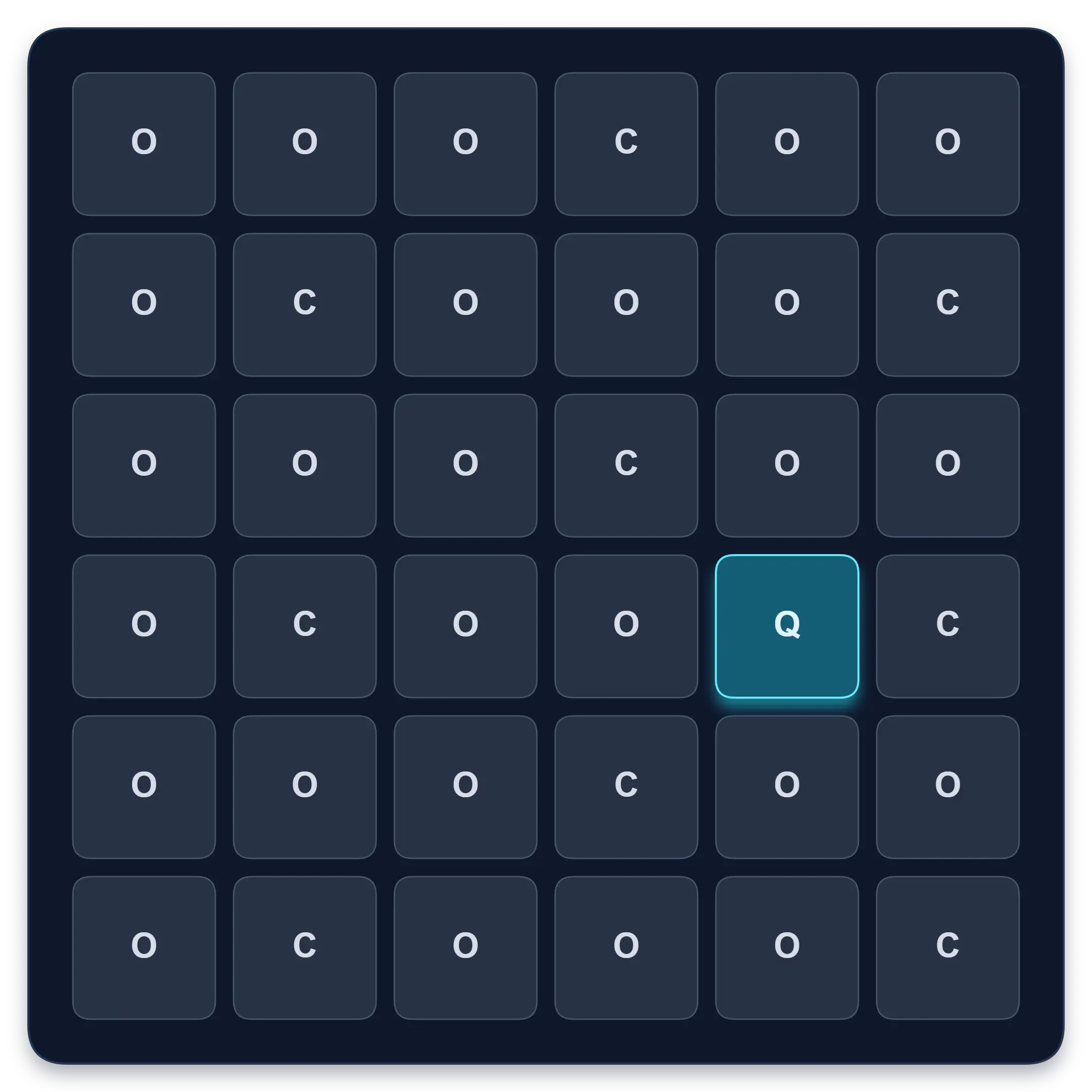
Find one target among similar symbols, letters, or numbers. Complete ten short rounds and track median response time, accuracy, and clean results.
Start Visual Search TestFree Schulte Table Trainer
Find the numbers in order
Focus • Scanning • Speed
Goal: Cleaner 5x5 rounds with fewer mistakes
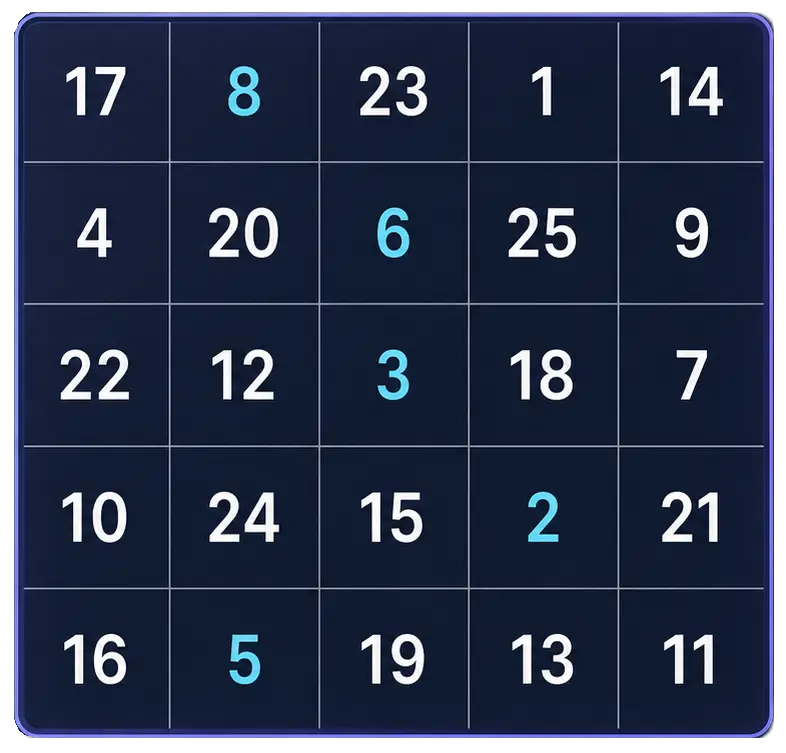
Practice Schulte tables online with a simple browser grid. Choose 3x3 through 7x7, track time and mistakes, and use pause, shuffle, and keyboard controls for quick focus sessions.
Start Free TrainerReaction Time Test
Respond to one visual signal
Median • Fastest • Spread
Goal: Response-speed measurement for one visual signal
Wait for an unpredictable visual signal, then respond as quickly as you can. Choose 1 to 10 trials and review your median, average, fastest time, and false starts.
Test Reaction TimeLearn what peripheral-awareness practice can and cannot do, along with other visual-scanning guides.
Try a peripheral-awareness exercise, compare central and side-target accuracy, and learn why browser practice is not a clinical visual field test.
Try two seated, paper-based peripheral-awareness activities with a partner, a printable practice sheet and clear checks. Practice, not a visual field test.
Compare peripheral awareness, visual search and sequential scanning through worked examples. Choose an exercise by its task, not just its score.
Practise peripheral awareness on a phone or desktop with a repeatable setup checklist. Understand screen size, viewing distance and when to separate results.
Use the app for structured Schulte practice and longer-term focus tracking.
Schulte table training with progress
History, heatmaps, pace, and weekly review
History • Heatmaps • Progress
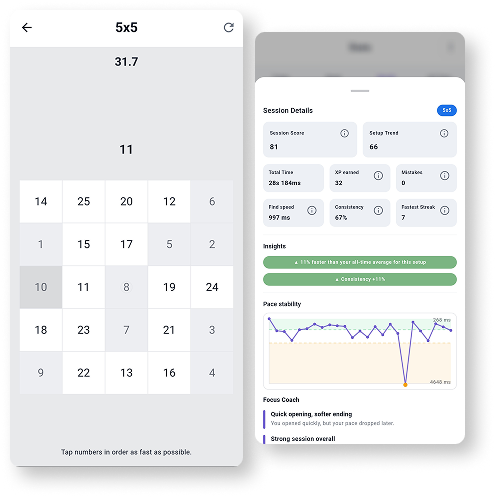
Train Schulte tables on Android with session history, pace patterns, heatmaps, achievements, and weekly progress review.
Explore Schulte TablesShort answers about what this awareness exercise can and cannot tell you.
It is a visual task where you keep attention near the centre while noticing information shown away from the middle of the screen. This tool combines a simple centre-identification task with off-centre target localization.
No. It is a recreational awareness exercise. It does not measure the medical visual field or diagnose peripheral-vision loss.
No. Screen coordinates cannot be converted reliably into a real visual-field measurement without knowing the physical screen size, viewing distance, calibration, and eye position.
Try to keep a relaxed gaze near the centre, but do not strain or force your eyes to remain rigidly fixed. The tool cannot verify where you are looking.
The centre question encourages you to maintain attention near the middle instead of ignoring the centre and looking directly toward the peripheral target.
There is no universal benchmark for this implementation. Compare repeated sessions using the same difficulty, device, orientation, and viewing setup.
Screen size, viewing distance, browser rendering, orientation, and target spacing can all change how the exercise feels. Compare sessions on the same setup.
The same target position can feel different on a phone, tablet, laptop, or monitor. The tool uses screen positions, not calibrated visual-field degrees, so compare results on the same setup.
The tool provides a short exercise for noticing brief off-centre targets while completing a central task. It does not guarantee changes in eyesight, visual-field width, reading speed, sports performance, or everyday safety.
No. Do not use it to diagnose or monitor an eye condition. Consult a qualified eye-care professional if you have concerns about your vision.
Yes. Without an account, if your browser allows local storage, the tool keeps up to 30 completed sessions per difficulty and measurement count, plus a best-consistency record, in this browser. When you are signed in, supported result summaries are saved to your Quartenson account and appear in account history. Clear local history removes guest records stored here.
After a completed session, the benchmark compares matching tool settings. The Community view uses anonymous aggregate results. Guests can use This device for sessions stored in this browser; signed-in users can choose Your results to load account history.
Quartenson uses only the result metrics needed for comparison, such as time, accuracy, mistakes, level, or clean trials. It does not use account details, email, or local history for the community chart.
A benchmark needs enough matching completions for the exact setup. If there is not enough data yet, the chart may be hidden until more matching results are available.