

Peripheral Vision Training: Exercises, Awareness & Limits
Last updated 6 minutes to read
Peripheral vision is side vision: what you can see away from the point you are looking at. Here, peripheral vision training means practising an on-screen attention task. A better game score is not evidence that your visual field has expanded or that your eyesight has improved.
Try a peripheral-awareness exercise
The Quartenson trainer combines two tasks: judge a line at the centre and remember where a brief off-centre target appeared. It gives you something specific to practise without requiring an account. Start with an easy setting and use the introduction to learn the controls.
- Sit comfortably with the whole board visible. Keep the same screen size and viewing distance for comparisons.
- Look at the centre marker. During the brief display, notice the central line and the target away from it.
- After the display, answer whether the line was horizontal or vertical, then select the target location.
- Finish the session and review central accuracy, peripheral accuracy, and combined accuracy together.
- If comfortable, repeat once with the same settings. Treat this as a short practice suggestion, not a validated training schedule.
Read both parts of the result
Central accuracy tells you how often you identified the line correctly. Peripheral accuracy describes your target-location answers. Combined accuracy counts trials where both answers were correct.
For example, 9 correct central answers and 7 correct location answers out of 10 do not necessarily mean 7 fully correct trials: the errors may occur on different trials. Use the combined result shown by the trainer.
If location accuracy rises while central accuracy falls, you may be shifting attention away from the centre rather than handling both tasks better. Slow down, use an easier setting, and check both measures again.
The browser does not track your eyes. A central answer is part of the exercise, not proof that you held your gaze still. There is no clinical pass score or universal good score for this tool.
Compare like with like
Keep difficulty, target layout, exposure settings, device, browser zoom, and viewing distance unchanged when comparing sessions. A phone and a large monitor do not present the same task geometry.
Use several completed sessions in local History instead of one best attempt. Change one setting at a time and begin a new comparison when you do. Better scores can reflect familiarity with the task; they do not establish better driving, sporting performance, reading, or general attention.
If you keep missing targets, first check that you understood the response order and can see the whole board comfortably. Avoid chasing the target with your eyes during the display. Pause if the exercise becomes uncomfortable or tiring.
Practice is not a peripheral vision test
An eye-care professional can examine your peripheral vision with a visual field test. The National Eye Institute describes this as checking how well you see objects to the sides without moving your eyes.
This browser exercise has not been validated as a visual field examination. Its results cannot identify blind spots, rule out eye disease, or determine whether you meet a driving standard. It is not treatment or a replacement for an eye examination.
When to seek help instead of practising
Do not use a game to investigate new vision problems. Seek immediate eye care or emergency care for a sudden shadow or curtain in your vision, flashes of light, or a sudden increase in floaters. For other changes or concerns, contact an eye-care professional rather than trying to train through them.
Choose the exercise that matches your task
Peripheral Awareness Trainer
Practise a central judgment alongside a brief off-centre location task. This is the most direct match for the exercise described here.
Visual Search Test
Find a target among distractors. Scanning the board is part of the task; it is different from keeping attention near a central marker.
Schulte Table Trainer
Find numbers in order and compare time with mistakes. Eye movements are part of normal visual search, not automatically a mistake. A Schulte result does not measure your peripheral visual field.
Frequently Asked Questions
Short answers that clarify the main value of this article.
Can you train peripheral vision?
You can practise tasks that use off-centre information. Improvement on this browser task alone does not show that your visual field expanded or your eyesight improved.
What is a simple peripheral-awareness exercise?
Look near a centre marker, judge a briefly shown line, then report where a target appeared away from the centre. Review both answers rather than target detection alone.
Should I keep my eyes completely still?
For this brief-display task, aim to look at the centre while the stimulus is visible. Do not strain or suppress blinking. The browser cannot verify your gaze.
How long should I practise?
Start with one short session. Repeat only if comfortable and interested. This is a practical starting suggestion, not an evidence-based dosage or a promise of improvement.
Can Schulte tables replace a peripheral vision test?
No. They are ordered-search exercises. A visual field examination is a different procedure performed by an eye-care professional.
Are results comparable across devices?
Not directly. Screen size, viewing distance, zoom, and settings change the task. Use the same setup for a useful personal comparison.
Continue learning
More Quartenson guides connected to this topic.
What Is a Schulte Table?
Learn how Schulte tables work, why the classic 5×5 grid is used, how beginners should practise, and try a free online trainer with timing and mistakes.
Peripheral Awareness vs Visual Scanning
Compare peripheral awareness, visual search and sequential scanning through worked examples. Choose an exercise by its task, not just its score.
Screen-Free Peripheral Awareness
Try two seated, paper-based peripheral-awareness activities with a partner, a printable practice sheet and clear checks. Practice, not a visual field test.
Peripheral Practice on Phone vs Desktop
Practise peripheral awareness on a phone or desktop with a repeatable setup checklist. Understand screen size, viewing distance and when to separate results.
Try a free tool
Practice the same ideas with a browser-based exercise.
Peripheral Awareness Trainer
Notice brief off-centre targets
Awareness • Accuracy • Focus

Peripheral Awareness Trainer
Browser toolGoal: Off-center awareness while holding focus
Keep attention near the centre while noticing brief off-centre targets. Complete a dual task and review central, peripheral, and combined accuracy.
Start Awareness ExerciseVisual Search Test
Find the target among distractors
Speed • Accuracy • Focus
Visual Search Test
Browser toolGoal: Faster target spotting with better accuracy
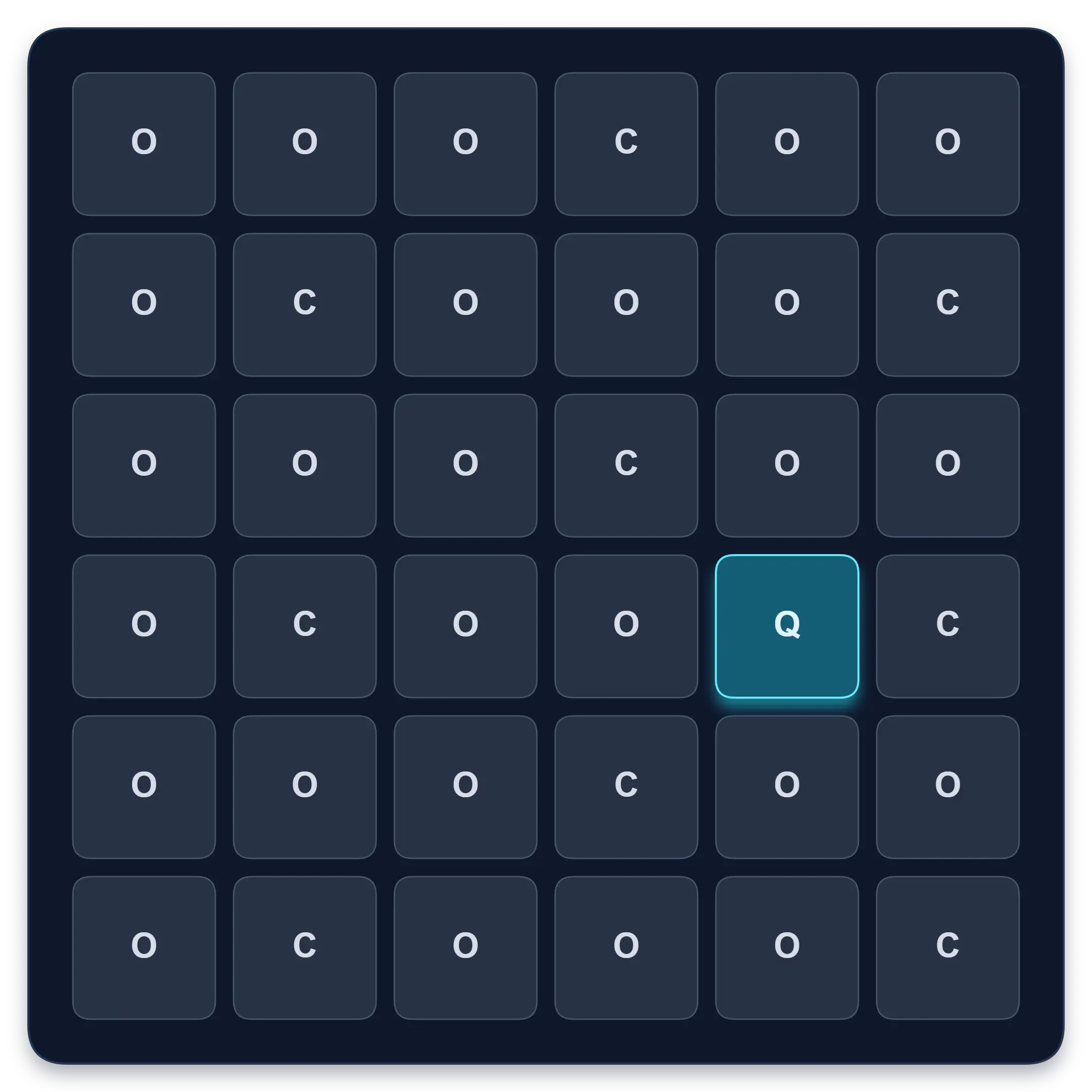
Find one target among similar symbols, letters, or numbers. Complete ten short rounds and track median response time, accuracy, and clean results.
Start Visual Search TestContinue in the app
Use the app when you want structured sessions and longer-term tracking.
Schulte table training with progress
History, heatmaps, pace, and weekly review
History • Heatmaps • Progress
Quartenson: Schulte Tables
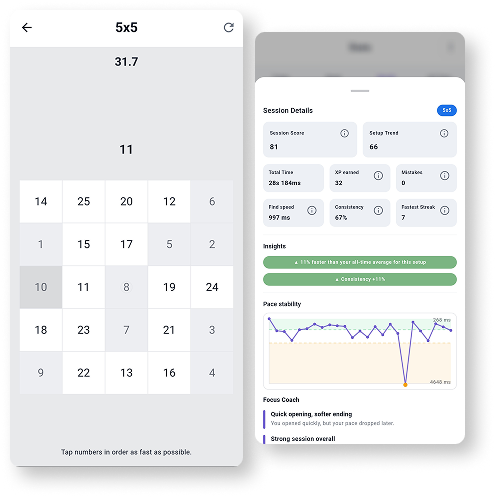
Available nowTrain Schulte tables on Android with session history, pace patterns, heatmaps, achievements, and weekly progress review.
Explore Schulte Tables