

How to Track Schulte Table Progress
Last updated 8 minutes to read
Your fastest Schulte table time can be motivating, but it does not tell the whole story. A single personal best may come from an easy layout, lucky guessing, or a rushed round with mistakes.
Real progress is easier to see when you track clean time, mistakes, consistency, and repeatable results under the same conditions.
Quick answer: what should you track?
To track Schulte table progress, do not rely only on your fastest result. Track several signals together: clean median time, mistakes, fastest clean round, consistency spread, clean completion rate, and recent history.
The best sign of improvement is not one lucky fast round. A stronger signal is when your normal clean result becomes faster, your mistakes stay low, and your results become more consistent over multiple sessions.
Best single metric
Median clean time
Best motivation metric
Fastest clean round
Best accuracy metric
Mistakes per round
Best stability metric
Consistency spread
Best habit metric
Clean completion rate
Best context
Same grid, mode, device, and input method
Use the right tracking level
Start with a clean browser round when you want a simple comparison. Use the app when you want deeper review across more sessions.
Schulte progress tracking options
Both paths can be useful: the browser trainer is lightweight and local, while the app is built for longer-term review.
Browser tool
Run 3×3 to 7×7 Schulte tables, keep recent sessions on this device, and compare local personal bests.
Start a Browser RoundMobile app
Use Quartenson: Schulte Tables for structured sessions, review screens, heatmaps, achievements, and longer-term progress patterns.
View the AppWhy your personal best is not enough
A personal best is useful, but it shows only what happened once. It does not show what you can repeat.
For example, if your best 5×5 result is 31 seconds but most clean rounds are around 48 seconds, your actual current level is probably closer to 48 seconds than 31. The best result may still be worth celebrating, but it should not be the only number you track.
Session A
- Best result: 34 seconds
- Mistakes: 5
- Most clean results: 48-52 seconds
Session B
- Best result: 39 seconds
- Mistakes: 0
- Most clean results: 40-44 seconds
Session B is probably stronger progress, even though the best time is slower. A personal best shows your peak. Your clean median shows what you can usually repeat.
The 6 Schulte table metrics worth tracking
You do not need dozens of numbers. A small set of practical metrics is enough to understand whether your training is becoming faster, cleaner, and more stable.
| Metric | What it means | Why it matters |
|---|---|---|
| Clean median time | The middle time from comparable clean rounds | Shows repeatable performance |
| Fastest clean round | Your best result without mistakes | Motivating, but still controlled |
| Mistakes per round | Average wrong taps or selections | Shows whether speed is hurting accuracy |
| Consistency spread | Slowest clean time minus fastest clean time | Shows how stable your results are |
| Clean completion rate | Clean rounds divided by total rounds | Shows how often you stay accurate |
| Recent history | Last several sessions or rounds | Shows trends instead of isolated results |
If you track only one number, track clean median time. If you track two, add mistakes. If you track three, add consistency spread.
Clean median time: the best progress metric
Clean median time is the middle time from your comparable clean rounds. It is useful because one unusually fast or slow round affects it less than a simple average.
Clean median time =
the middle result after comparable clean times are sorted from fastest to slowest. For an even number of clean rounds, use the average of the two middle results.
Clean 5×5 times: 42s, 45s, 46s, 51s, 58s. Median clean time: 46s.
If your personal best stays the same but your clean median improves, you are still making progress. Your normal controlled result is getting better.
Fastest clean round: useful, but not the whole story
Your fastest clean round is your quickest result without mistakes. This is a better personal-best metric than fastest time overall because it keeps accuracy in the comparison.
Track a specific result such as fastest clean 5×5 Classic result. Do not mix fastest Classic result, fastest Dynamic result, and fastest result with many mistakes.
Mistakes per round: the accuracy signal
Mistakes show whether speed is controlled. If your time improves but mistakes rise, the result may not represent better Schulte table performance.
| Mistake trend | What it may mean |
|---|---|
| Time improves, mistakes stay low | Strong progress |
| Time improves, mistakes rise | Possible rushing |
| Time stays similar, mistakes fall | Accuracy improved |
| Time worsens, mistakes rise | Fatigue or poor session quality |
| Mistakes vary heavily | Results may be noisy |
Compare zero-mistake rounds when possible. If you are still learning, use a consistent low-error threshold, such as zero or one mistake.
Consistency spread: how stable are your results?
Consistency spread shows how far apart your clean results are. A smaller spread means your results are becoming more repeatable.
The formula is simple: slowest clean time minus fastest clean time. If Session 1 has clean times of 35s, 48s, and 62s, the spread is 27s. If Session 2 has 40s, 43s, and 45s, the spread is 5s. Session 2 is more stable, even though Session 1 has the faster single best result.
Clean completion rate: how often do you stay controlled?
Clean completion rate tells you how often you finish rounds within your accuracy threshold. It is useful when you are trying to reduce rushing.
Clean completion rate = clean rounds ÷ total rounds × 100. If you complete 10 rounds and 7 are clean, your clean completion rate is 70%. A rising clean completion rate can be progress even if your fastest time has not changed yet.
What counts as a clean Schulte table round?
For strict comparison, a clean round means zero mistakes. That is the clearest way to compare results.
If you are still learning and do not have enough zero-mistake rounds, you can use a consistent low-error threshold such as zero or one mistake. The important part is to apply the same rule every time.
| Do | Do not |
|---|---|
| Define clean before comparing | Change the rule after seeing the result |
| Use zero mistakes for strict tracking | Mix clean and error-heavy rounds |
| Keep one low-error threshold if needed | Compare 0 mistakes with 5 mistakes |
| Track mistakes separately | Ignore accuracy because time improved |
How to compare Schulte table results fairly
Progress tracking works only when the conditions are similar. If you change too many things at once, your results become harder to interpret.
Compare results only when these match:
- grid size
- mode
- device
- input method
- display settings
- mistake threshold
- session length
A 5×5 Classic round on a laptop should not be treated as identical to a 5×5 Dynamic round on a phone. They may both be useful, but they are not the same comparison. Not sure about modes? Read Classic vs Dynamic Schulte Tables.
Example: weak progress vs real progress
The difference between weak progress and real progress becomes clearer when you look at several metrics together.
| Metric | Week 1 | Week 2 | Interpretation |
|---|---|---|---|
| Fastest clean 5×5 | 38s | 37s | Slightly better |
| Median clean time | 49s | 43s | Strong improvement |
| Mistakes per round | 1.6 | 0.8 | Accuracy improved |
| Consistency spread | 22s | 9s | Results became more stable |
| Clean completion rate | 50% | 75% | More rounds stayed controlled |
This is a strong progress pattern because the best result improved slightly, the normal clean result improved clearly, mistakes dropped, and results became more consistent.
A weaker pattern is when your fastest time drops from 40s to 32s, but mistakes rise from 1 to 6 and your clean median does not improve. That may be rushing, not reliable progress.
Using local history in the free Schulte trainer
The free Quartenson Schulte Table Trainer can help you compare recent browser results without creating an account. Use it for quick practice, personal bests, and simple recent-history checks.
Use local history to check:
- your best clean result
- your recent 5×5 results
- whether mistakes are rising
- whether your normal result is becoming more stable
- whether you are improving in Classic mode or only in another mode
Browser history is local. It may not follow you across devices or browsers, and it can disappear if you clear site data or use private browsing.
Choose browser history or deeper app tracking
Local browser history is useful for quick checks. The app path makes more sense when you want a longer training record.
Schulte progress tracking options
Use the browser tool for quick local practice, or continue in the app when you want broader progress review.
Browser tool
Best for a quick comparable round, local recent history, and simple personal-best checks.
Open the Browser TrainerMobile app
Best for reviewing many sessions, pace patterns, mistakes, heatmaps, achievements, and weekly or monthly trends.
Explore the AppA simple weekly Schulte progress review
You do not need a complicated spreadsheet. Once per week, review a small set of comparable results.
Template
- Week:
- Grid size:
- Mode:
- Device:
- Fastest clean result:
- Median clean time:
- Mistakes per round:
- Clean completion rate:
- Consistency spread:
- What should I focus on next week?
Example
- Week: June 17-23
- Grid: 5×5 Classic
- Fastest clean result: 39s
- Median clean time: 44s
- Mistakes per round: 0.7
- Clean completion rate: 80%
- Consistency spread: 8s
- Focus next week: keep sessions short and reduce hesitation near the final numbers.
Common Schulte progress tracking mistakes
Tracking only your fastest result
Your best result is motivating, but it does not show whether your normal clean performance is improving.
Mixing grid sizes
A 4×4 result and a 5×5 result are not directly comparable because they contain different numbers of targets.
Mixing Classic and Dynamic mode
Classic and Dynamic modes use different rules. Track them separately.
Ignoring mistakes
A faster time with more mistakes may show rushing rather than progress.
Changing devices
Phone, tablet, desktop, and input method can all change results.
Judging progress from one session
One good or bad session is not enough. Compare patterns across several sessions.
Track your next Schulte table result
Pick one clean next step: run a comparable browser round now, or use the app if you want deeper progress tracking.
Free Online Schulte Table Trainer
Keep the same grid size, mode, device, and mistake threshold so the next result is easier to compare.
Browser tool
Practise Schulte tables, track time and mistakes, and review recent results in your browser.
Start Tracking a RoundMobile app
Use the app when you want structured sessions and a longer view of your Schulte progress.
Explore Schulte TablesFrequently Asked Questions
Short answers that clarify the main value of this article.
What is the best way to track Schulte table progress?
Track clean median time, mistakes, fastest clean round, consistency spread, and clean completion rate. Do not rely only on your personal best.
Is personal best a good progress metric?
It is useful for motivation, but weak as the only progress metric. A personal best shows what happened once; clean median time shows what you can usually repeat.
What is clean median time?
Clean median time is the middle time from comparable clean rounds, usually rounds with zero mistakes. It helps reduce the effect of one unusually fast or slow result.
Should mistakes count when tracking progress?
Yes. If your time improves but mistakes increase, the result may show rushing rather than reliable progress.
Can I compare 4×4 and 5×5 Schulte table times?
Not directly. A 4×4 table has 16 numbers while a 5×5 table has 25. Compare the same grid size when tracking progress.
Should I track Classic and Dynamic mode together?
No. Classic and Dynamic modes use different rules. Track them separately so your progress data stays meaningful.
How often should I review progress?
A simple weekly review is enough for most users. Compare several clean rounds instead of judging every single attempt.
Why did my best time improve but my average get worse?
That can happen when you get one lucky fast round but your normal rounds become less stable or more error-prone. Review clean median time and mistakes.
Does the web trainer save my progress forever?
The web trainer can use local browser history for quick progress checks, but local data may not follow you across devices or remain after clearing site data. Use the app if you need deeper long-term review.
Continue learning
More Schulte table guides connected to progress tracking.
Schulte Table Average Time
Compare 1,000+ Quartenson 5×5 results by Classic and Dynamic mode. See median, 25th and 75th percentiles, and compare your own time fairly.
How to Improve Schulte Table Time
Use practical drills to reduce pauses, avoid rushing, compare clean 5×5 results, and improve your Schulte table time with a structured 14-day plan.
Schulte Table Time Not Improving
Stuck with the same Schulte table time? Learn common reasons your 5×5 result is not improving, including rushing, mistakes, inconsistent settings, and weak visual scanning habits.
Classic vs Dynamic Schulte Tables
Classic and Dynamic Schulte tables are different exercises. Learn how shuffle mode changes the task, when to use each mode, and why results should not be compared directly.
Try a free tool
Practice and compare recent results in a browser exercise.
Free Schulte Table Trainer
Find the numbers in order
Focus • Scanning • Speed
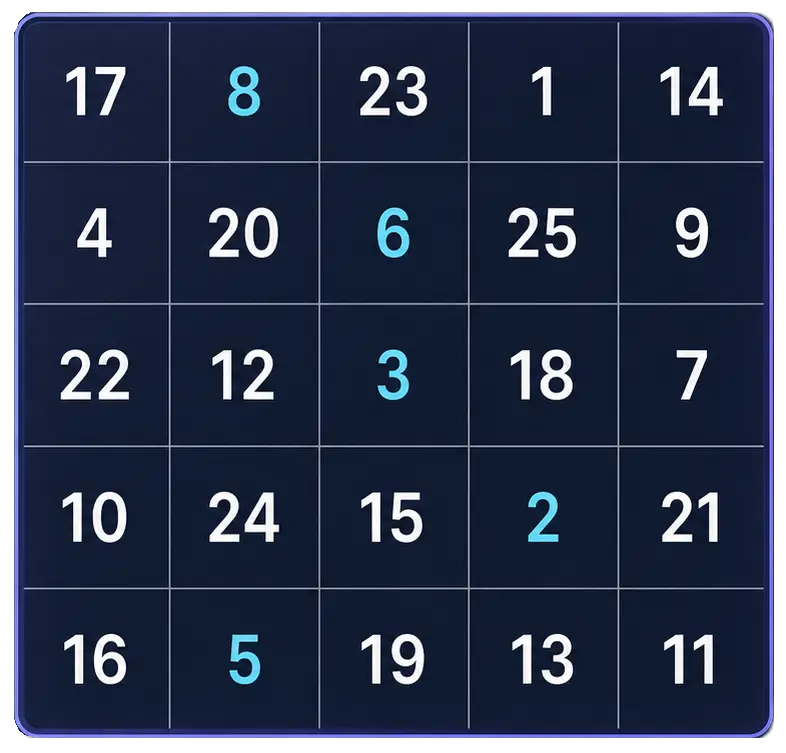
Free Schulte Table Trainer
Browser toolGoal: Cleaner 5x5 rounds with fewer mistakes
Practice Schulte tables online with a simple browser grid. Choose 3x3 through 7x7, track time and mistakes, and use pause, shuffle, and keyboard controls for quick focus sessions.
Start Free TrainerVisual Search Test
Find the target among distractors
Speed • Accuracy • Focus
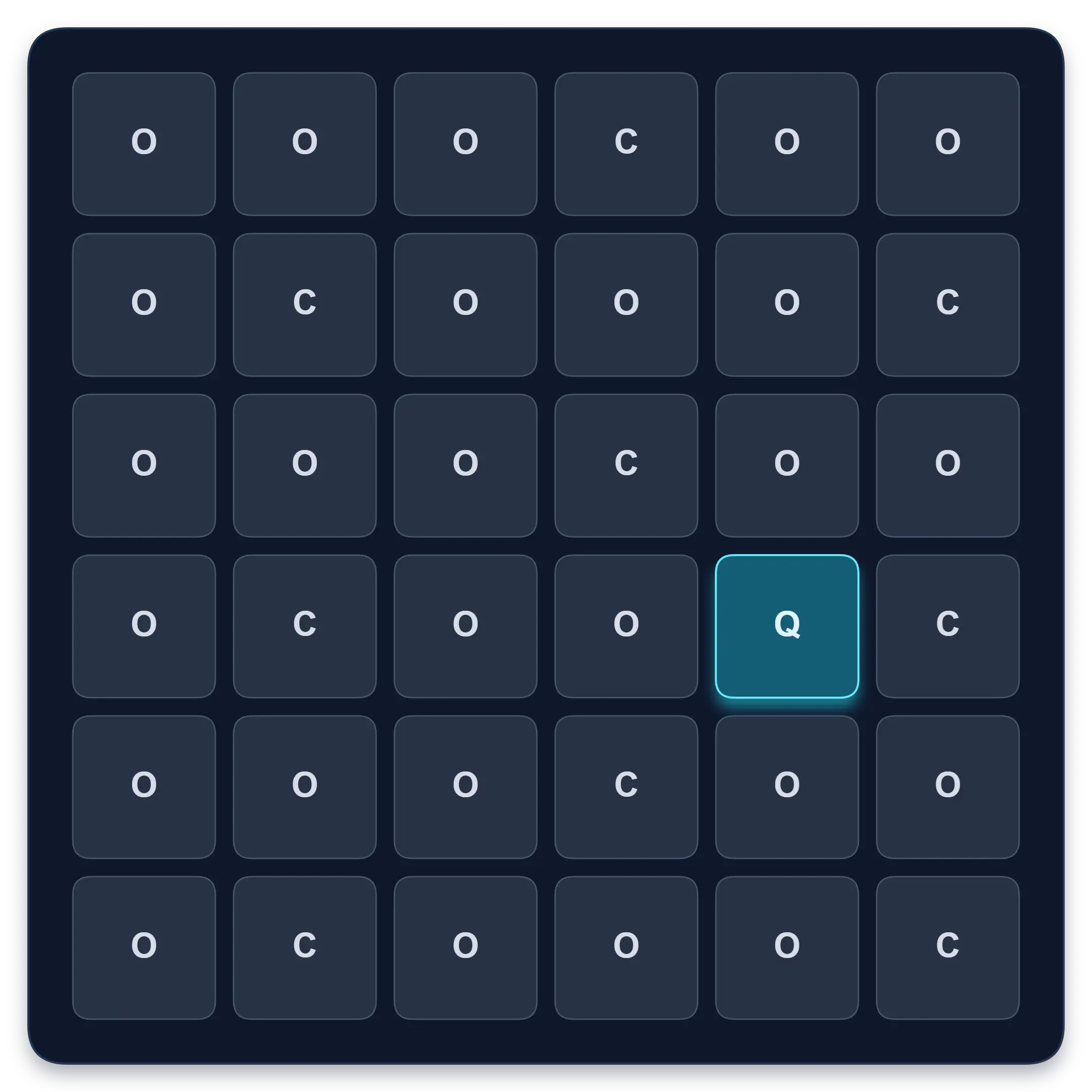
Visual Search Test
Browser toolGoal: Faster target spotting with better accuracy
Find one target among similar symbols, letters, or numbers. Complete ten short rounds and track median response time, accuracy, and clean results.
Start Visual Search TestContinue in the app
Use the app when you want structured sessions and deeper tracking.
Schulte table training with progress
History, heatmaps, pace, and weekly review
History • Heatmaps • Progress
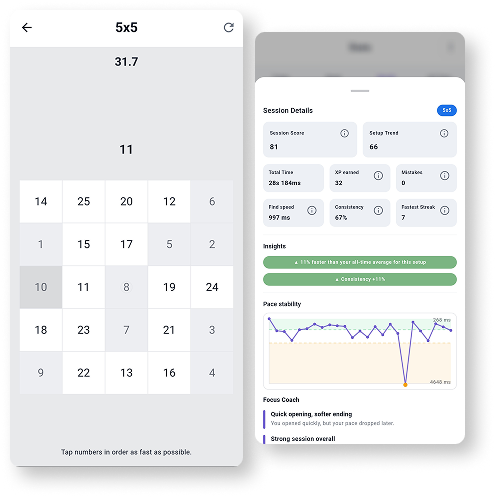
Quartenson: Schulte Tables
Available nowTrain Schulte tables on Android with session history, pace patterns, heatmaps, achievements, and weekly progress review.
Explore Schulte Tables