

Why Your Schulte Table Time Is Not Improving
Last updated 9 minutes to read
This guide helps you diagnose the most common reasons your 5×5 Schulte result is not improving and shows what to change next. The goal is not more speed at any cost. The goal is cleaner, calmer practice that is easier to compare.
Quick answer: why is your Schulte table time stuck?
Your Schulte table time may stop improving because you are comparing noisy results instead of clean rounds. Common causes include rushing for personal bests, making more mistakes, changing grid size or mode, practising too long, and using a tense search strategy.
A better approach is to slow down, complete several clean rounds under the same settings, compare your recent median, and practise the specific bottleneck: accuracy, hesitation, consistency, or fatigue.
If mistakes are rising
Slow down and rebuild clean rounds.
If times vary widely
Compare medians, not personal bests.
If 5×5 feels chaotic
Practise 5×5 directly, not only smaller grids.
If you feel tense
Use relaxed central awareness and reduce frantic searching.
Find the reason your Schulte table time is not improving
Start with what you notice during practice. Different symptoms need different fixes.
| What you notice | Likely cause | What to try |
|---|---|---|
| Your best time improves, but mistakes increase | You are rushing | Accuracy-reset rounds |
| Your time jumps wildly between rounds | Results are noisy | Compare recent clean median |
| You start fast but finish slowly | Fatigue or unstable pacing | Shorter sessions and finish-strong rounds |
| You are fast on 3×3 or 4×4 but stuck on 5×5 | Larger grid creates more search hesitation | Practise 5×5 directly |
| You keep changing settings | Results are not comparable | Fix grid, mode, device, and display settings |
| You freeze or stare too hard at the grid | Gaze strategy is too tense | Use relaxed central awareness |
| You chase every number with sharp eye movements | Search pattern is frantic | Slow down and scan more calmly |
| You practise many rounds but get worse | Fatigue is accumulating | Stop earlier and use shorter sessions |
| You only remember your personal best | Measurement is biased | Track median clean time and mistakes |
Do not fix every problem by adding more rounds. First identify the main bottleneck.
1. You are chasing a personal best every round
Trying to break your record on every attempt makes results noisy. Some rounds may become faster, but they are often less controlled. You may also start guessing, tense your hand, or ignore accuracy.
Personal bests are motivating, but they are not the best measure of training progress. Use most rounds for controlled practice. Save maximum-speed attempts for occasional benchmark sessions.
Practical action
Complete three 5×5 rounds at a pace that keeps mistakes low. Do not try to beat your best time. Compare the clean median instead.
Learn how to measure this in the Schulte table improvement plan.
Progress is easier to diagnose when you track more than your personal best. Read the Schulte progress-tracking guide.
2. You are comparing fast but error-heavy rounds
A faster result is not automatically better. If your time improves but mistakes increase, the round may show rushing rather than real improvement.
A 35-second round with five mistakes is usually less useful than a 45-second clean round.
Example
Round A: 44 seconds, 0 mistakes
Round B: 34 seconds, 5 mistakes
Round B is faster, but Round A is easier to trust as a training result.
Compare zero-mistake rounds when possible. If you are still a beginner, use a consistent low-error threshold, such as zero or one mistake, and do not mix it with error-heavy rounds. If you want practical time ranges, read the Schulte table average-time guide.
3. You are searching with tense, frantic eye movements
Many beginners try to chase every number with sharp eye movements. That can work for a few targets, but it often becomes tiring and unstable across the full grid.
The goal is not to freeze your eyes. The goal is to avoid panic searching.
A useful habit is to begin with a relaxed gaze near the centre of the table and keep awareness of the wider grid. Let your eyes move naturally when needed, but avoid jumping aggressively to every cell. Try to notice nearby numbers without turning the round into frantic searching.
4. You are forcing peripheral vision instead of using relaxed awareness
Some Schulte advice says to stare at the centre and find every number with peripheral vision. That can be misleading.
A browser Schulte table is not a medical vision exercise, and you do not need to lock your eyes in place. For most users, a better cue is relaxed central awareness: start near the centre, stay calm, and avoid unnecessary eye chasing.
Do
- Start with a relaxed gaze near the centre.
- Notice the wider grid calmly.
- Move naturally when needed.
- Prioritize clean rounds.
Don’t
- Force your eyes to stay perfectly still.
- Panic-search every number.
- Treat eye movement as failure.
- Sacrifice accuracy to look faster.
For related visual-awareness practice, try the Peripheral Awareness Trainer.
5. You change settings before you have a stable baseline
If you change grid size, mode, number size, device, or display settings every session, your results become harder to compare.
A 5×5 Classic result on a desktop screen is not the same condition as a 5×5 Dynamic result on a phone. Choose one comparison setup for benchmark sessions: 5×5, Classic mode, the same device, the same input method, and the same mistake threshold.
Use the free Schulte table trainer and keep the same setup when comparing results.
6. You compare different grid sizes or modes as if they are the same
A 3×3 table has 9 numbers. A 5×5 table has 25. A 7×7 table has 49. Larger grids naturally take longer and usually require more scanning.
Classic and Dynamic modes are also different tasks. In Classic mode, one grid stays in place. In Dynamic mode, the grid changes after correct selections.
| Comparison | Problem |
|---|---|
| 3×3 time vs 5×5 time | Different number of targets |
| 4×4 time vs 5×5 time | Larger grid changes search difficulty |
| Classic vs Dynamic | Different task rules |
| Phone vs desktop | Different screen and input conditions |
| Clean round vs mistake-heavy round | Different accuracy quality |
Compare only results from the same grid size, mode, device, and mistake threshold. For the broader practice basics, read how to use Schulte tables correctly.
For more detail on mode comparison, read Classic vs Dynamic Schulte Tables.
7. You practise after your attention has already dropped
Schulte tables work best as short, focused practice. When you keep playing after your accuracy drops, you may only be rehearsing tired clicking. More rounds are not always better.
Stop the session when:
- mistakes rise repeatedly
- your time becomes much slower
- you feel tense or frustrated
- you start guessing
- you no longer remember what you are trying to improve
Use one to three focused rounds for normal practice. Save longer sessions for rare benchmark days.
8. You only track your fastest result
Your fastest result shows what happened once. It does not show what you can usually repeat.
If your best time is 32 seconds but most clean rounds are around 50 seconds, your current training level is closer to 50 seconds than 32.
Track instead:
- median clean time
- mistakes per round
- fastest clean result
- consistency spread
- clean completion rate
Example
Week 1: best clean time 42 seconds, median clean time 51 seconds.
Week 2: best clean time 41 seconds, median clean time 46 seconds.
Even though the personal best barely changed, Week 2 is better because the normal clean result improved.
9. You use the same practice for every problem
If your main problem is mistakes, you need accuracy work. If your main problem is hesitation, you need controlled search practice. If your main problem is inconsistency, you need repeated clean rounds under the same conditions.
Doing more random rounds may not target the actual bottleneck.
| Problem | Best next drill |
|---|---|
| Many mistakes | Accuracy reset |
| Long pauses | Controlled-speed round |
| Wide variation | Three-round consistency set |
| Slow finish | Finish-strong round |
| Tension or frantic search | Relaxed central-awareness round |
| Settings confusion | Baseline reset |
For a full sequence, follow the 14-day Schulte table practice plan.
A 7-day reset when your Schulte time is stuck
Use this short reset if your results feel noisy or frustrating. The goal is not to break your record immediately. The goal is to rebuild a clean, comparable baseline.
| Day | Practice |
|---|---|
| 1 | Complete three 5×5 Classic rounds. Record clean times and mistakes. |
| 2 | One slow accuracy-reset round. Stop after one clean result. |
| 3 | Two controlled 5×5 rounds. Do not chase a personal best. |
| 4 | Rest or one relaxed 4×4 warm-up only. |
| 5 | Three-round consistency set. Compare clean results. |
| 6 | One relaxed central-awareness round, then one normal 5×5 round. |
| 7 | Repeat three 5×5 Classic rounds and compare median clean time. |
If mistakes rise sharply, reduce the number of rounds. A short clean session is more useful than a long frustrated one.
Ready to test the reset? Start one clean Schulte table round.
Try a cleaner Schulte table round
Use the free Schulte table trainer to test one clean 5×5 Classic round. Keep the same grid size, mode, and device if you want to compare results later.
Free Online Schulte Table Trainer
Practise 3×3 to 7×7 grids, track time and mistakes, and compare your recent results.
Start a Clean RoundWhen deeper tracking helps
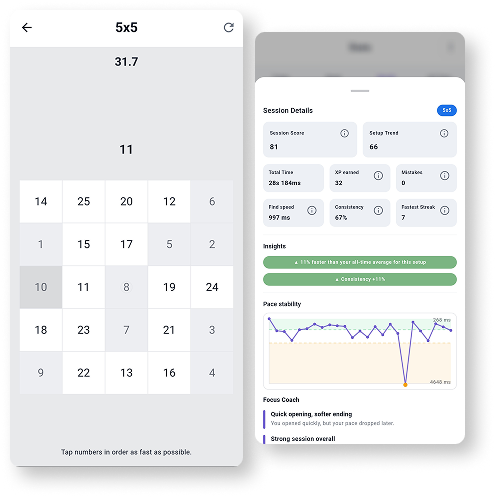
If you are serious about improving, one result is not enough. Quartenson: Schulte Tables helps you review session history, mistakes, pace patterns, heatmaps, and progress over time.
Explore Schulte TablesFrequently Asked Questions
Short answers that clarify the main value of this article.
Why is my Schulte table time not improving?
Common reasons include rushing, making more mistakes, changing settings, practising too long, comparing different grid sizes, or judging progress only by one personal best.
Should I look at the centre of the Schulte table?
Start with a relaxed gaze near the centre, but do not force your eyes to stay perfectly still. Let your eyes move naturally while keeping the search calm and avoiding frantic cell-to-cell chasing.
Can peripheral vision help with Schulte tables?
A broader awareness of the grid can help you search more calmly, but Schulte tables should not be treated as a medical peripheral-vision test. Think of it as relaxed visual awareness, not forced peripheral vision.
Why do I get faster but make more mistakes?
That usually means speed is coming from rushing. Slow down, rebuild clean rounds, and compare zero-mistake or low-error results.
How many Schulte rounds should I practise?
One to three focused rounds are enough for normal practice. Stop when mistakes, tension, or frustration increase.
Should I use 5×5 or smaller grids?
Use 3×3 or 4×4 to learn the exercise, but practise 5×5 directly if your goal is to improve classic 5×5 performance.
Is a personal best enough to show improvement?
No. A personal best can be useful, but median clean time, mistakes, and consistency are better signs of repeatable progress.
What should I do when I reach a plateau?
Reset your baseline, reduce mistakes, practise shorter sessions, keep settings consistent, and use drills that match your actual bottleneck.
Continue learning
More Schulte table guides connected to this problem.
Classic vs Dynamic Schulte Tables
Classic and Dynamic Schulte tables are different exercises. Learn how shuffle mode changes the task, when to use each mode, and why results should not be compared directly.
How to Improve Schulte Table Time
Use practical drills to reduce pauses, avoid rushing, compare clean 5×5 results, and improve your Schulte table time with a structured 14-day plan.
Schulte Table Average Time
Compare 1,000+ Quartenson 5×5 results by Classic and Dynamic mode. See median, 25th and 75th percentiles, and compare your own time fairly.
How to Use Schulte Tables Correctly
Learn the correct Schulte table routine for beginners: choose a grid size, practise clean 5×5 rounds, avoid rushing, and track time with accuracy.
Try a free tool
Practise the same troubleshooting ideas in the browser.
Free Schulte Table Trainer
Find the numbers in order
Focus • Scanning • Speed
Free Schulte Table Trainer
Browser toolGoal: Cleaner 5x5 rounds with fewer mistakes
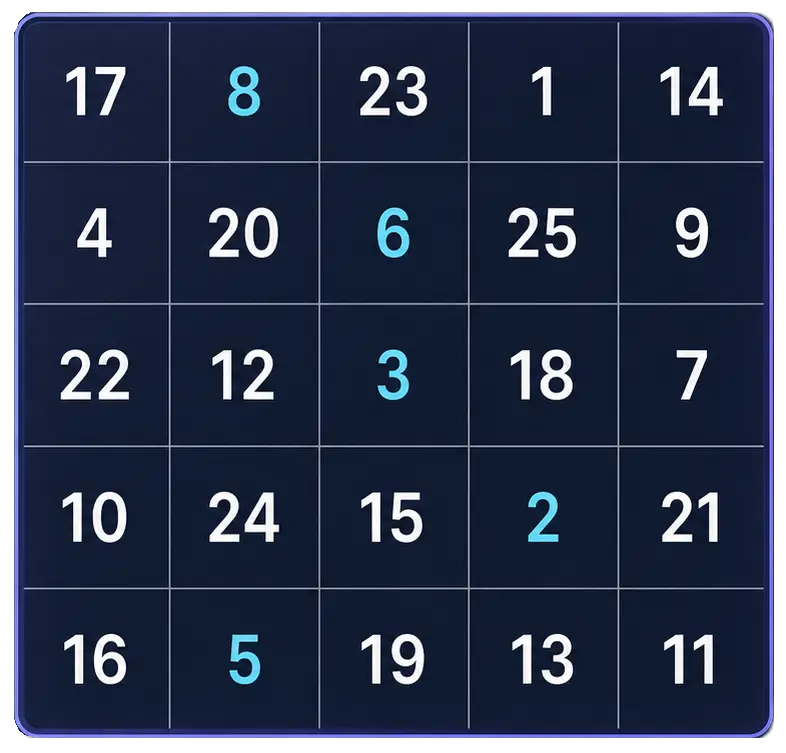
Practice Schulte tables online with a simple browser grid. Choose 3x3 through 7x7, track time and mistakes, and use pause, shuffle, and keyboard controls for quick focus sessions.
Start Free TrainerPeripheral Awareness Trainer
Notice brief off-centre targets
Awareness • Accuracy • Focus

Peripheral Awareness Trainer
Browser toolGoal: Off-center awareness while holding focus
Keep attention near the centre while noticing brief off-centre targets. Complete a dual task and review central, peripheral, and combined accuracy.
Start Awareness ExerciseVisual Search Test
Find the target among distractors
Speed • Accuracy • Focus
Visual Search Test
Browser toolGoal: Faster target spotting with better accuracy
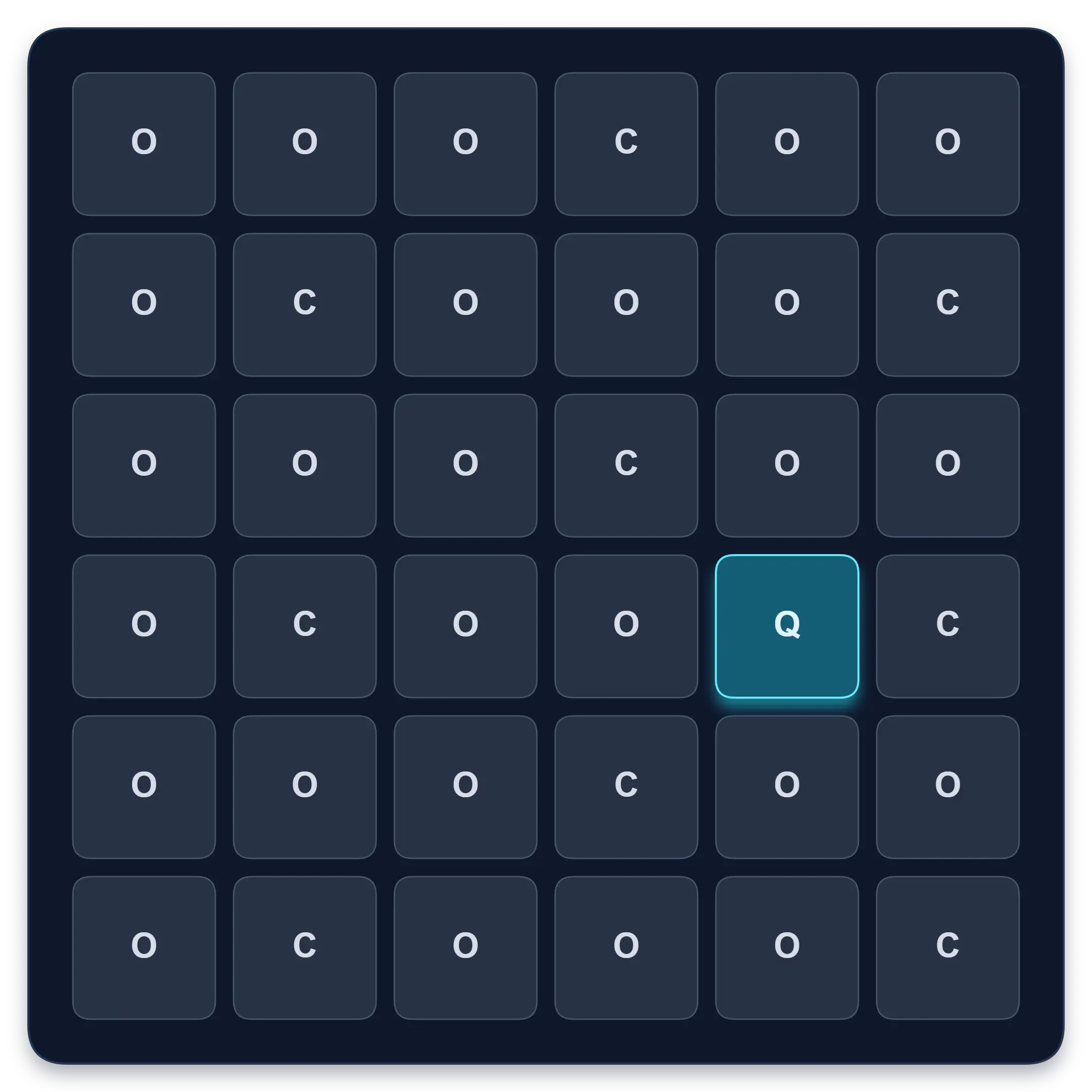
Find one target among similar symbols, letters, or numbers. Complete ten short rounds and track median response time, accuracy, and clean results.
Start Visual Search TestContinue in the app
Use the app when you want structured sessions and longer-term tracking.
Schulte table training with progress
History, heatmaps, pace, and weekly review
History • Heatmaps • Progress
Quartenson: Schulte Tables
Available nowTrain Schulte tables on Android with session history, pace patterns, heatmaps, achievements, and weekly progress review.
Explore Schulte Tables