
Guest history: up to 30 sessions
Review recent completion times and mistakes separately for each grid size and Classic or Dynamic mode.
Schulte Table Online
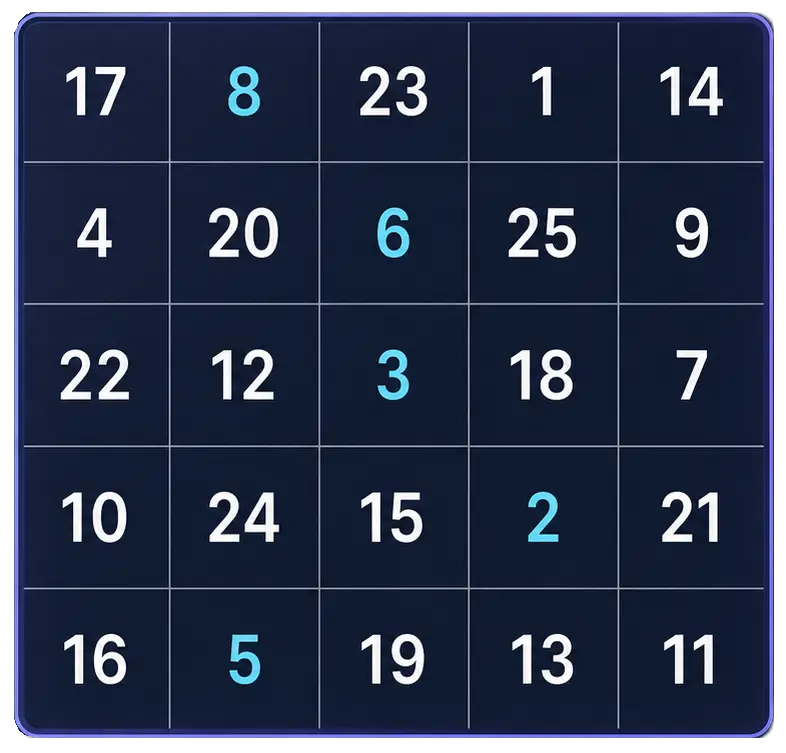
Practice Schulte tables online with a simple number grid trainer. Choose 3x3, 4x4, 5x5, 6x6, or 7x7, find the numbers in order, and check your completion time and mistakes after each round.
For guests, the History button keeps recent completed sessions and personal bests in this browser. When signed in, supported summaries are saved to your Quartenson account and shown in account history, so you can compare clean rounds over time.
Review recent completion times and mistakes separately for each grid size and Classic or Dynamic mode.
Compare each finished round with your fastest local record for the same table size and mode.
Guest history stays in this browser and is not sent to analytics. When signed in, supported result summaries are saved to your Quartenson account.
For meaningful progress tracking, compare results with the same grid size, mode, and device instead of judging one isolated round.
Not sure which mode to choose? Read Classic vs Dynamic Schulte Tables.
Want to understand your progress? Learn how to track Schulte table results.
Use this tool when you want a short, measurable number-scanning exercise without creating an account.
Good for people who want to practise finding ordered numbers while keeping accuracy visible.
Useful when you want a compact exercise that fits into a short break or warm-up routine.
Best for users who want to compare clean rounds with the same grid size, mode, and device.
Each browser tool includes a result benchmark below the trainer. After a completed session, guests can compare the current setup with anonymous community completions or sessions saved in this browser. Signed-in users can choose Your results to compare account history. Use benchmarks as practical context, not as a medical, safety, or diagnostic score.
Benchmarks are grouped by matching tool settings, such as grid size, mode, difficulty, trial count, device context, and input method.
Community charts use completion metrics only. They do not include account details, email, or your local progress history.
Guests use sessions stored in this browser. Signed-in users can choose Your results to compare account history.
This free Schulte table trainer is a browser-based number grid for quick visual scanning practice. Choose a grid size, start a round, and find the numbers in order from 1 to the final number.
The tool tracks completion time and mistakes, keeps a small local history with personal bests on your device, and gives you a simple result image you can save or share. It is useful for warm-ups, short focus resets, or trying Schulte tables before using a deeper training app.
New to the exercise? Read what a Schulte table is before choosing a grid size.
For a deeper practice guide, read how to use Schulte tables correctly.
Keep the round simple: choose a grid, search in order, and compare clean results over time.
Start with 3x3 or 4x4 if you are new. Use 5x5 when you want the classic Schulte table format.
Tap 1, then 2, then 3, and continue until the table is complete. Accuracy matters as much as speed.
Check time, mistakes, progress, and your personal-best comparison. Open History to review recent local sessions or open the share result if you want to save or share the round.
Start small if the exercise is new, then move toward larger grids only when you can stay accurate.
| Grid | Best for |
|---|---|
| 3x3 | First try, warm-up, children, very short practice |
| 4x4 | Beginner practice, quick focus reset |
| 5x5 | Classic Schulte table training |
| 6x6 | Longer challenge once 5x5 feels steady |
| 7x7 | Advanced visual scanning practice |
Your result shows completion time and mistakes. A faster time is useful only when accuracy stays under control. If your time improves but mistakes increase, slow down and aim for a cleaner round first.
Wondering if your time is good? Read the Schulte table average time guide.
Want to improve your next round? Use the practical Schulte table improvement plan to measure a baseline, diagnose slowdowns, and practice for faster clean results.
Schulte tables are also connected to visual attention topics such as peripheral vision training and Schulte tables and speed reading.
One or two clean rounds are often better than many rushed rounds.
Try to keep your gaze relaxed near the center of the table instead of chasing every number with sharp eye movements.
Do not treat one result as proof of progress. Results vary from round to round, so trends are more useful than a single score.
Deeper Tracking
The free web trainer is useful for quick practice. If you want deeper tracking, Quartenson: Schulte Tables for Android adds session history, heatmaps, pace patterns, accuracy tracking, and weekly progress review.
Quartenson: Schulte TablesAnother Visual-Scanning Challenge
The Visual Search Test asks you to find one target among similar distractors across ten short rounds. It complements Schulte table practice without replacing direct 5x5 sequence work.
Open Visual Search TestMore Free Tools
Measure how quickly you respond to one visual signal. This is a different task from sequential Schulte-table scanning, so compare each tool on its own terms.
Test Your Reaction TimeA Schulte table is a grid of randomly arranged numbers. The usual task is to find the numbers in order as quickly and accurately as possible.
Yes. The web trainer is free to use in your browser.
Beginners can start with 3x3 or 4x4. The 5x5 grid is the classic format, but it can feel difficult at first.
There is no official universal average. For casual 5x5 practice, a clean result under 60 seconds is a useful beginner goal, while 30 to 45 seconds is a solid casual-practice range.
Not always. Speed matters, but accuracy and consistency matter too. A fast result with many mistakes is usually less useful than a slightly slower clean result.
Yes. After you finish a round, the trainer can open a share result with your grid size, completion time, mistakes, and a link back to the tool. You can download it or use the device share prompt when your browser supports it.
Yes. Without an account, the tool stores up to 30 completed sessions per table size and mode, plus personal bests, in this browser. When you are signed in, supported result summaries are saved to your Quartenson account and appear in account history. Clear local history removes guest records stored in this browser.
Schulte tables may help people practice visual scanning and attention control, which are related to reading practice. They do not automatically improve reading speed or comprehension by themselves.
Short practice sessions are usually enough. A few focused rounds several times per week is more sustainable than long, rushed sessions.
After a completed session, the benchmark compares matching tool settings. The Community view uses anonymous aggregate results. Guests can use This device for sessions stored in this browser; signed-in users can choose Your results to load account history.
Quartenson uses only the result metrics needed for comparison, such as time, accuracy, mistakes, level, or clean trials. It does not use account details, email, or local history for the community chart.
A benchmark needs enough matching completions for the exact setup. If there is not enough data yet, the chart may be hidden until more matching results are available.
Try another visual-scanning exercise when you want a different challenge.
Visual Search Test
Find the target among distractors
Speed • Accuracy • Focus
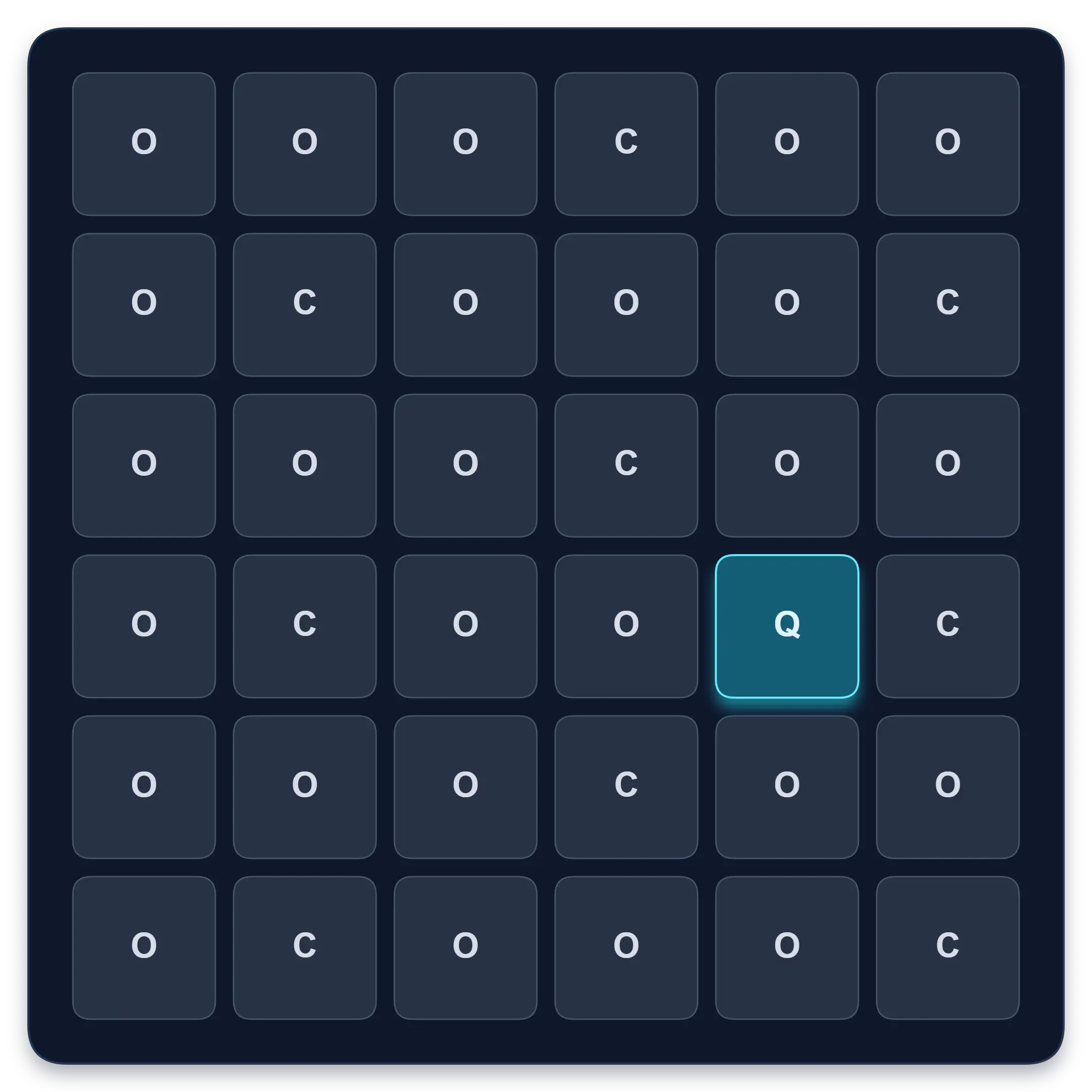
Goal: Faster target spotting with better accuracy
Find one target among similar symbols, letters, or numbers. Complete ten short rounds and track median response time, accuracy, and clean results.
Start Visual Search TestReaction Time Test
Respond to one visual signal
Median • Fastest • Spread
Goal: Response-speed measurement for one visual signal
Wait for an unpredictable visual signal, then respond as quickly as you can. Choose 1 to 10 trials and review your median, average, fastest time, and false starts.
Test Reaction TimeLearn how to interpret results, practice correctly, and improve clean Schulte table rounds.
Classic and Dynamic Schulte tables are different exercises. Learn how shuffle mode changes the task, when to use each mode, and why results should not be compared directly.
Compare 1,000+ Quartenson 5×5 results by Classic and Dynamic mode. See median, 25th and 75th percentiles, and compare your own time fairly.
Use practical drills to reduce pauses, avoid rushing, compare clean 5×5 results, and improve your Schulte table time with a structured 14-day plan.
Learn the correct Schulte table routine for beginners: choose a grid size, practise clean 5×5 rounds, avoid rushing, and track time with accuracy.
Move into structured Schulte practice when you want history, heatmaps, and reviews.
Schulte table training with progress
History, heatmaps, pace, and weekly review
History • Heatmaps • Progress
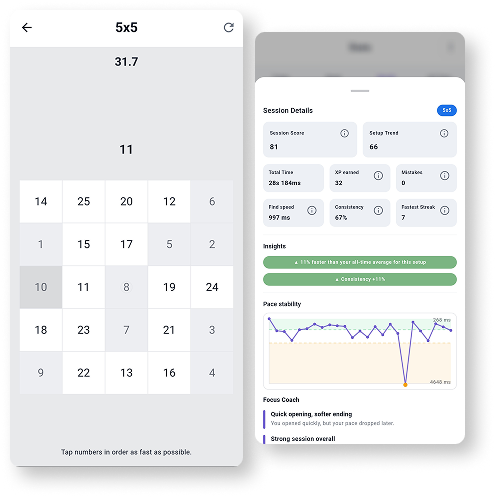
Train Schulte tables on Android with session history, pace patterns, heatmaps, achievements, and weekly progress review.
Explore Schulte Tables