
Use an interaction
Make one item act on, contain, block, transform, or move toward the next item.
Free mnemonic practice tool
Turn a short ordered list into one connected story, hide the source, and reconstruct the items from memory. If the chain breaks, the trainer shows where to repair the connection before you retry.
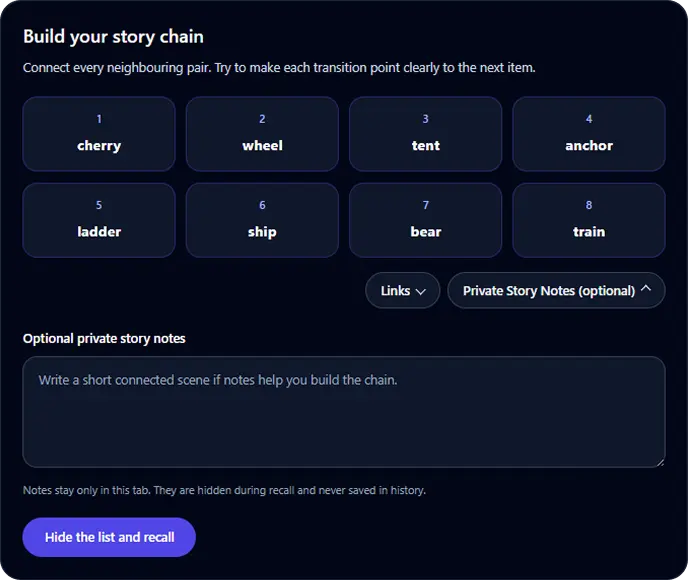
The story chain method connects each item to the next through a sequence of interactions. Recalling one part of the story is intended to cue the following item and preserve the original order.
Use a generated list or enter 4 to 8 unique items of your own. Keep the original order because the trainer checks every position.
Make item 1 interact with item 2, then item 2 with item 3, and continue until the last item. Unusual movement, size, sound, or consequences can make a transition easier to retrieve.
Select Hide the list and recall only after you can mentally follow the complete scene from beginning to end.
Enter one item at a time. If you need support, the word bank can help you reconstruct the sequence, and the result will record that the hint was used.
Review the earliest broken connection, make that interaction clearer, then test the same hidden list again.
Here, a link is the connection from one neighbouring item to the next. The Links button reveals these pairs when you want to check the structure of your chain. They stay hidden by default to keep the build screen focused.
A river puts out a giant candle. The candle melts over a bicycle, and the bicycle rolls into a tiger.
The wording does not need to be elegant. Its job is to preserve every item and create a clear transition from one item to the next. You should still verify the original material separately when spelling, meaning, or precise wording matters.
A useful chain is easy for you to reconstruct and maps back to every target. These checks help expose ambiguous links before recall.
Make one item act on, contain, block, transform, or move toward the next item.
Do not replace a precise item with a vague substitute that could point to several answers.
The scene should lead from the current item to the next one, not merely place both in the same setting.
When recall fails, start with the earliest missing or misplaced item because later items may depend on that connection.
The trainer checks whether each recalled item appears in its original position. It also distinguishes an item recalled in the wrong position from an item that was not recalled at all.
Results describe only the current list and setup. They are not a general memory score, diagnosis, percentile, or prediction of performance on other tasks.
| Result | What it means |
|---|---|
| Correct position | The recalled item matches the target at the same numbered position. |
| Moved item | The item was recalled, but it appeared at a different position in the chain. |
| Missing item | The target did not appear in the submitted recall. |
| Recovered position | A position missed on the first attempt was correct after repair and retesting. |
Story chaining is most useful when a short list must be recalled in order. Other mnemonic structures solve different retrieval problems.
Use for a short sequence where each item can cue the next.
Use when you need direct access to an item by its numbered position.
Use when an established route can provide several stable retrieval locations.
Use when meaningful groups or familiar units already exist in the material.
Generated lists are created in your browser. Custom items and optional story notes stay in the current tab and are cleared when the session is reset or the page is closed.
Only aggregate activity such as list length, source type, completion, and recall counts may be measured. Do not enter passwords, recovery phrases, confidential information, or other secrets into a browser practice tool.
Learn the method
See when chaining fits, how it differs from chunking, peg systems, and memory palaces, and how to test whether a cue retrieves the intended answer.
Learn how the story chain mnemonic worksAnswers about the exercise, custom lists, scoring, privacy, and appropriate use.
The story chain mnemonic connects each item in an ordered list to the next through a sequence of interactions. During recall, one part of the chain is used as a cue for the following item.
Yes. The browser trainer is free to use and does not require an account.
Yes. Enter 4 to 8 unique items, one per line. Custom items and optional story notes remain in the current browser tab and are not included in analytics or result images.
The exercise is designed for lists where position matters. Exact-position scoring makes a broken or reversed connection visible instead of treating every remembered item as equivalent.
No. The result describes recall for the current list and setup only. Different material, list lengths, cues, delays, and environments are not directly comparable.
No. Custom items and story notes are kept only in the current tab. Local history stores aggregate session results without the words or notes.
Read the complete mnemonic guide, compare adjacent memory exercises, and learn how to interpret task-specific results.
Learn how mnemonic devices work and when to use chunking, chaining, memory palaces, peg systems, acronyms, and more, with step-by-step examples.
Practise remembering a grocery list with a nine-item example. Group items, check quantities, repair omissions and handle changes without losing your written backup.
Learn how pattern and sequence memory differ, try evidence-informed visual memory exercises, and follow a practical 14-day plan with repeatable progress tracking.
Try grouping items, numbered retrieval, memory palace recall, or visual patterns and sequences.
Visual Memory Test
Remember sequences or patterns
Memory • Focus • Levels
Goal: Better visual sequence and pattern recall
Choose ordered sequence or 3-second pattern recall, progress through levels, choose difficulty, track your best level, and compare recent local sessions.
Start Memory TestChunking Memory Trainer
Group, recall, and reconstruct
Meaningful groups • Exact order • Repair
Meaningful groups
Goal: Recall an ordered list through meaningful groups
Practise 6, 9, or 12 words, digits, or private custom items. Build useful groups, hide the list, reconstruct every position, compare chunks, and repair weak groups.
Start Chunking TrainerPeg System Memory Trainer
Link numbered pegs to temporary targets
Review • Recall • Repair
Permanent Peg System positions
Goal: Retrieve a short target list by numbered position
Learn 5 or 10 permanent memory pegs, attach a generated or custom list, test positions in random order, repair weak associations, and retest for free.
Start Peg System TrainerMemory Palace Trainer
Attach items to a reusable route
Encode • Recall • Repair
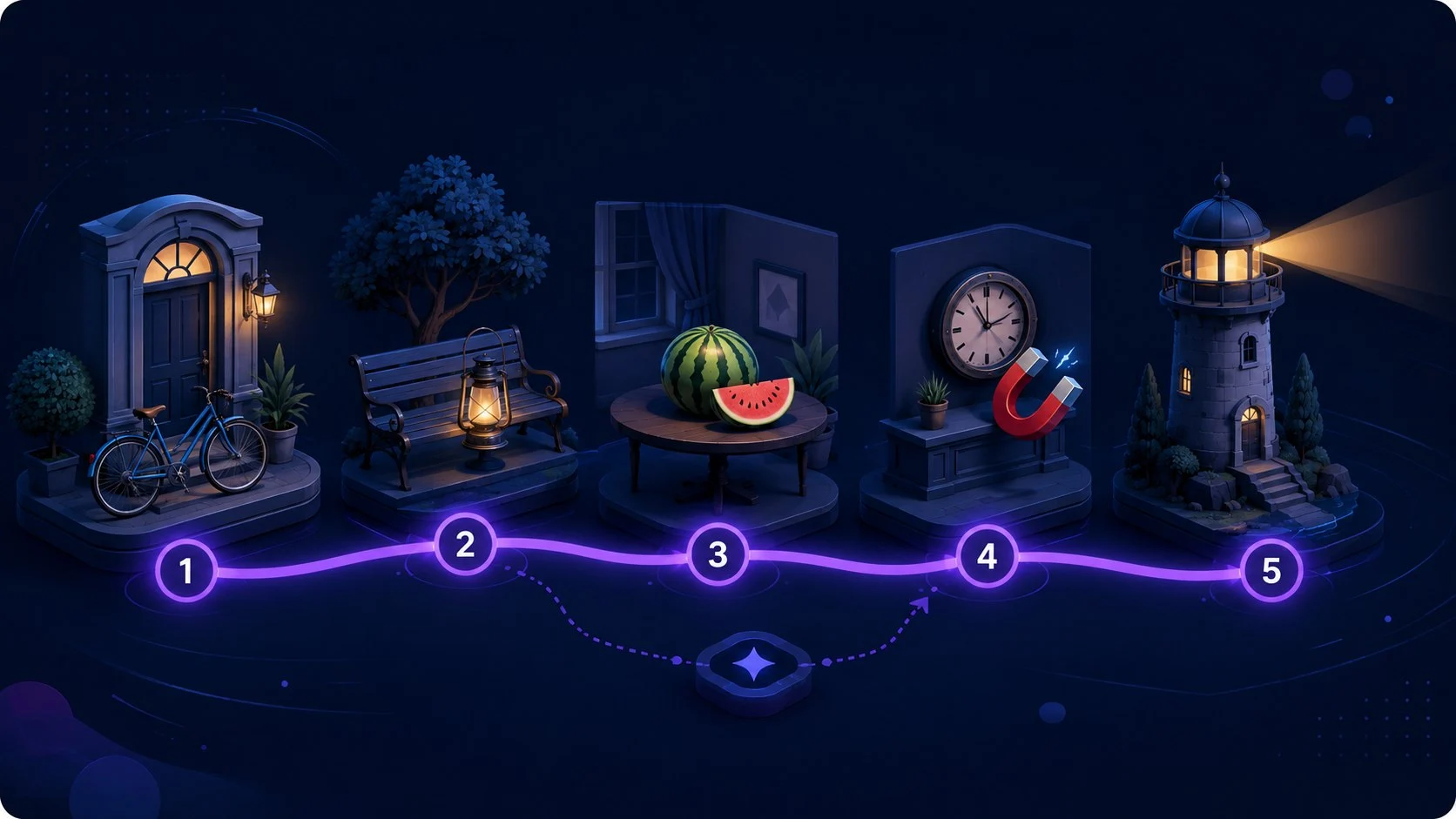
Goal: Retrieve changing items from stable locations
Use a verified guided or personal route, attach changing items to stable locations, test ordered or random recall, repair weak links, and retest.
Start Memory Palace Trainer