
Choose a verified route
Select one of the guided routes or a personal route you have already learned and verified. If you do not have one yet, the route builder opens from this page.
Attach changing practice items to a stable sequence of locations, hide them, and retrieve each item from its place.
The trainer keeps the route stable while the practice material changes, so each part of the session has one clear job.
Select one of the guided routes or a personal route you have already learned and verified. If you do not have one yet, the route builder opens from this page.
Create a vivid interaction between each generated item and its exact landmark. Movement, scale, sound, or an unusual consequence can make the link easier to distinguish.
Type the item that belongs at each location. Review missed or revealed items, rebuild weak images, and repeat the complete recall when useful.
The location remains the address. The attached item changes with each practice session.
Stable route
Temporary item links
A reusable route works like a set of memory addresses. The landmarks keep their order while each new practice list is attached and cleared after the session.
Use landmarks that are distinct, easy to picture, and connected by one unambiguous walking direction.
Place only one practice item at each location. Make the item interact with the landmark instead of simply resting beside it.
The trainer generates a changing item list. Your route remains reusable, while temporary items and typed answers are cleared when the session ends.
Random access is optional and off by default. Choose one flow before the session instead of mixing both tests into the same round.
Walk from the first location to the last. This is the clearest starting point for a newly verified route and helps preserve the route sequence.
Receive locations in a shuffled order and retrieve the attached item directly. Use it after the route feels stable enough that you do not need to traverse every earlier stop.
The score describes this item list and this route session. It is a practice result, not a general memory or intelligence score.
| Route order | The best exact route-verification result available for the selected route. |
|---|---|
| First mastery | Items typed correctly without revealing the answer on the first recall attempt. |
| Best mastery | The strongest unaided item-recall result reached after any repair and retest. |
| Recall attempts | The number of complete recall passes finished during this session. |
Generated answers use exact word checking. Capitalization and surrounding spaces are ignored, but a different spelling does not count as the generated target.
Verified route names, locations, order, and verification status are stored only in local storage in this browser so the same route can be reused.
Generated practice items, typed answers, and prompt order are temporary. They are cleared after the session and are not sent to Quartenson.
Need a route first?
Choose a guided route or create a personal one, learn its one-way order, and save the verification before attaching practice material.
Open Memory Palace Route BuilderAnswers about routes, recall modes, scoring, and private browser storage.
It practises a specific Method of Loci workflow: attach one temporary item to each stable location, retrieve the items from those locations, repair weak links, and retest. It does not diagnose memory ability or promise general improvement.
Yes. Item practice needs a route with a known order. You can use a guided route or create a personal route in the linked Route Builder. Once the route is verified, the trainer can reuse it without repeating route verification every session.
Ordered recall follows the route from the first location to the last. Random access presents the same locations in a shuffled order and asks for the attached item directly. Random access is optional and off by default.
The generated target word is checked exactly after capitalization and extra surrounding spaces are normalized. This avoids uncertain semantic grading. Use Reveal item or Skip when you cannot retrieve the target.
No. The route structure and verified status stay in local storage on this device, but practice items, answers, and prompt order are cleared after the session and are not sent to Quartenson.
Manage the route separately or compare location-based recall with another mnemonic exercise.
Memory Palace Route Builder
Create, learn, and verify a route
Choose • Order • Reuse
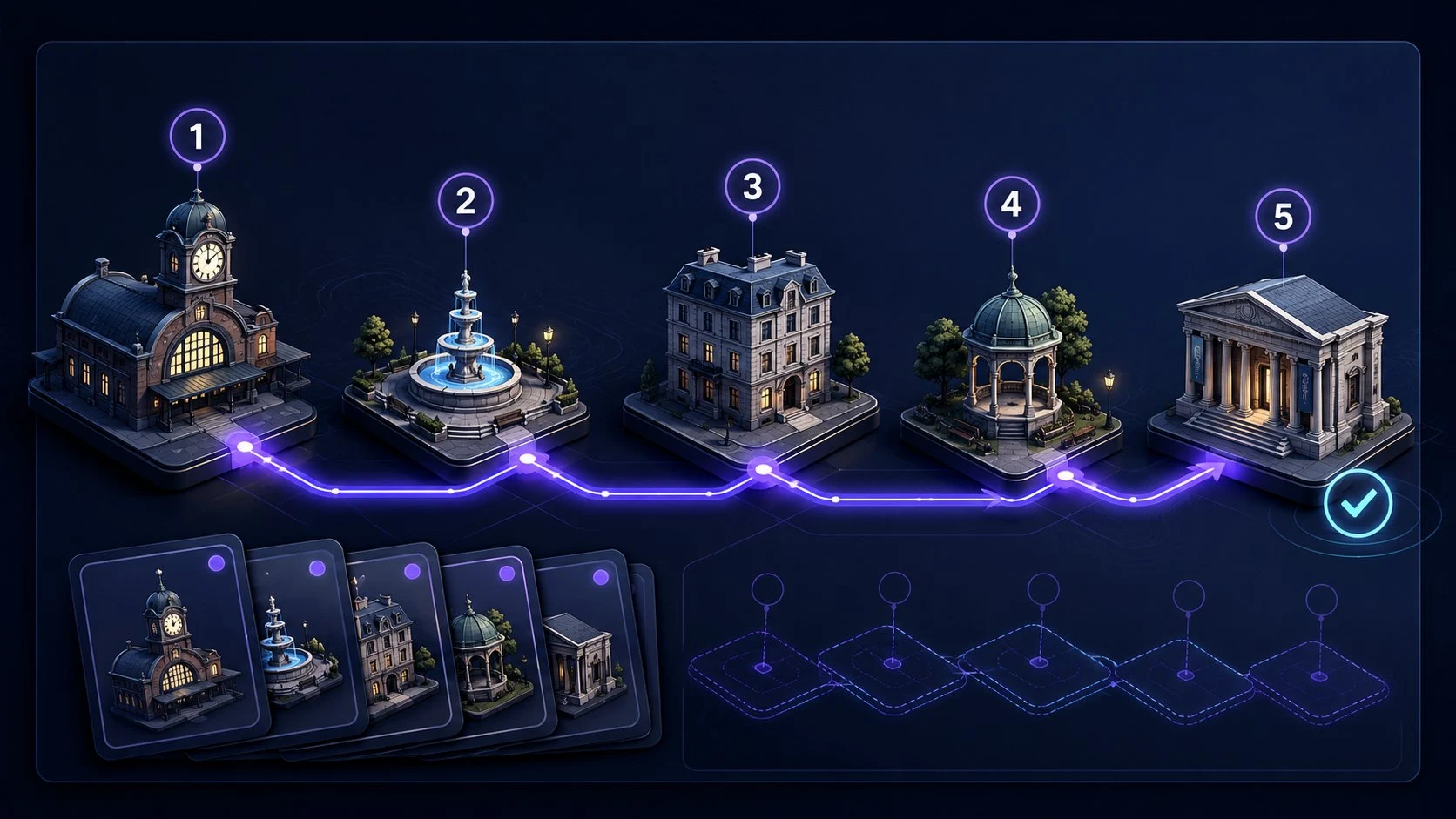
Goal: Build one stable route before attaching items
Choose one of three guided journeys or create a personal route, learn 5 or 10 ordered locations, verify the route, and save it locally for reuse.
Build a Memory Palace RouteStory Chain Memory Trainer
Link items into one connected story
Build • Recall • Repair
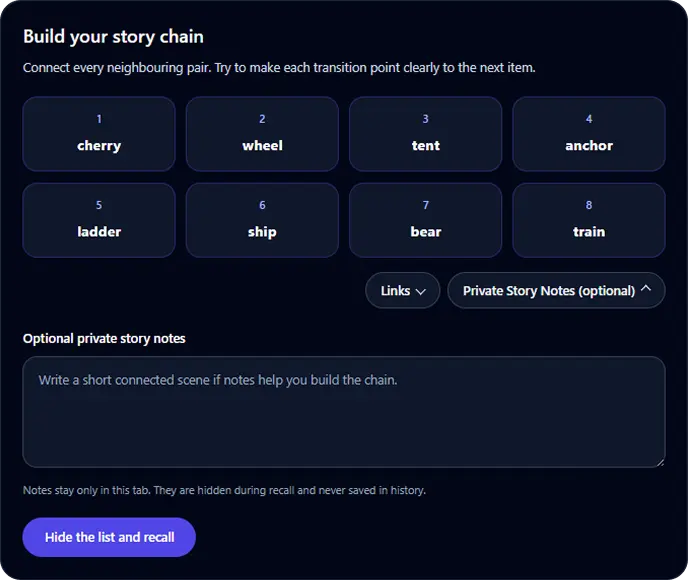
Goal: Recall a short ordered list through connected links
Build a connected story for 4 to 8 items, hide the list, recall it in order, identify the first broken link, and retest after focused repair.
Start Story Chain TrainerPeg System Memory Trainer
Link numbered pegs to temporary targets
Review • Recall • Repair
Permanent Peg System positions
Goal: Retrieve a short target list by numbered position
Learn 5 or 10 permanent memory pegs, attach a generated or custom list, test positions in random order, repair weak associations, and retest for free.
Start Peg System TrainerFollow a worked example, repair weak links, and plan later recall.