How to Check Whether Distractions Affect Your Work
Last updated 8 minutes to read
Turning off notifications can feel helpful, but feeling focused and completing useful work are different observations. A small comparison can help you decide whether a particular setting is worth keeping for a particular task.
This guide gives you a practical worksheet for comparing your usual setup with one changed optional distraction setting. It is an informal work log, not a controlled experiment or a test of your attention.
Quick answer: compare work and quality, not a focus score
Choose fresh, similar tasks, define the same finish line, and change one optional setting. Compare completed work and its quality in pairs of blocks. Record interruptions and context separately. A faster block is not automatically better if it leaves more mistakes to fix.
For example, compare two short course outlines while optional message previews are on versus off. Keep essential communication available. You do not need to create distractions, ignore urgent messages, or use a browser game as a substitute for your work task.
Choose a task you can compare fairly
Use low-stakes work with a clear output: outlining similar lessons, checking comparable announcements, or preparing short summaries from similarly difficult notes. Use fresh material in each block so remembering an earlier answer does not make the second block easier.
Write down what counts as one unit of completed work. If you compare outlines, a unit might be one usable outline containing five required points. Use the same quality check for both conditions. If one task turns out much harder, mark that pair as difficult to compare instead of forcing a conclusion.
Set up the comparison before you begin
A fixed block length works well for counting completed work; a fixed finish line works well for comparing time. Choose one approach and keep it the same within each pair. Do not combine different approaches into one overall score.
- Define the task, finish line, work unit, and quality check before changing anything.
- Choose one optional setting: for example, usual message previews versus previews off. Keep the device, work tools, and other settings as similar as practical.
- Plan three pairs of comparable blocks. Try usual then changed in the first pair, changed then usual in the second, and usual then changed in the third. This varies order but does not fully remove order effects.
- Use fresh material and note the time of day, unusual workload, or interruptions. Three pairs are a manageable starting log, not a scientifically validated threshold.
- Check quality using the rule you chose earlier. Record corrections before deciding which block went better.
A worked example: one pair is a clue
Fictional example: both blocks aimed to produce an outline with five required points. Under the usual setup, the outline included four of five points and needed one factual correction. With message previews off, the other outline included five of five points and needed no factual correction.
The changed block met the finish line more closely in this pair. That does not establish that previews caused the difference. The topic may have been easier, the writer may have warmed up, or an unrelated interruption may have affected the first block. Keep the task details beside the numbers so you can judge the comparison.
Read each pair before looking for a pattern
First compare usable output and quality. Then consider time or unfinished work, followed by interruptions and context. If a block was faster but needed substantial correction, describe that trade-off rather than declaring a winner.
If several reasonably similar pairs point in the same direction, that is a reason to keep observing or try the setting for this task. If results are mixed, say so. If the tasks were not comparable, label the pair inconclusive. Do not turn the worksheet into a percentage improvement claim or a universal recommendation.
A browser exercise can give you a repeatable task to practice logging, but a change in its score does not establish a change in work performance. Keep exercise results and real-work observations separate.
What this comparison cannot tell you
This log does not isolate all causes. Practice, task difficulty, sleep, workload, and expectations can differ between blocks. It cannot diagnose an attention problem or prove that a setting improves general focus.
Use it to answer a narrower question: did this optional setting look useful for this kind of task in the blocks I recorded? Keep a change that fits your work, or return to your usual setup if the log gives no useful reason to change.
Your paired-block worksheet
Copy these fields into a notebook, or print this worksheet and fill it in offline. The page does not collect your work notes.
Task and fresh materials
Finish line or fixed block length
Completed-work unit
Quality check
Usual setting
One changed optional setting
1: usual → changed · 2: changed → usual · 3: usual → changed
| Pair / order | Condition | Completed / unfinished work | Quality check | Corrections needed | Interruptions / context |
|---|---|---|---|---|---|
| 1 / 1 | Usual | ||||
| 1 / 2 | Changed | ||||
| 2 / 1 | Changed | ||||
| 2 / 2 | Usual | ||||
| 3 / 1 | Usual | ||||
| 3 / 2 | Changed |
Compare within each pair first. Mark mismatched tasks inconclusive. Do not combine these fields into a focus score.
Questions about checking distractions
Short answers that clarify the main value of this article.
Should I deliberately add notifications?
No. Compare your usual setup with one optional setting changed. Do not manufacture interruptions or disable essential communication.
How many blocks prove that a setting helps?
This worksheet provides no proof threshold. Three pairs are a practical starting log. Similar repeated observations can justify further observation, but they do not isolate causation.
What if I feel more focused but the work is unchanged?
Record the feeling separately. Comfort can matter to your choice, but it is not evidence that output or quality improved.
Continue learning
More Quartenson guides connected to this topic.
How to Measure Focus
Measure focus during work or study with a simple task log, quality checks and distraction notes. Try a worked example and learn what game scores cannot tell you.
Benchmark Cognitive Training Progress
Learn how to benchmark cognitive training progress with time, accuracy, mistakes, consistency, streaks, and Quartenson community and this-device comparisons.
Heat, Cold, and Focus
Hot weather, cold stress, and uncomfortable rooms can affect focus, reaction time, working memory, and productivity. Learn what research shows and how to compare scores safely.
Proofread an Email for Facts
Check names, dates, quantities, deadlines, and conditions against an approved source. Practice with a fictional announcement and 16 explained comparisons.
Try a free tool
Practice the same ideas with a browser-based exercise.
Visual Search Test
Find the target among distractors
Speed • Accuracy • Focus
Visual Search Test
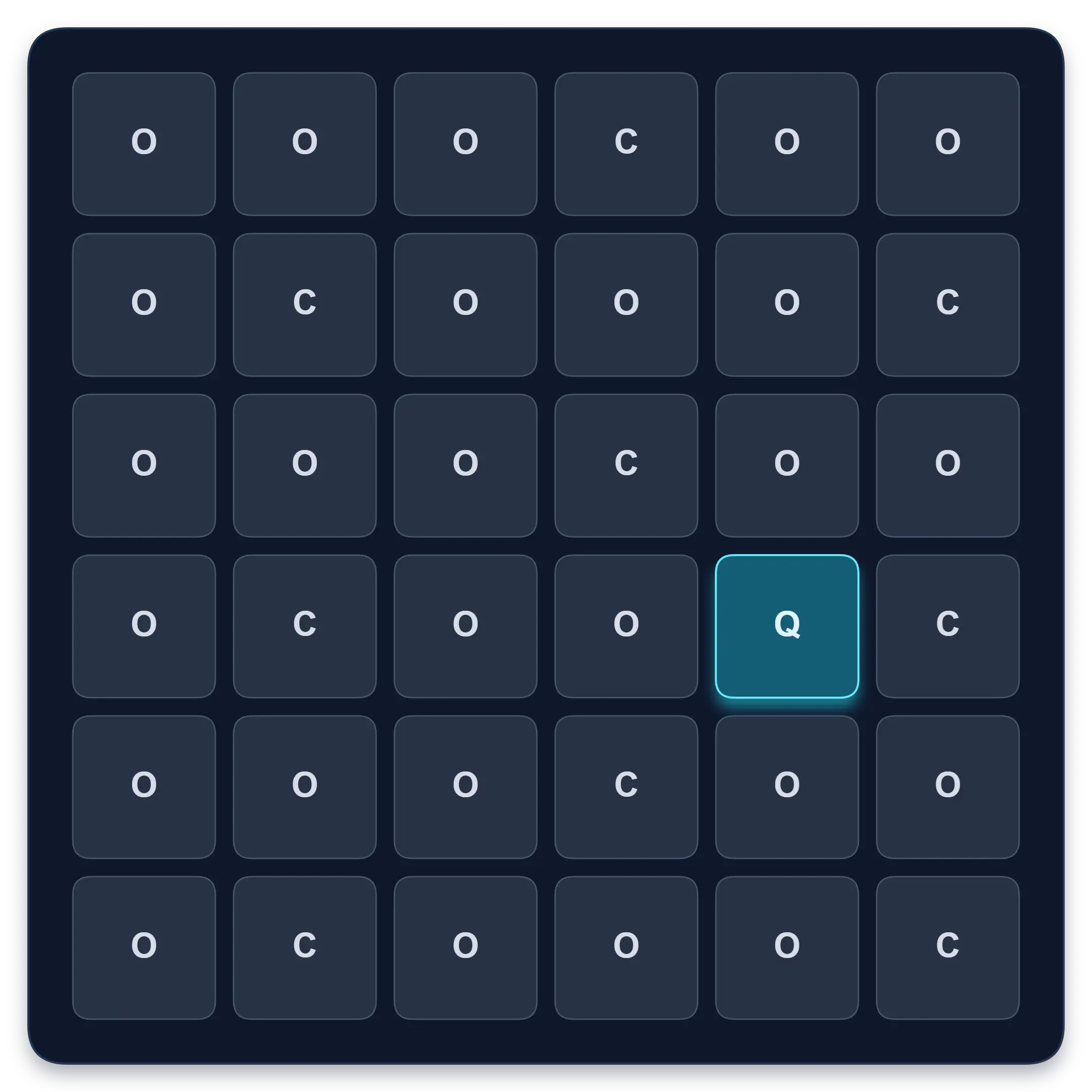
Find one target among similar symbols, letters, or numbers. Complete ten short rounds and track median response time, accuracy, and clean results.
Read carefully
Check meaning and details
Accuracy • Pace • History

Reading Comprehension
Practise careful reading, answer 5 or 10 questions, and review supporting text. Track accuracy and estimated reading pace with guest history or your account when signed in.
Continue in the app
Use the app when you want structured sessions and longer-term tracking.