How to Benchmark Cognitive Training Progress: Time, Accuracy, Streaks, and Trends
Last updated 9 minutes to read
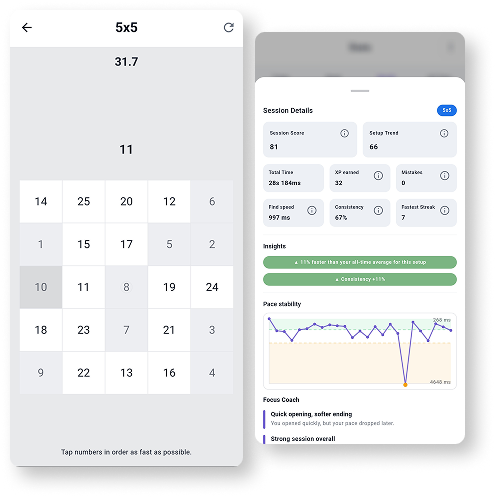
Benchmarking cognitive training is the habit of comparing repeat sessions under the same conditions, then reading the pattern instead of reacting to one lucky or tired result.
This guide is written for people who use browser tools, Schulte tables, reaction tests, visual search tasks, memory drills, or peripheral-awareness exercises and want a calmer way to decide whether practice is actually becoming cleaner.
Quick answer: what is a useful benchmark?
A useful benchmark compares the same task, same settings, same device, and similar level of effort across several completed sessions. For speed tasks, track median or typical time. For accuracy tasks, track accuracy and clean attempts. For mixed tasks, look at both speed and mistakes.
One result is not enough. A single personal best can be useful motivation, but progress is easier to trust when the typical result improves, mistakes stay controlled, and the result is repeatable on another day.
Compare
Same tool, same mode, same difficulty, same input method.
Track
Typical result, accuracy, mistakes, consistency, and clean sessions.
Repeat
Use streaks to create data, not to force max-effort sessions.
Benchmark metrics by Quartenson tool
Different tools need different metrics. The goal is not to turn every session into a score chase; it is to choose the few numbers that describe the task clearly.
| Tool | Useful metrics | How to read the benchmark |
|---|---|---|
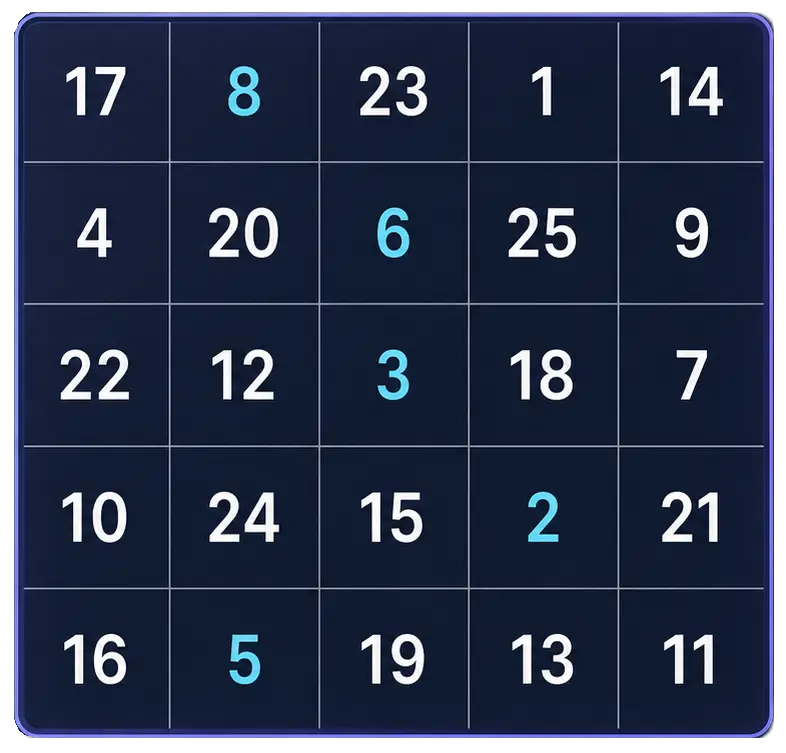
| Schulte Table | Completion time, mistakes, clean result, table size, and mode. | Compare the same grid size and mode. Faster time matters only when mistakes stay low. |
| Visual Search Test | Median answer time, accuracy, and clean trials. | A better result usually means finding targets faster without trading away accuracy. |
| Visual Memory Test | Best level, accuracy, duration, and sequence quality. | Look for a higher repeatable level and stable accuracy, not one unusually lucky attempt. |
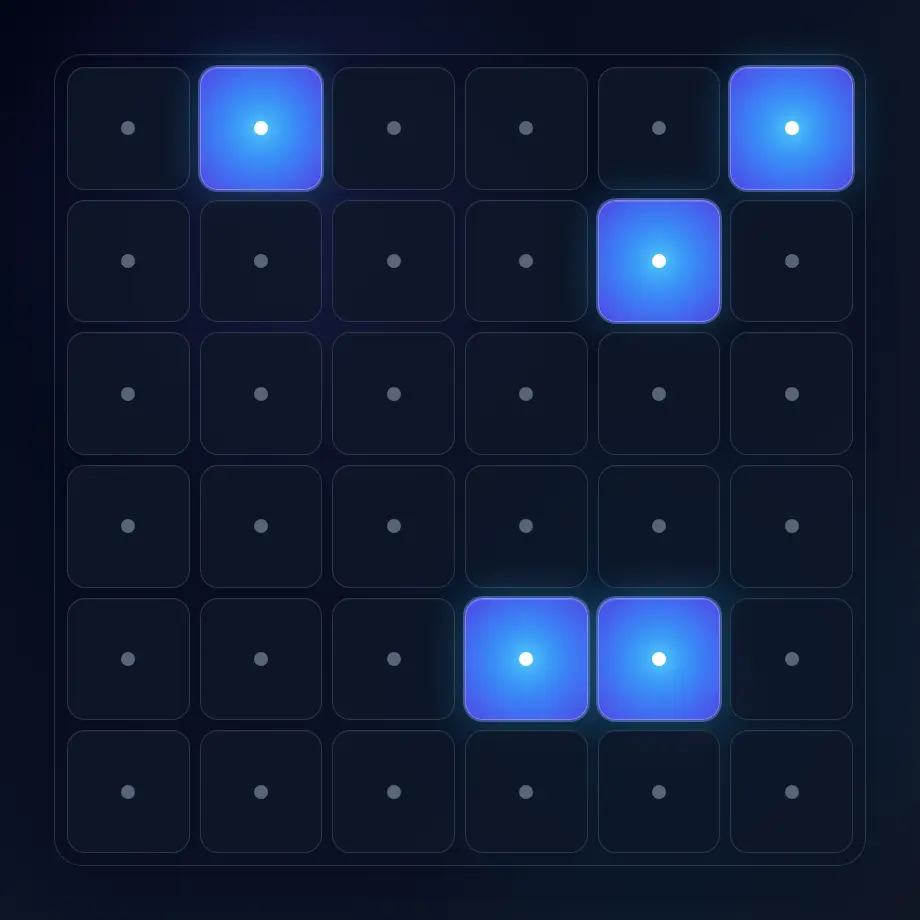
| Peripheral Awareness Trainer | Median answer time, accuracy fields, clean trials, and clean streak length. | Useful progress is a steadier central judgment plus peripheral response accuracy under the same setup. |
| Reaction Time Test | Median response time, fastest response, spread, and false starts. | Median time is usually more useful than fastest time because it reduces the effect of one lucky response. |
Community benchmarks vs this-device benchmarks
Quartenson benchmark sections are designed to answer two different questions.
Community
Community benchmarks compare your current setup with anonymous aggregate completions from the same tool settings. No account, email, name, or local history is used for this view.
This device
This-device benchmarks use sessions saved in your browser. They are useful for personal trends and are not uploaded for the local-history view.
Same settings
Both views become more meaningful when you keep the same difficulty, mode, sample size, input method, and device.
Use community benchmarks for context and this-device benchmarks for your own trend. They answer related questions, but they are not the same measurement.
Mocked example
Result benchmark
Compare one mocked reaction-time setup with anonymous aggregate-style data.
This block uses mocked test data only. It is here to show how benchmark reading works; it is not your result and is not live community data.
Typical result
239 ms
50/100: the middle mocked completion in this example.
Middle range
205 ms-274 ms
The central half of the mocked matching completions.
A practical baseline workflow
A baseline is not a permanent label. It is a starting snapshot you can compare against later.
- Choose one tool and one setup. For example, use a 5x5 classic Schulte table, a 10-trial reaction test, or one visual-search difficulty.
- Complete several sessions without changing settings. Stop if you are tired enough that the session becomes sloppy.
- Record the typical result first, then accuracy, mistakes, clean attempts, and consistency.
- Repeat the same setup later in the week. Compare the trend, not only the single best score.
- Change one variable at a time when you want a new challenge.
Use streaks to build repeatable data
Streaks are useful because they make practice visible. A small daily session creates enough repeat data to see whether a result is stable, noisy, or improving.
The point is not to force a maximum-effort test when you are distracted, tired, or rushing. On those days, a short maintenance session can protect the habit while keeping the benchmark honest.
How to interpret improvement
A benchmark is useful when it helps you make better practice decisions. These rules keep the comparison fair.
- Prefer trends over personal bests. A best result is exciting, but a better middle result is usually more informative.
- Keep device and input method consistent. Mouse, touch, keyboard, display refresh rate, and browser conditions can change timing.
- Use accuracy as a guardrail. If time improves while mistakes increase, the session may be faster but not cleaner.
- Do not treat recreational tool results as medical, IQ, eyesight, driving-safety, or diagnostic measurements.
For deeper context, continue with how to measure focus instead of guessing, Schulte progress tracking, Schulte table average time, and Quartenson: Schulte Tables.
A simple 7-day benchmark routine
Use this lightweight routine when you want structure without turning practice into a full training program.
| Day 1 | Pick one setup and complete two to four calm baseline sessions. |
| Day 2 | Repeat the same setup. Compare typical time and accuracy, not only the best result. |
| Day 3 | Take a lighter day or use a related tool to avoid overfitting one task. |
| Day 4 | Return to the baseline setup and check whether the middle result moved. |
| Day 5 | Review mistakes, false starts, or missed targets. Choose one thing to clean up. |
| Day 6 | Complete another short benchmark set with the same settings. |
| Day 7 | Compare the week: typical result, best result, consistency, and how often you practiced. |
For a 14-day version, repeat the same structure for a second week and change only one setting after you have enough same-setup data.
Start with one benchmark
Open the free tools, choose one setup, and collect a few calm sessions before judging the result. The benchmark becomes more useful as the same setup repeats.
Frequently Asked Questions
Short answers that clarify the main value of this article.
How many sessions do I need for a useful benchmark?
Start with several sessions on the same setup, then compare the middle or typical result instead of one best attempt. More sessions make the benchmark steadier, especially for reaction time and visual-search tasks.
Should I compare with community results or my own history?
Use community results for broad context and your own history for progress. Community data shows how a setup compares with anonymous aggregate completions; local history shows whether your own repeat sessions are moving.
Why should I keep settings the same?
Changing mode, difficulty, sample size, input method, or device changes the task. Keeping settings the same makes time, accuracy, mistakes, and consistency easier to compare fairly.