
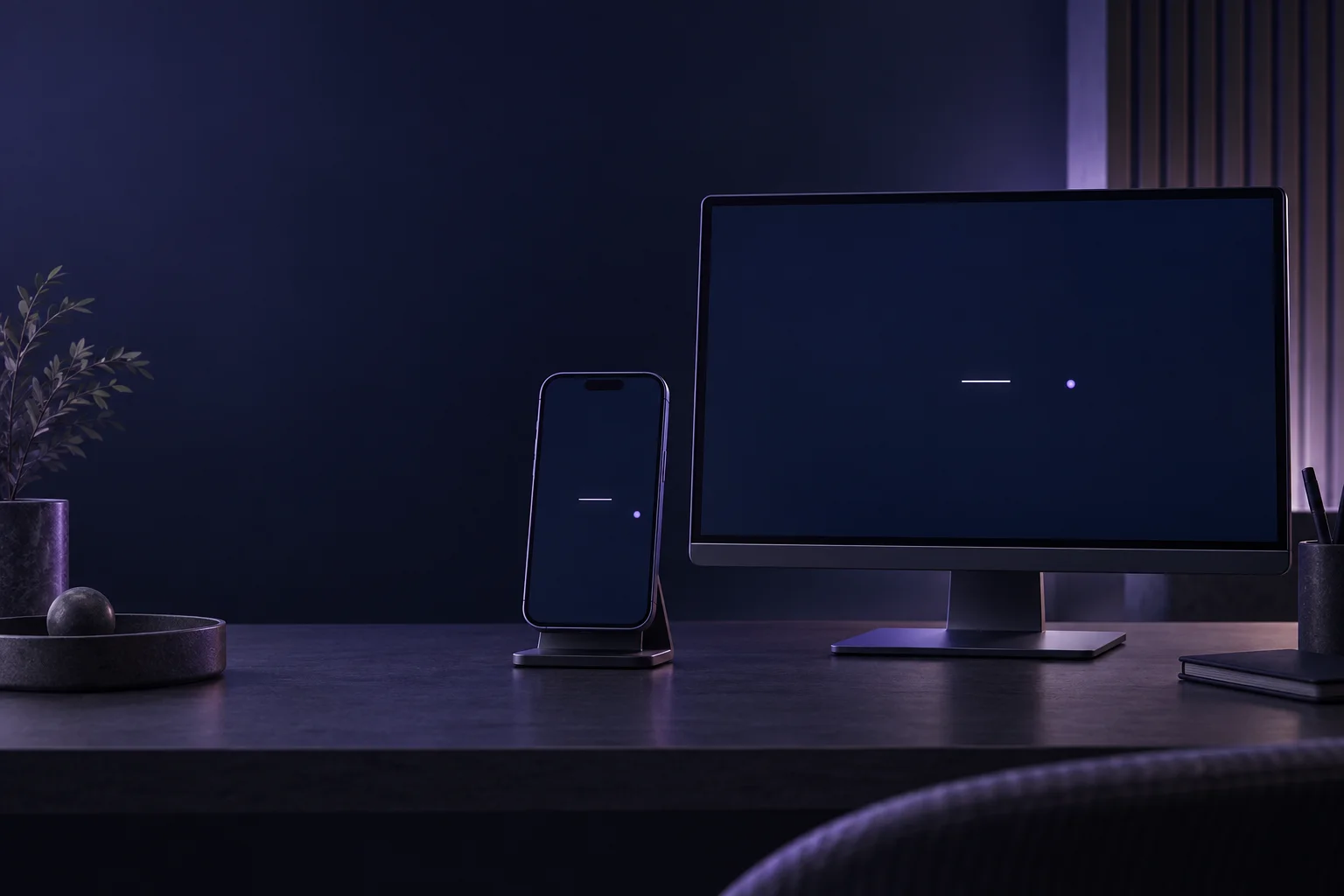
Peripheral Awareness on Phone vs Desktop: Set Up Comparable Practice
Last updated 7 minutes to read
Either device can support the exercise. Neither makes scores automatically comparable. Choose the phone or computer that lets you see the whole field clearly and keep a stable view. Repeat that setup when you want to compare sessions.
A larger screen is not automatically a better peripheral exercise. The size of the exercise field, how far away you sit and the task settings all matter. This guide helps you decide what to keep consistent and what to do when a setup changes.
Choose the setup you can actually repeat
For the Peripheral Awareness Trainer , you briefly view a central line and an off-centre target, then report both. The important practical requirement is an unobstructed, stable view during that display, not the device's price or screen diagonal.
- A phone may suit you when you have a reliable place to support it, can see the whole field and can answer without confusing the controls. Keep the same orientation for comparison sessions.
- A desktop or laptop may suit you when it is easier to keep the screen in place and use the same chair, window size and input method. A large monitor with a small browser window is still a small exercise field.
- Change your setup if you must repeatedly lean in, scroll during the display or hold the screen at an awkward angle. A comfortable adjustment matters more than preserving a score comparison.
If you are still choosing between an off-centre task and a search exercise, first use our peripheral awareness vs visual scanning comparison . Here, the task stays the same; the viewing arrangement is what changes.
Why the same setting can look different
Screen coordinates are not degrees of vision. Imagine a target halfway between the centre and the right edge of an exercise field. That describes a place on the page. It does not tell you how far to the side the target appears from where you are sitting.
At the same viewing distance, a physically wider field puts that proportional target farther to the side. Move that same screen farther away, and the target occupies a smaller angle from the centre. Its apparent size also gets smaller. Because more than one thing changes, neither “larger screen” nor “farther away” is a reliable shortcut for “harder”.
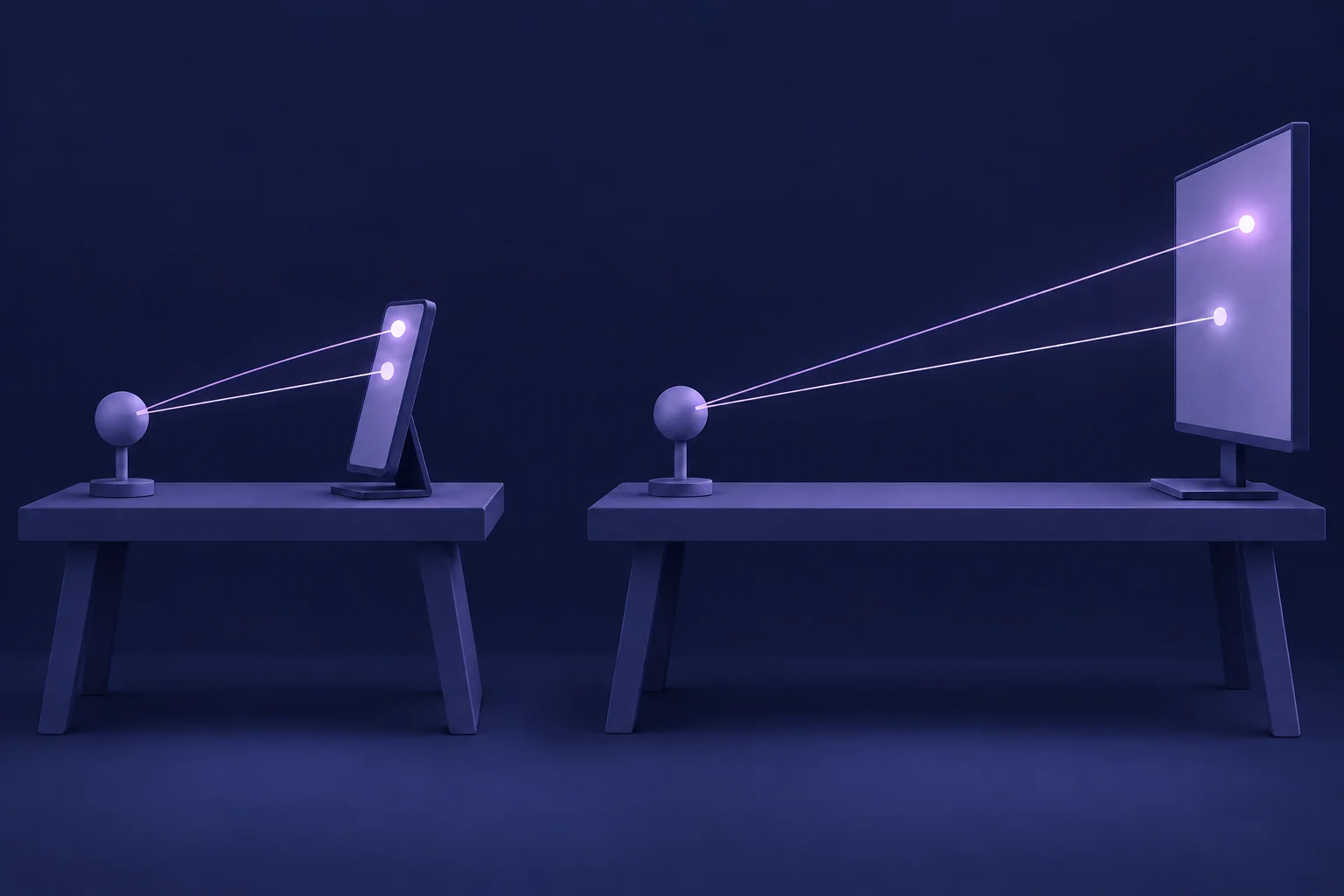
The trainer adapts its field to the available space. Its mobile and desktop layouts are not a physical calibration of target size or viewing angle. Matching the difficulty label does not establish identical visual conditions.
There is no device-to-device conversion supplied by this tool, and this guide does not prescribe a viewing distance in centimetres. Use a clear, comfortable view you can recreate. Do not move closer or farther solely to chase a result.
A before-you-start checklist
Use this checklist before starting a session you intend to compare later. It is a setup reminder, not a clinical protocol or a training schedule.
- Settle the device. Support the phone securely or place the laptop or monitor where it will stay. Choose portrait or landscape before starting, rather than rotating between rounds.
- Make the entire field visible. Set browser zoom and window size first. Scroll to the exercise, then check that the centre and outer field fit without another scroll. Do not reduce readability merely to fit more on screen.
- Check the central task and answer controls. Read the Guide if the response order is unclear. Learn where to answer before treating a result as comparable practice.
- Keep the display unobstructed. Remove glare where practical and avoid covering the field with a finger. Keep your hand out of the way during the brief display, then answer using the controls.
- Choose settings deliberately. Keep the same difficulty and session length when comparing attempts. If you need an easier setup to learn the task, use it, but do not merge that result into a harder-setting comparison.
- Leave yourself one short setup note. Record enough to recreate the arrangement, not a list of technical specifications.
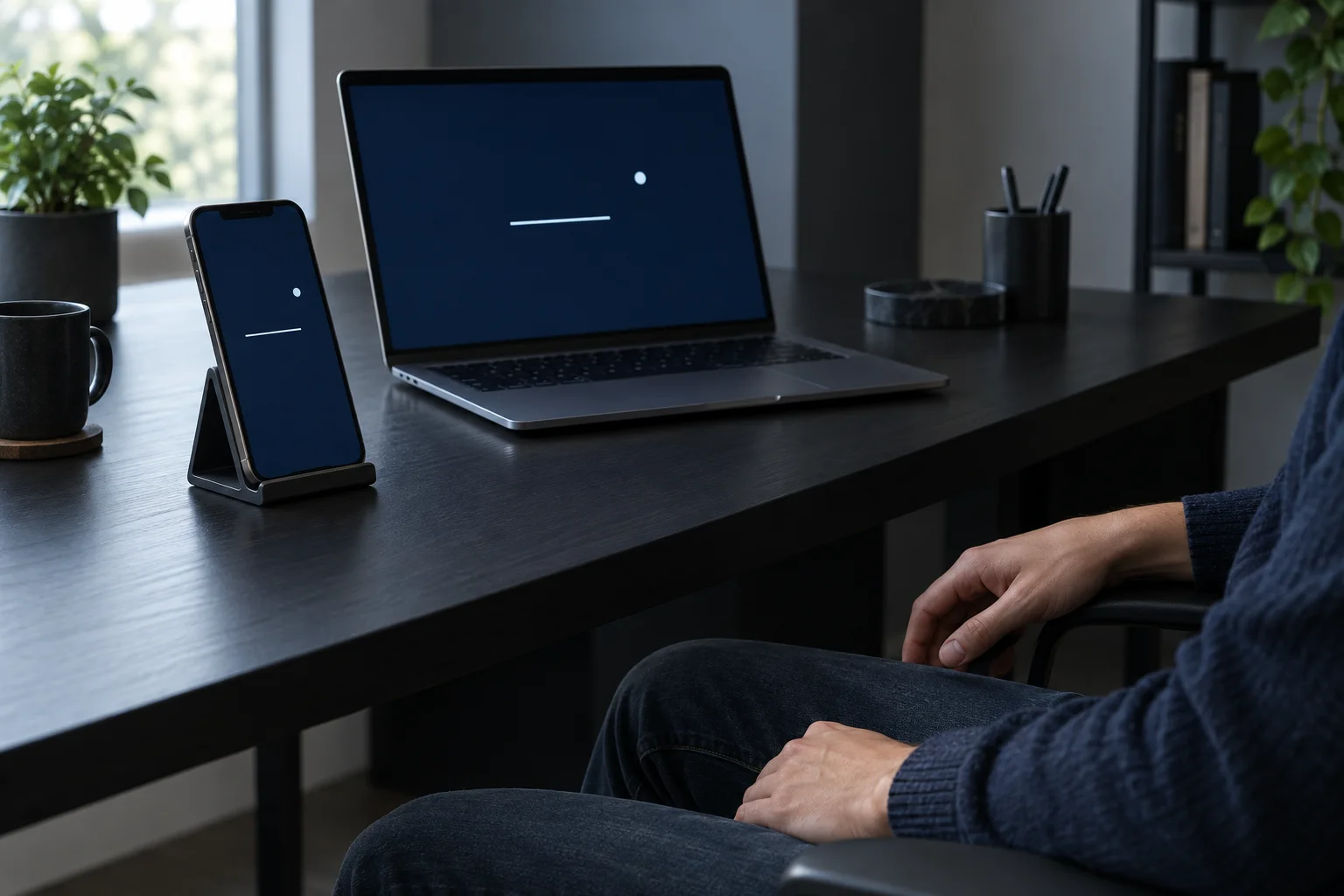
Example note, not a saved tool feature: “Phone on stand, portrait, same desk position, unchanged zoom, Standard, 20 trials, touch.” Check the actual settings you used. Keep this note privately wherever you normally record practice; the tool does not record your viewing distance or desk arrangement.
What to do when the setup changes
These are illustrative situations, not explanations of a particular person's score. Fix the practical problem first; decide whether to compare the result second.
The phone rotates halfway through a session
The shape or size of the field may change. Return to your chosen orientation and settle the view before continuing. If a display was interrupted or part of it was missed, do not treat that session as a clean comparison. You can use Reset to start a fresh attempt after fixing the setup.
The desktop feels harder despite the same difficulty
Check the visible field size, seating distance and whether the central line was clear. Do not assume that a lower score reveals worse peripheral vision, or that the computer caused the difference. Try the new arrangement as its own setup and gather comparable attempts there.
You change zoom so the controls are readable
Keep the readable setting. Recheck the whole field before starting again. Treat the changed layout as a new comparison setup rather than undoing an accessibility adjustment to preserve an old benchmark.
A notification, finger or moving screen hides a target
That round no longer tells you only about following the visual task. Reduce the interruption if you can. Do not diagnose the cause of a missed answer from the result panel or invent a numerical correction for the obstruction.
Keep two setups as two comparisons
Suppose you practise on a supported phone on Monday and a laptop on Thursday. Even with the same difficulty, the second score is not a clean measure of change since Monday. Device, viewing arrangement and familiarity may all differ. A useful next comparison is phone with phone, or laptop with laptop, using the same setup notes.
- Review both parts of the task. Correct location answers alongside worse central answers are not an unqualified improvement. Look at the combined result too.
- Use several comparable attempts. Do not select just the best session, and do not assume repeated attempts use identical target displays.
- Keep interrupted attempts in context. A session with obscured targets or a layout change should not become your evidence of improvement or decline.
History is stored locally in the browser, not synchronised between phone and computer. Separate local histories do not guarantee controlled conditions: the same browser can be used with different window sizes or viewing distances. For interpreting patterns rather than one result, see how to benchmark practice progress.
Your next step: open the trainer , use the checklist, and learn the response rule in one stable setup. Returning another day with that arrangement is an option, not a required daily routine. If you prefer no screen, try the separate paper awareness activities ; their results are not equivalent to brief browser displays.
These checks make your practice notes more interpretable; they do not turn the tool into a visual-field test or establish everyday benefits. Stop if the activity is uncomfortable. Questions about your vision need professional assessment, not a comparison between device scores.
Questions about your practice setup
Practical limits when choosing a device or changing the view.
Can I use a phone for peripheral-awareness practice?
Yes, if the whole exercise field is visible, the central task is readable and you can keep the view stable. Choose a setup you can repeat. A phone result is not a calibrated visual-field measurement or an equivalent score to a desktop result.
Should I move the screen farther away to make it harder?
Do not use viewing distance as a difficulty control. Moving a screen changes both apparent target size and how far the target sits from the centre of your view. Those changes do not produce one predictable difficulty level. Use a comfortable, repeatable setup and the tool's settings instead.
Will History separate phone and desktop results for me?
History is stored locally in the browser. Different devices usually have separate records, but this is not a guarantee that every result in one history used the same setup. Window size, orientation, viewing distance and other conditions may have changed. Keep your own short setup note when those differences matter.
Continue learning
More Quartenson guides connected to this topic.
Peripheral Awareness vs Visual Scanning
Compare peripheral awareness, visual search and sequential scanning through worked examples. Choose an exercise by its task, not just its score.
Screen-Free Peripheral Awareness
Try two seated, paper-based peripheral-awareness activities with a partner, a printable practice sheet and clear checks. Practice, not a visual field test.
Benchmark Cognitive Training Progress
Learn how to benchmark cognitive training progress with time, accuracy, mistakes, consistency, streaks, and Quartenson community and this-device comparisons.
Peripheral Vision Training
Try a peripheral-awareness exercise, compare central and side-target accuracy, and learn why browser practice is not a clinical visual field test.
Try a free tool
Practice the same ideas with a browser-based exercise.
Peripheral Awareness Trainer
Notice brief off-centre targets
Awareness • Accuracy • Focus

Peripheral Awareness Trainer
Browser toolGoal: Off-center awareness while holding focus
Keep attention near the centre while noticing brief off-centre targets. Complete a dual task and review central, peripheral, and combined accuracy.
Start Awareness ExerciseVisual Search Test
Find the target among distractors
Speed • Accuracy • Focus
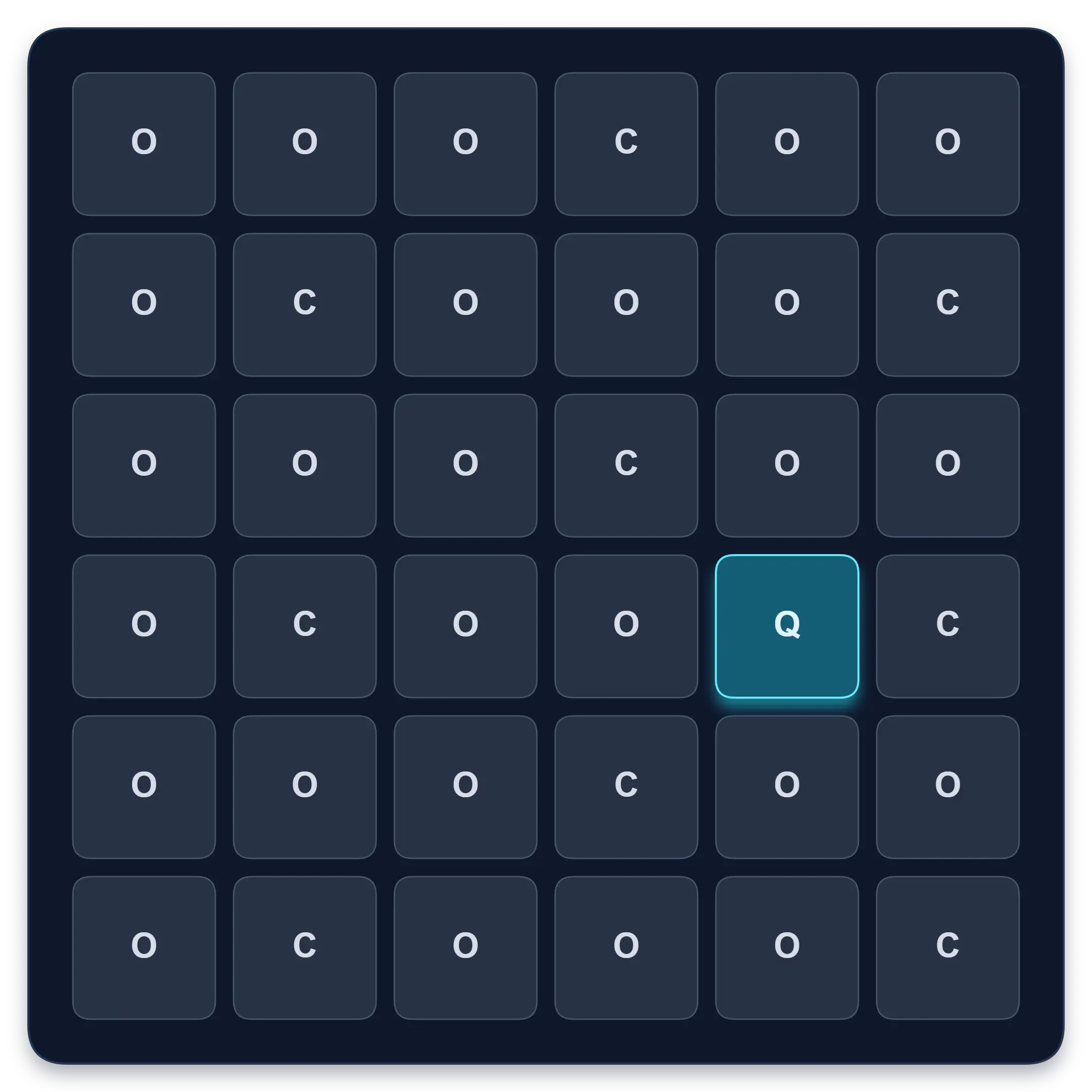
Visual Search Test
Browser toolGoal: Faster target spotting with better accuracy
Find one target among similar symbols, letters, or numbers. Complete ten short rounds and track median response time, accuracy, and clean results.
Start Visual Search TestContinue in the app
Use the app when you want structured sessions and longer-term tracking.
Schulte table training with progress
History, heatmaps, pace, and weekly review
History • Heatmaps • Progress
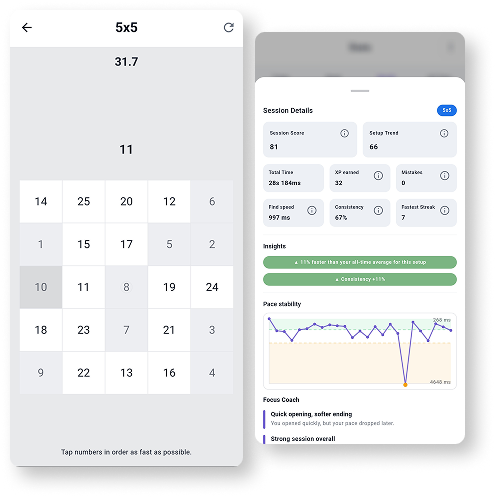
Quartenson: Schulte Tables
Available nowTrain Schulte tables on Android with session history, pace patterns, heatmaps, achievements, and weekly progress review.
Explore Schulte Tables