
Peripheral Awareness vs Visual Scanning: Which Exercise Should You Choose?
Last updated 7 minutes to read
Choose by what you want to practise: noticing an off-centre event while handling a central task, finding one target among distractors, or finding a whole sequence in order. These lead to Peripheral Awareness, Visual Search and Schulte respectively.
They can all involve attention and information outside the point you are looking at. The useful question is not which one “uses more of your vision”, but what the instructions ask you to do and what a correct response means.
Peripheral awareness, visual scanning and visual search are not opposites
Peripheral vision refers to vision away from your direct line of sight. Here, peripheral awareness means noticing or reporting information in that area. Visual scanning means exploring a display or scene. Visual search gives that exploration a target: find a particular item among other items.
For example, looking through a drawer for a particular key is a search task. Checking each compartment is one scanning strategy. Something off to the side might attract your attention during that search. The terms describe different aspects of what you do, not three independent systems.
In a study of search in naturalistic scenes, researchers changed which parts of the display participants could see as their eyes moved. Their findings show why peripheral information matters during search, rather than belonging only to a separate “peripheral” exercise. This does not establish training benefits for our tools. Nuthmann and Canas-Bajo, 2022.
For choosing a browser exercise, use an operational distinction: keep attention near a centre during a brief display, find one target, or follow a sequence. For the broader scope and limits of peripheral practice, see our peripheral vision training guide.
Three instructions change what counts as success
These original teaching examples explain the rules. They are not timed tests, research stimuli or measurements of your vision. Reading an answer here makes it familiar, so do not treat a repeat as a fresh trial.
1. Notice a location while answering about the centre
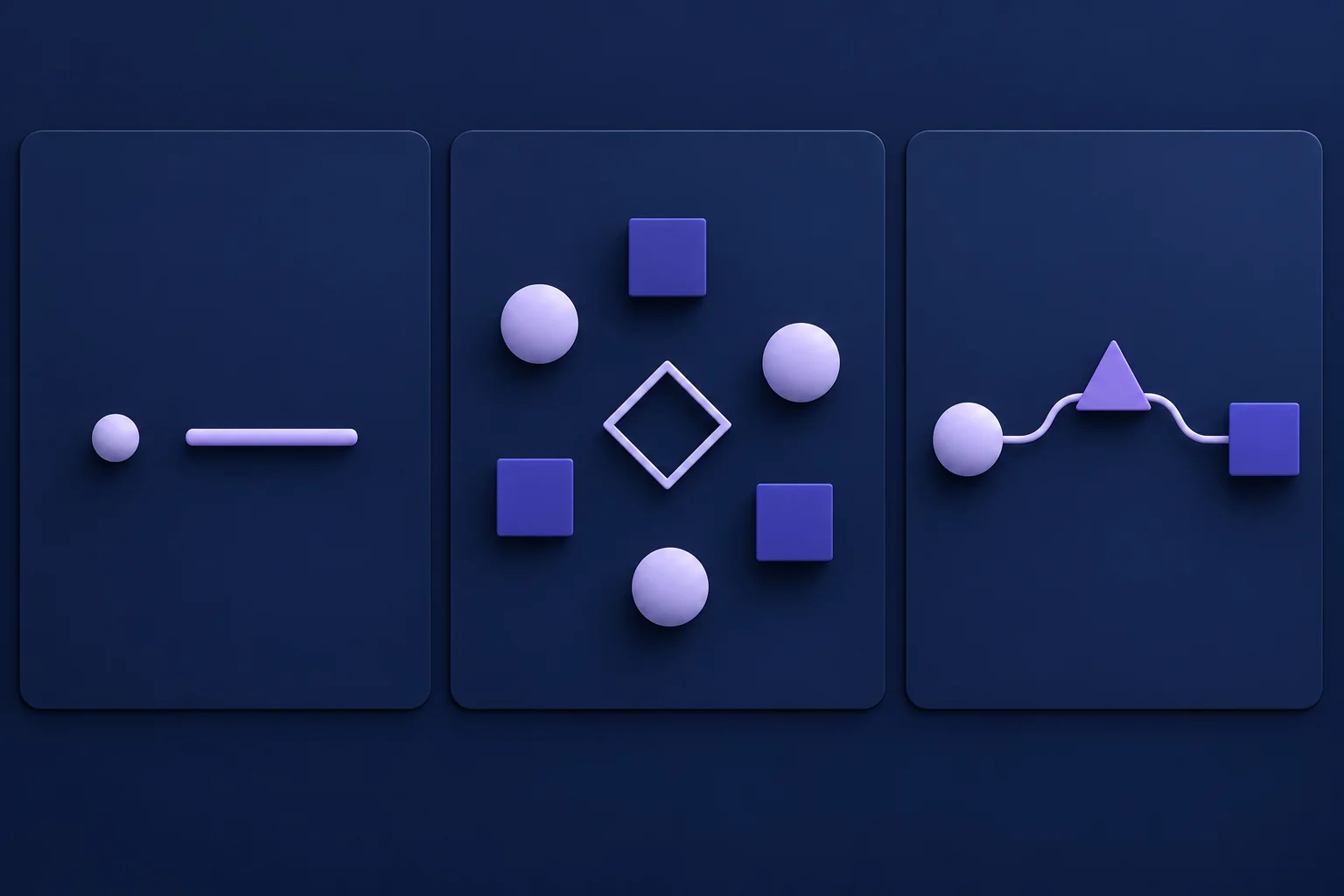
Imagine a brief display with a horizontal line in the centre and a dot to its left. The display disappears. You are asked two things: was the line horizontal or vertical, and where was the dot?
The correct pair is horizontal, left . Answering “vertical, left” gets the location right but not the central judgment. Spotting the dot alone does not complete this dual task.
The Peripheral Awareness Trainer uses this kind of central judgment plus location task. Aim to look near the centre while the display is visible. The browser does not track your eyes, and a correct answer cannot prove that your gaze stayed there. This written example demonstrates the answer rule, not whether you can detect a brief target.
2. Find one specified target
Now use the small board below. Your instruction is simply: find 9 . Look around as needed. There is no centre-line question, and you do not need to find the other numbers.
| 8 | 3 | 6 |
| 1 | 5 | 9 |
| 4 | 7 | 2 |
Check: 9 is in the middle row, right column. Finding 6 quickly would still be the wrong response. A faster answer only helps if it identifies the requested target.
The Visual Search Test gives you a target among distractors across ten rounds. The tiny board here teaches the rule; it does not reproduce that tool's difficulty or timing.
3. Follow an ordered sequence on the same board
Change only the instruction: find 1, then 2, then 3 . You now have to remember which target comes next. Seeing 3 first is not a reason to select it before 1.
Check: the first three positions are middle-left, bottom-right, then top-middle. In an ascending sequence, the target changes after every correct selection; the single-target task above stops when you find 9.
The Schulte Table Trainer extends that rule to a whole numbered grid. A completed-grid time is not equivalent to the response time for one Visual Search target. For the exercise instructions, see how to use Schulte tables.
Choose the task you want, not a diagnosis from a mistake
- “I want to practise reporting something off-centre while handling a central question.” Choose Peripheral Awareness. Read the response order first and review whether both answers were correct in the same measurement.
- “I want to find a specified item among similar items.” Choose Visual Search. Check the target before searching; a fast click on a distractor does not meet the task.
- “I want to work through a set without losing my place.” Choose Schulte. Keep track of the next number and review full-grid time alongside mistakes.
These choices match an instruction to a tool. They do not show that one exercise will fix missed objects at work, improve driving or transfer to sport. An everyday difficulty can have many causes that this comparison does not assess.
Do I need to keep my eyes still?
Use the gaze instruction belonging to the exercise. For a brief central-plus-location display, aim near the centre without straining or suppressing blinking. For search or an ordered grid, do not assume that moving your eyes is a failure.
If you impose a new rule such as “never look away from the middle”, you have changed the task. Record that change rather than comparing the result with unrestricted attempts. None of these browser tools verifies your eye movements.
If you prefer a partner activity without a screen, use the paper awareness exercises and printable board . That version deliberately leaves the display visible until you answer, so it is not a substitute score for a brief browser display.
Match the result to the question it answers

Use these fictional examples to decide what you would inspect next, not as benchmarks or targets:
- Peripheral Awareness: location answers improve, but central answers decline. Check the combined result before calling the session better. This pattern alone cannot tell you whether your gaze moved or why an error happened.
- Visual Search: typical response time falls, but wrong selections increase. You have a speed-accuracy trade-off to review, not an unqualified improvement.
- Schulte: total time falls after switching to a smaller grid. The task contains fewer numbers. Start a separate comparison instead of treating that time as progress on the larger grid.
A percentage from one tool and seconds from another cannot identify your “strongest visual skill”. Even two times in seconds can measure different units: a target response versus completion of a whole sequence.
For repeat practice, keep the tool, settings, device and viewing setup consistent. Use recent comparable sessions in History rather than just a fastest result. A familiar layout or easier rule can change performance without establishing a broader benefit. Our progress comparison guide explains how to interpret repeated attempts.
Start with one clear question
Before you start, finish this sentence: “In this session, a correct response means…” If the answer is “both the centre and location”, choose Peripheral Awareness. If it is “the requested target”, choose Visual Search. If it is “the next number in order”, choose Schulte.
Learn that rule before chasing a result. You do not need to complete all three tools, and this guide does not prescribe daily training. Stop if an activity is uncomfortable. These are practice tasks, not visual-field tests, diagnoses or treatment; concerns about your vision belong with an eye-care professional.
Questions about choosing a visual exercise
The task instructions determine what you practise and what a result can tell you.
What is the difference between peripheral awareness and visual scanning?
Peripheral awareness concerns information away from where you are looking. Visual scanning means exploring a display or scene. In the exercises compared here, the practical distinction is whether you try to keep your gaze near the centre during a brief display or explore the board to find targets. These are overlapping processes, not separate kinds of eyesight.
Are visual search and visual scanning the same thing?
Visual search is the task of finding a specified target among other items. Scanning describes how you explore the display. You can scan while searching, but scanning can also serve an ordered task, such as finding every number in sequence. A target that stands out may be noticed without a deliberate row-by-row scan.
Should I keep my eyes in the centre for every exercise?
No. Follow the task's instructions. The Peripheral Awareness Trainer asks you to look near the centre during its brief display. Visual Search and Schulte require you to find and select targets; do not add a rigid no-eye-movement rule and then compare those results with unrestricted attempts. None of these tools verifies your gaze.
Which exercise should I start with?
Choose Peripheral Awareness for a central judgment plus an off-centre location, Visual Search for finding one target among distractors, or Schulte for finding numbers in order. This is a choice of practice task, not a recommendation based on a diagnosis or a promise of everyday benefits.
Can I compare scores across the three tools?
Not as a ranking of the same ability. A dual-task accuracy percentage, response time for one target and time to complete an ordered grid describe different tasks. Compare repeated attempts within one tool with matching settings and setup, and review correctness alongside time where time is measured.
Continue learning
More Quartenson guides connected to this topic.
Peripheral Vision Training
Try a peripheral-awareness exercise, compare central and side-target accuracy, and learn why browser practice is not a clinical visual field test.
Screen-Free Peripheral Awareness
Try two seated, paper-based peripheral-awareness activities with a partner, a printable practice sheet and clear checks. Practice, not a visual field test.
Benchmark Cognitive Training Progress
Learn how to benchmark cognitive training progress with time, accuracy, mistakes, consistency, streaks, and Quartenson community and this-device comparisons.
Peripheral Practice on Phone vs Desktop
Practise peripheral awareness on a phone or desktop with a repeatable setup checklist. Understand screen size, viewing distance and when to separate results.
Try a free tool
Practice the same ideas with a browser-based exercise.
Peripheral Awareness Trainer
Notice brief off-centre targets
Awareness • Accuracy • Focus

Peripheral Awareness Trainer
Browser toolGoal: Off-center awareness while holding focus
Keep attention near the centre while noticing brief off-centre targets. Complete a dual task and review central, peripheral, and combined accuracy.
Start Awareness ExerciseVisual Search Test
Find the target among distractors
Speed • Accuracy • Focus
Visual Search Test
Browser toolGoal: Faster target spotting with better accuracy
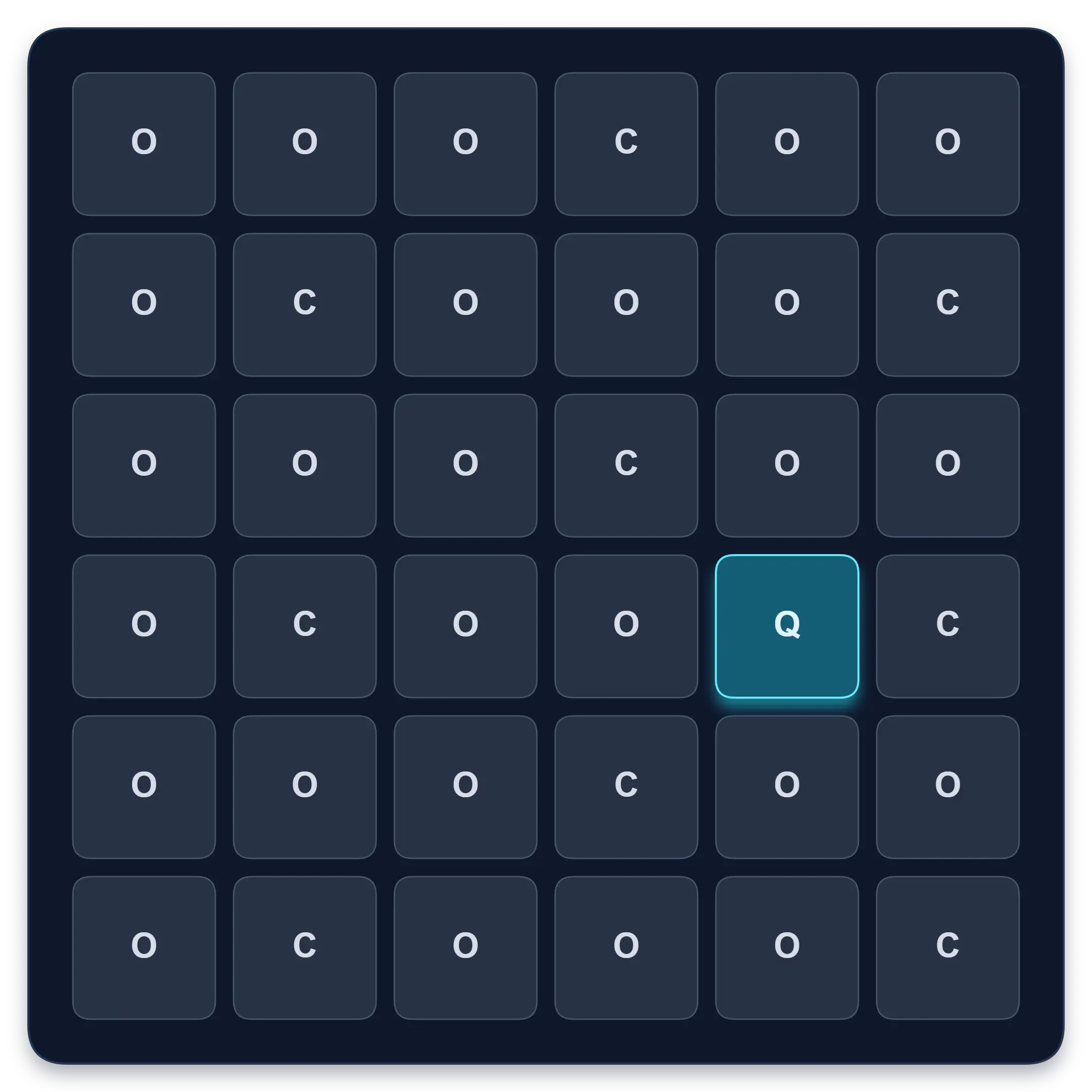
Find one target among similar symbols, letters, or numbers. Complete ten short rounds and track median response time, accuracy, and clean results.
Start Visual Search TestFree Schulte Table Trainer
Find the numbers in order
Focus • Scanning • Speed
Free Schulte Table Trainer
Browser toolGoal: Cleaner 5x5 rounds with fewer mistakes
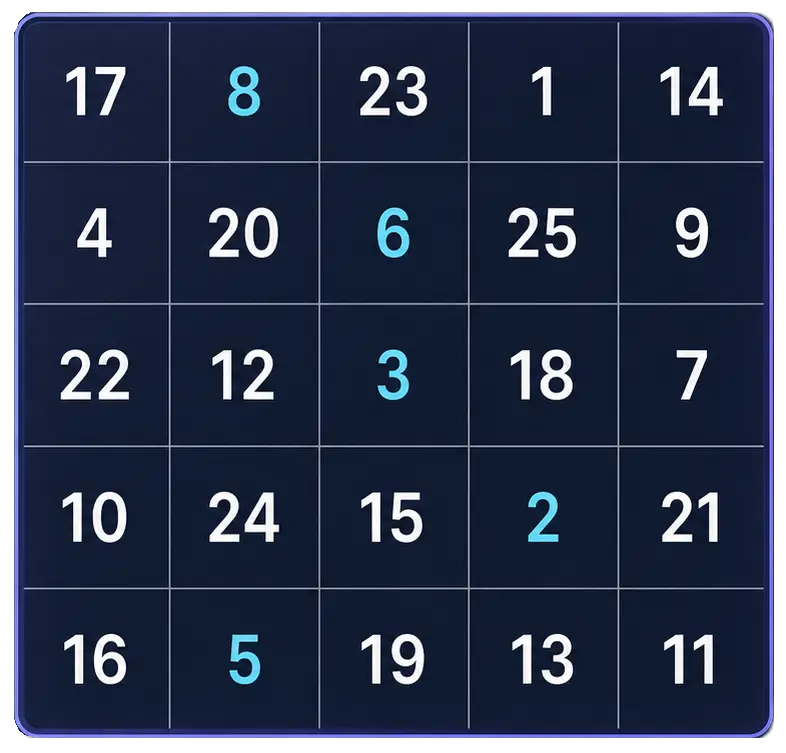
Practice Schulte tables online with a simple browser grid. Choose 3x3 through 7x7, track time and mistakes, and use pause, shuffle, and keyboard controls for quick focus sessions.
Start Free Trainer