
A short browser practice session
For people who want short color-word decisions with two clear choices. The exercise requires distinguishable colors and familiarity with the page language; choose a different task if either makes the choices unclear.
Free browser trainer
Decide whether a color word matches its ink color. Choose 10, 20 or 30 rounds, or practise for 30, 60 or 90 seconds, and review accuracy and response time.
Start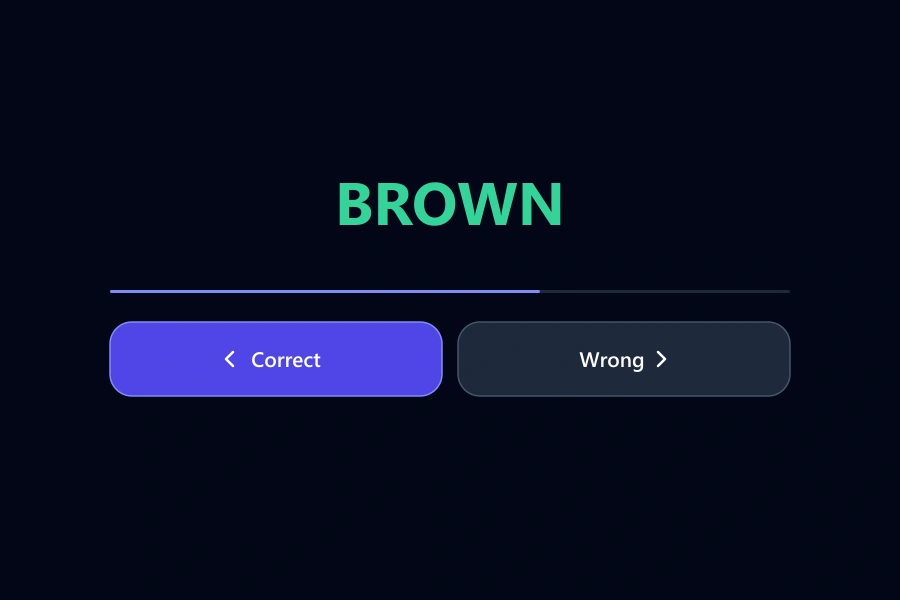
This Stroop-style color challenge uses one word and one ink color. Decide whether the color named by the word agrees with the visible ink. The task mixes agreement and conflict rather than asking you to name every ink color. It is a simplified matching game, not a clinical Stroop test.
This is practice on a specific task, not a medical assessment or IQ test. Results depend on settings, device, input method and familiarity. Compare like-for-like sessions; a higher score does not establish general cognitive improvement.
Choose the task that fits what you want to practise.
For people who want short color-word decisions with two clear choices. The exercise requires distinguishable colors and familiarity with the page language; choose a different task if either makes the choices unclear.
Compare sessions with the same settings, language and input method. Review accuracy and unanswered trials before response time. These are task results, not population norms or a measure of intelligence.
The latest 10 local sessions are kept on this device. Signed-in sessions are saved to your account; guest sessions can be imported after review. No digits, positions, words or answers are uploaded.
Accuracy counts every scored trial, including unanswered trials. Response time is the median of answered trials and is shown alongside accuracy, never as a substitute for it.
Base XP: 10 / 20 / 30 for the three session lengths, before the daily bonus. Answer at least half the rounds; timed mode requires one answer per 6 seconds of selected time. Imported sessions do not earn XP.
This is practice on a specific task, not a medical assessment or IQ test. Results depend on settings, device, input method and familiarity. Compare like-for-like sessions; a higher score does not establish general cognitive improvement.
The latest 10 local sessions are kept on this device. Signed-in sessions are saved to your account; guest sessions can be imported after review. No digits, positions, words or answers are uploaded.
Use the metrics together. Faster answers with more mistakes do not necessarily represent better task performance.
| Metric | What it means |
|---|---|
| Correct | Correct answers out of all scored trials. Wrong and unanswered trials remain in the total. |
| Median response | The middle response time among answered trials, including wrong answers. Unanswered trials are excluded. |
| Matching / conflicting | Correct matching and conflicting answers are counted separately. A timed session can contain different numbers of trials; compare accuracy as well as the raw correct count. |
Rounds mode offers 10, 20 or 30 trials, with equal matching and conflicting words. Timed mode offers 30, 60 or 90 seconds of active play. Every answer window is at most five seconds, and pauses stop the session clock. Words always use the page language.
Base XP: 10 / 20 / 30 for the three session lengths, before the daily bonus. Answer at least half the rounds; timed mode requires one answer per 6 seconds of selected time. Imported sessions do not earn XP.
Read the word and inspect the ink before choosing Correct or Wrong. Use the left and right arrow keys or the two buttons. Keep the same mode, session length and language when comparing sessions.
Compare sessions with the same settings, language and input method. Review accuracy and unanswered trials before response time. These are task results, not population norms or a measure of intelligence.
Pause or open the guide when you need a break. Resume the same trial when ready; paused time is excluded.
Practical answers about the task, settings and saved results.
The session stops at the selected active time. An open answer window without a response is recorded as unanswered. If an answer was already recorded, it is not counted twice. Pause time is excluded.
The latest 10 local sessions are kept on this device. Signed-in sessions are saved to your account; guest sessions can be imported after review. No digits, positions, words or answers are uploaded.
Compare sessions with the same settings, language and input method. Review accuracy and unanswered trials before response time. These are task results, not population norms or a measure of intelligence.
Free Schulte Table Trainer
Find the numbers in order
Focus • Scanning • Speed
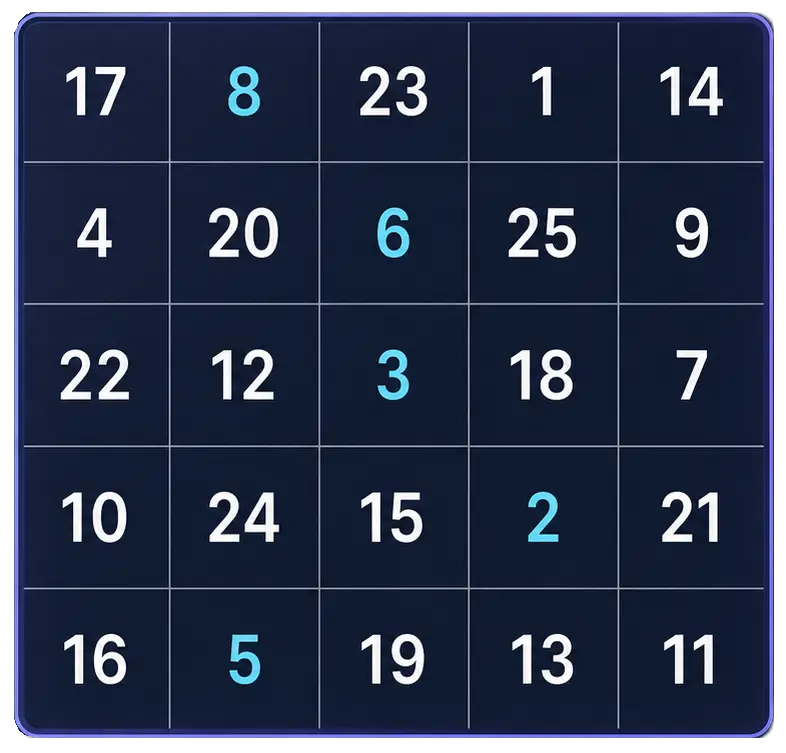
Goal: Cleaner 5x5 rounds with fewer mistakes
Practice Schulte tables online with a simple browser grid. Choose 3x3 through 7x7, track time and mistakes, and use pause, shuffle, and keyboard controls for quick focus sessions.
Start Free TrainerVisual Memory Test
Remember sequences or patterns
Memory • Focus • Levels
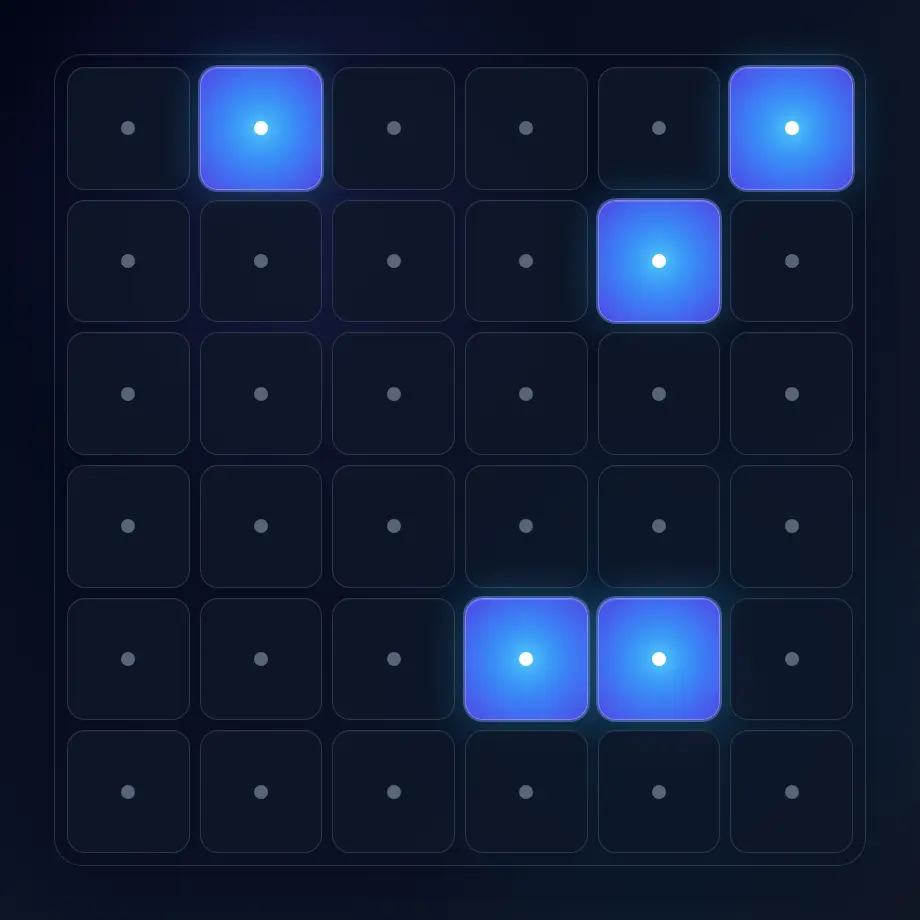
Goal: Better visual sequence and pattern recall
Choose ordered sequence or timed pattern recall, adjust difficulty and display time, progress through levels, and review your session history.
Start Memory TestRead carefully
Check meaning and details
Accuracy • Pace • History

Goal: Careful reading
Practise careful reading, answer 5 or 10 questions, and review supporting text. Track accuracy and estimated reading pace with guest history or your account when signed in.
Start reading practiceCompare similar work blocks with one optional distraction setting changed. Use a paired worksheet to record completed work, quality, corrections, and context.
Learn how to benchmark cognitive training progress with time, accuracy, mistakes, consistency, streaks, and Quartenson community and this-device comparisons.
Measure focus during work or study with a simple task log, quality checks and distraction notes. Try a worked example and learn what game scores cannot tell you.
Schulte table training with progress
History, heatmaps, pace, and weekly review
History • Heatmaps • Progress
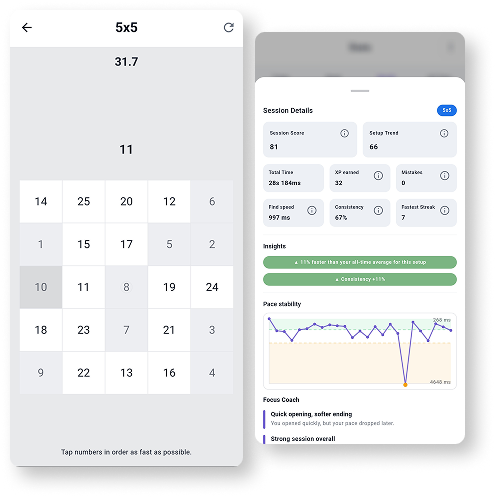
Train Schulte tables on Android with session history, pace patterns, heatmaps, achievements, and weekly progress review.
Explore Schulte Tables